605-0000-706 ProST Installation User Guide-Rev I
28
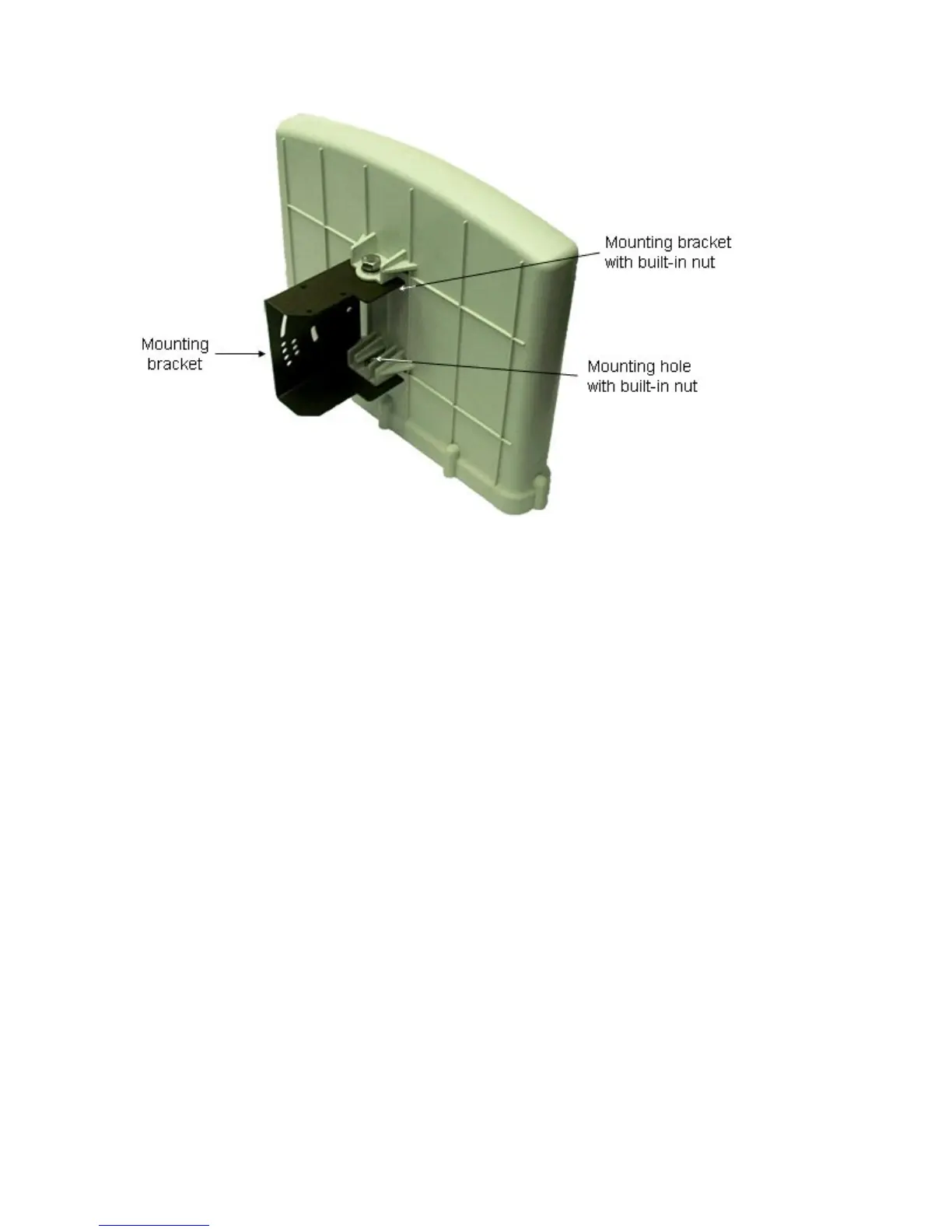
2. Attach the clamping bracket to the mounting bracket:
a. Slide an M6-spring lock washer onto an M6-hex head screw. Align the mounting
bracket's and clamping bracket's pivot holes, such that the clamping bracket is aligned
to the inside of the mounting bracket. From the external side of the mounting bracket,
insert the M6-hex head screw into the pivot holes and then fasten, but not tightly. (The
clamping bracket provides a built-in nut.)
b. Choose an elevation hole on the mounting bracket and then align it with the
corresponding hole on the clamping bracket. Slide an M6-spring lock washer onto an
M6-hex head screw, and then from the external side of the mounting bracket, insert
the M6-hex head screw through the elevation hole on the mounting bracket and into
the clamping bracket's corresponding hole. Fasten but not tightly the M6-hex head
screw (the clamping bracket provides built-in nut). The elevation hole can later be
changed according to desired antenna orientation in the elevation plane.



 To Next Page