31
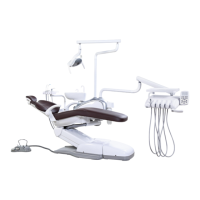
6.2.2 Dental chair Initial settings specification
P/N: 8013093 Rev:F
Hydraulic System Initial settings specification
1、Press“SET” button about 12 second until the buzzer sound 2
short beeps (the setting indicator flashes twice and then illuminates),
press P1 to exit.
2、 Press“SET” button about 12 second until the buzzer sound 2
short beeps, press the four moving chair button to make backrest up and
press “R”, and then press the four moving chair button again to make
chair up to the highest and the backrest is on the lowest. At this time,
press “LP” and then finish the setting.
Caution :
When setting up the system, do not extent the maximum
range of the cylinder to prevent the hydraulic pump
from working properly!
AJ16 User's Guide


 To Next Page