AKUVOX SMART INTERCOM www.akuvox.com
10.1.Device Network Configuration
You can check for the door phone’s network connection info and configure
the default DHCP mode (Dynamic Host Configuration Protocol) and static IP
connection for the device either on the device or on the device web interface.
10.1.1. Configuring Device Network Connection on the
Device
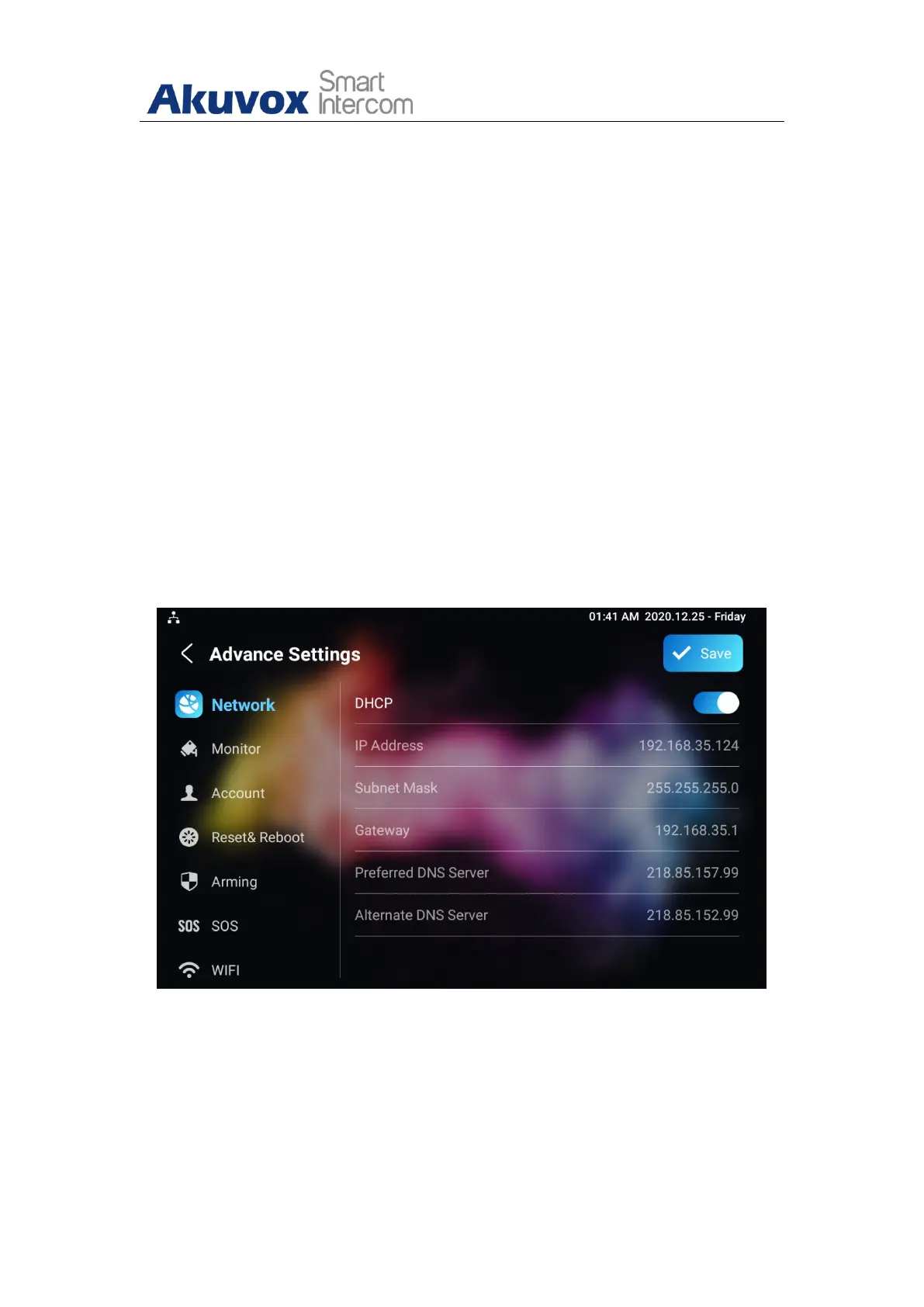
To check and configure the network connection on the device Settings >
Advance Settings screen.
Parameter Set-up:
DHCP: select the DHCP mode by moving the toggle switch to the right.


 To Next Page
 Loading...