6
Chapter 1: Introduction
1.1 Screens
• The screen shows various menus, dialogues and displays, as described below. There are
basically six types of screen:
; Menu
; Splash (mode)
; Now playing
; Dialogue
; Error/Information
; Standby (clock)
When the text is too long to fit on the screen, it is first shown truncated, then, after a few
seconds, slowly scrolls so that you can read it all.
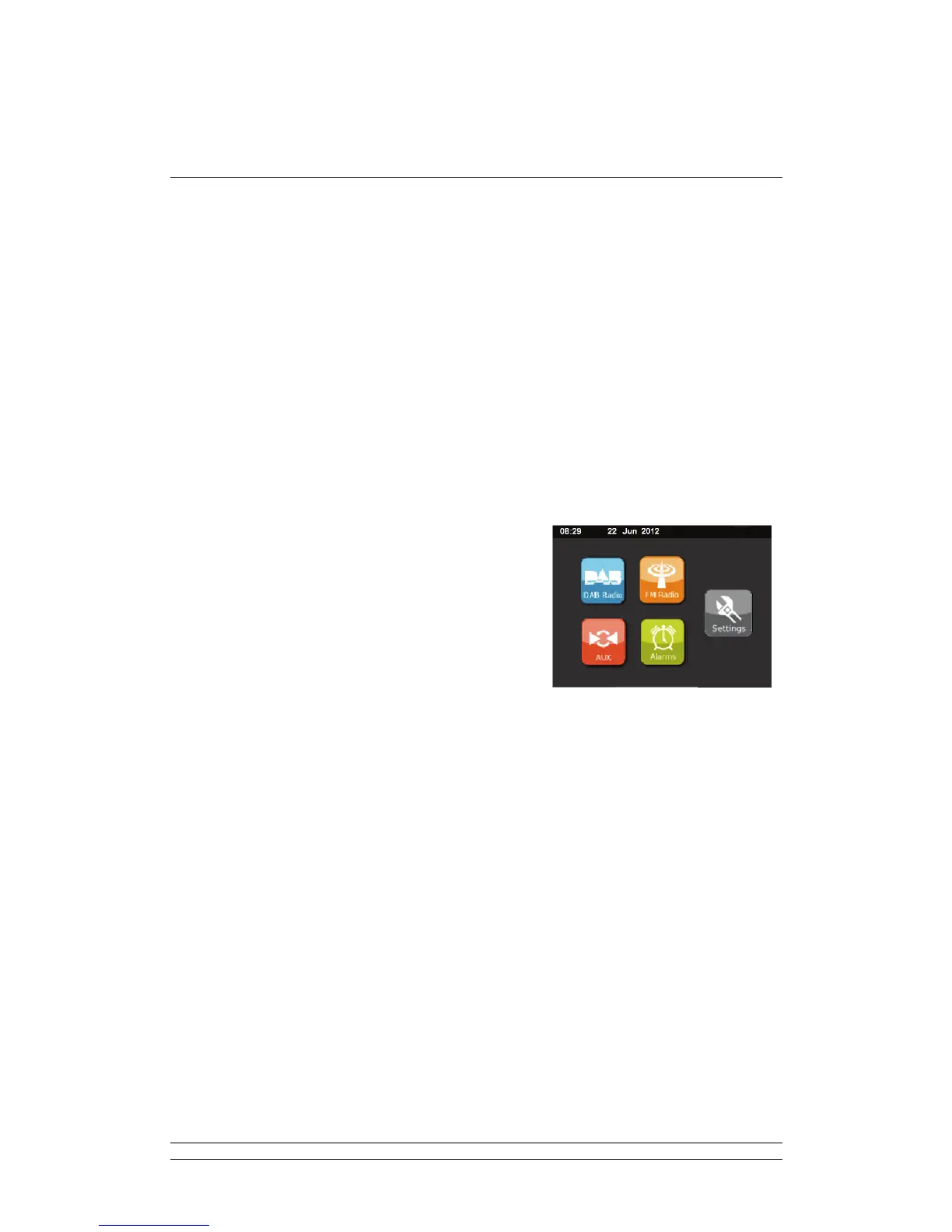
• The menu screen is the main screen to navigate around the main radio functions and
settings. There are 5 touch icons on the screen to navigate to:
; DAB Radio
; FM Radio
; AUX IN
; Alarms
; Settings
• The standby screen shows the time, date, snooze time countdown and any active alarm
times.



 To Next Page