12
Chapter 4: FM Mode
4.1 Access to FM Mode
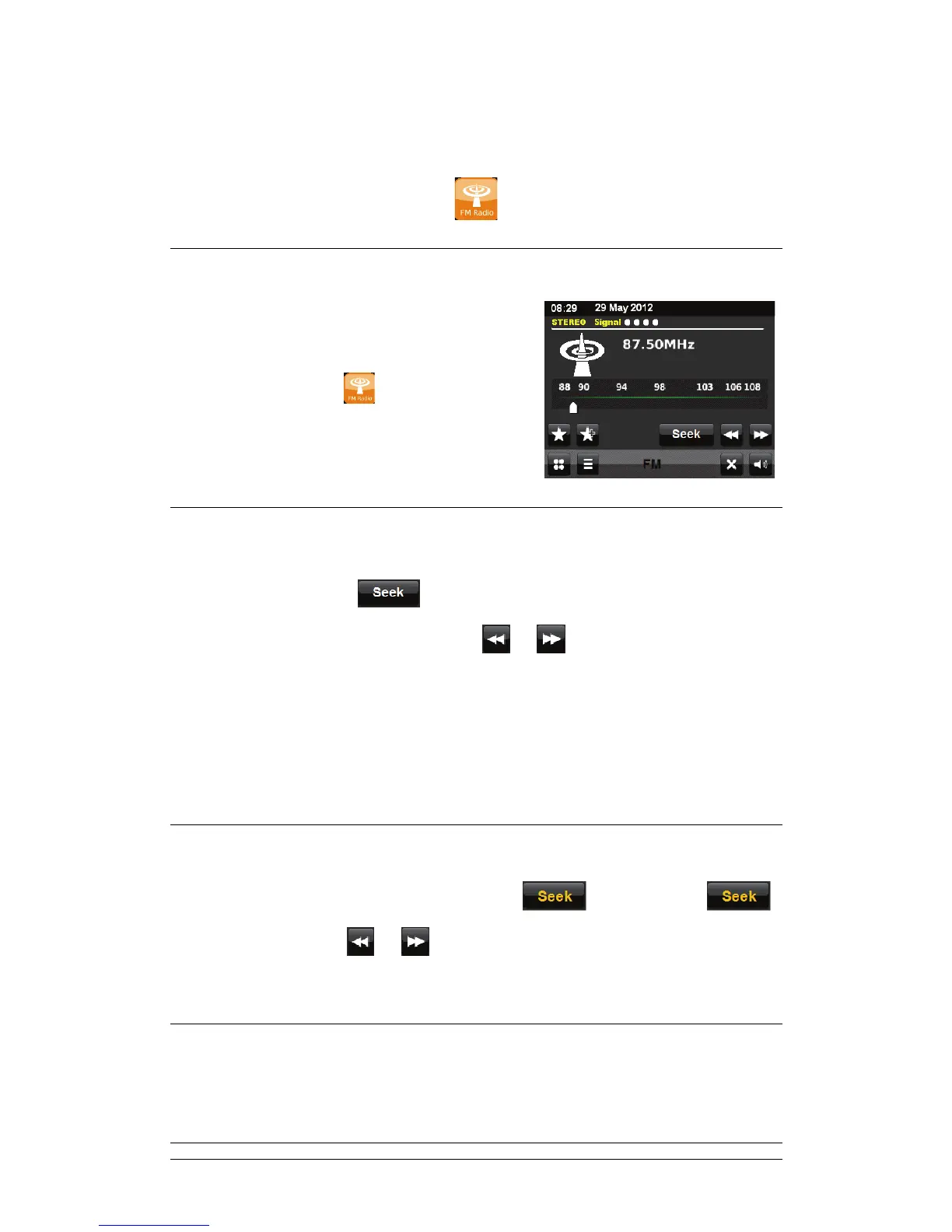
FM radio mode receives analogue radio from the FM
band and displays RDS (Radio Data System)
information about the station (if available).
To enter FM mode, touch
on the screen menu.
Or press FM via remote control.
4.2 Autoscan
; To find a station, touch to activate the Autoscan function and then you can
scan up or down the FM band by touching
or .
Or press SCAN on remote control to Autoscan active stations.
; The frequency display starts to run up or down as your radio scans the FM band and
stops when it finds an FM radio station.
4.3 Manually Tune
; It can also be tuned manually by deselecting the icon by touching
again and then touch
or to manually change the frequency.
4.4 Station Presets and Edit favourites
; Please refer to previous chapter 3.4 and 3.5



 To Next Page