10
Chapter 3: DAB/DAB+ Mode
3.1 Access to DAB/DAB+ Mode
DAB mode receives DAB/DAB+ digital radio and displays information about the station, stream
and track playing.
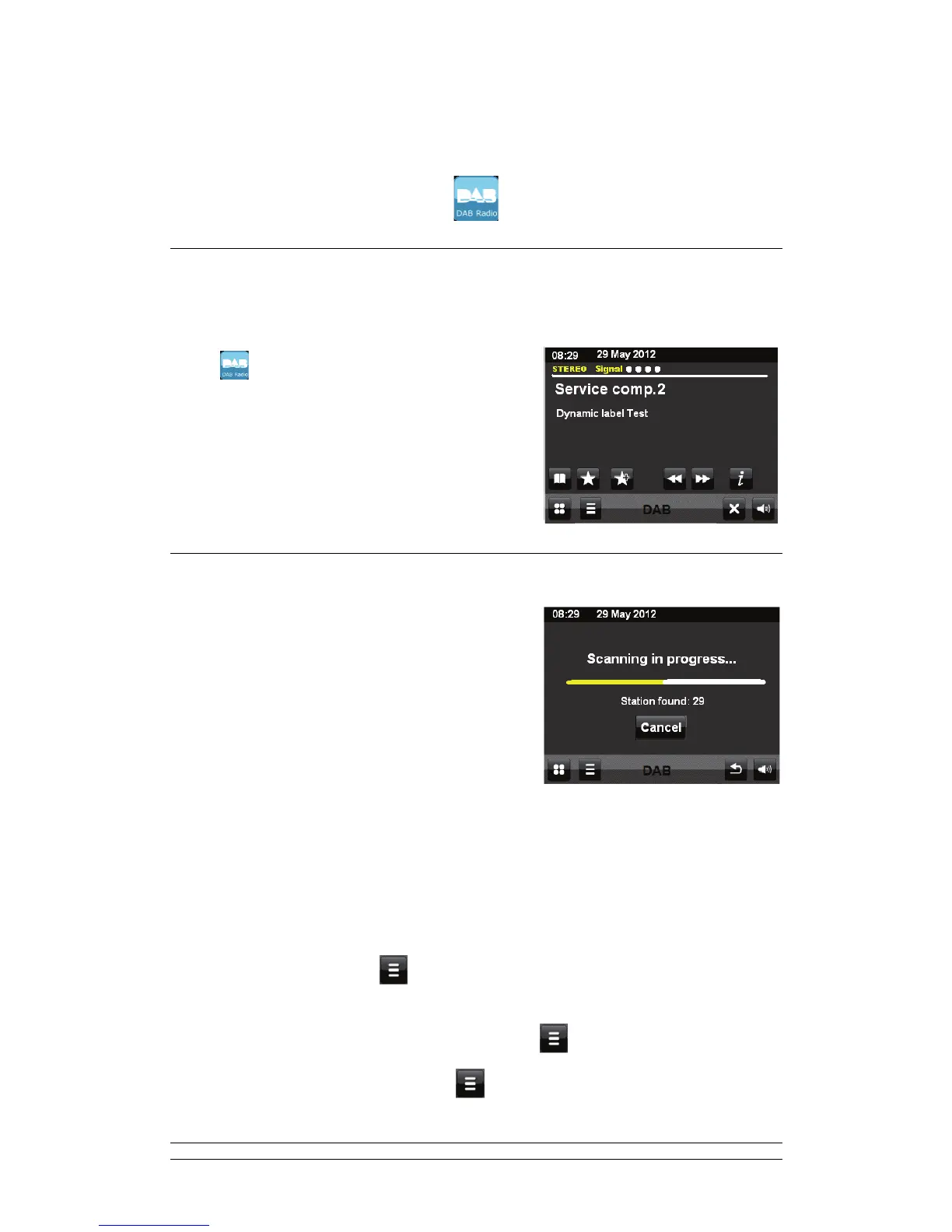
Touch
to enter DAB/DAB+ mode.
Or press DAB via remote control to enter DAB/DAB+
mode.
In use, the last listened station is automatically
selected.
3.2 Scanning for Stations
; The first time you select DAB radio mode, your
radio will automatically perform a full scan to see
what stations are available.
; You may also need to start a scan to update the
list of stations for one of the following reasons:
y Available stations change from time to time.
y If reception was not good for the original scan (for example the antenna was not up),
this may result in an empty or incomplete list of available stations.
y If you have poor reception of some stations, you may wish to list only stations with
good signal strength.
To start a scan manually touch
> Scan (or directly press SCAN via remote control).
Once the scan is complete, the radio shows a list of available stations.
To scan stations with a good signal strength only, touch
> Manual tune.
To remove existing inactive stations, touch
> Prune invalid stations.



 To Next Page