15
Chapter 7: Settings
7.1 How to Enter Settings
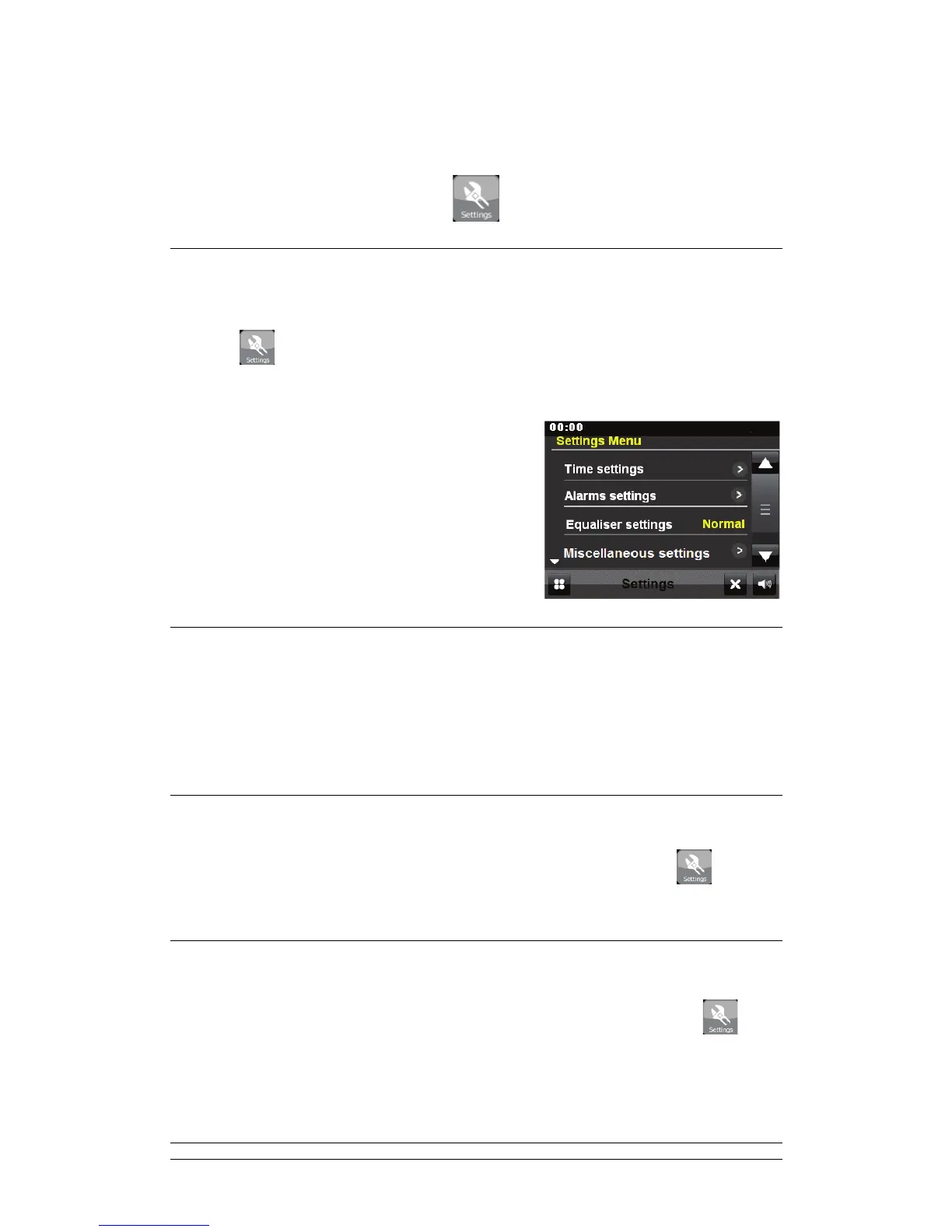
Touching
on the screen menu will take you to the main radio settings providing a
centralized and convenient way to configure all the radio settings.
The settings are arranged into the following
categories:
; Time settings
; Alarms settings
; Equaliser settings
; Miscellaneous settings
; Setup Wizard
7.2 Time Settings
A range of time settings are available which include the possibility to set:
; Time source. E.g. None, DAB or FM
; Manual time set-up
; Time format
7.3 Language
The default language is English. To change, select Screen Menu > Settings >
Miscellaneous settings > Language > then select your language.
7.4 Display Backlight
The default idle timeout is 5minutes. To change, select Screen Menu > Settings >
Miscellaneous settings > Display Backlight > Power on/Standby > then select your
preferred level.



 To Next Page