13
4.5 Scan Settings
; By default, FM scans stop at any available station. This may result in a poor
signal-to-noise ratio (hiss) from weak stations.
; To change the scan settings to stop only at stations with good signal strength, touch
> Stop on stations and change from All to Strong.
4.6 Audio Settings
; By default all stereo stations are reproduced in stereo. For weak stations this may result
in a poor signal-to-noise ratio (hiss).
; To play weak stations in mono, touch
> Force mono > Yes.
Chapter 5: AUX in Mode
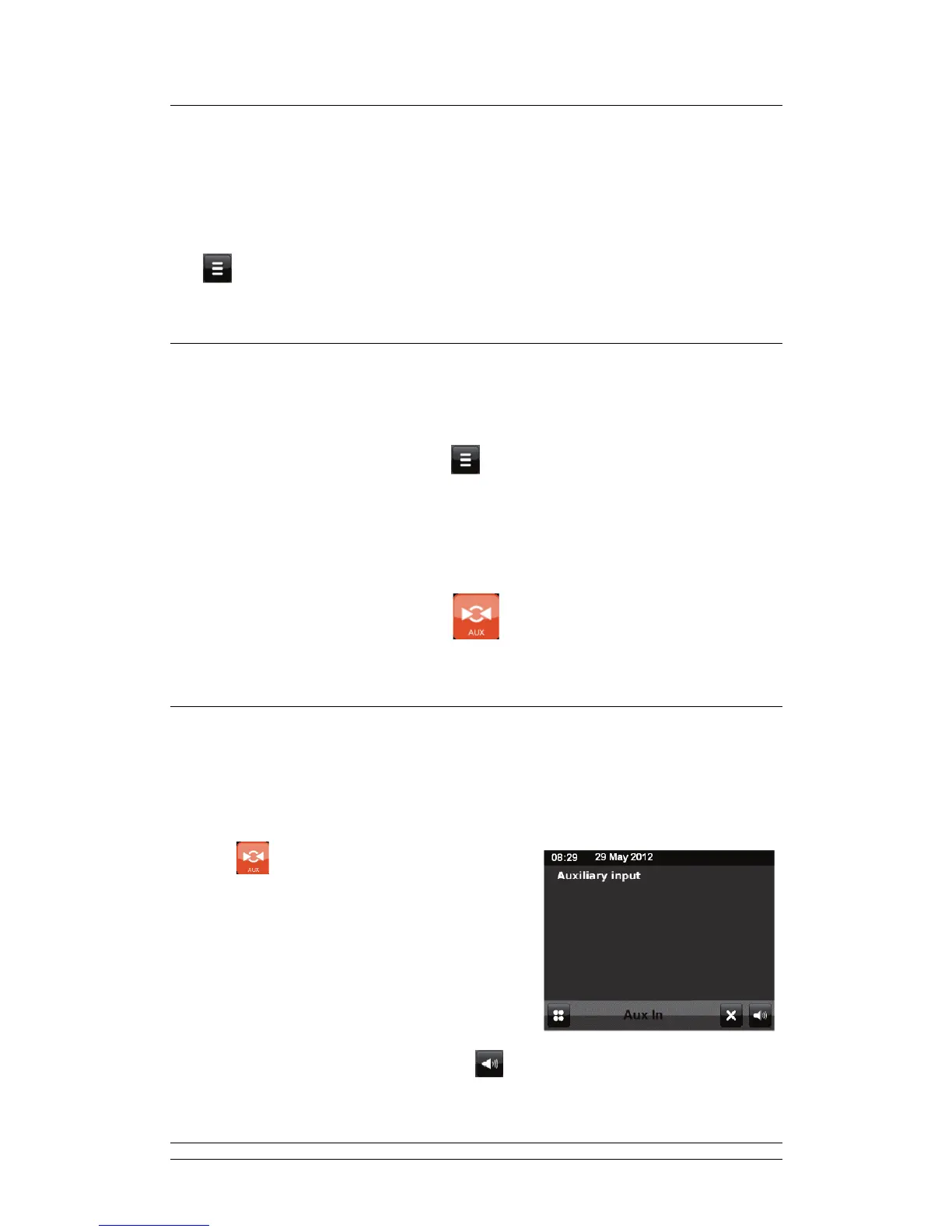
Aux In mode plays audio from an external source such as for example an MP3 player.
5.1 To play Audio with AUX in Mode
1. Turn the volume low on both radio and if adjustable the audio source device.
2. Connect the external audio source to the Aux input 3.5 mm stereo socket.
3. Touch
on the screen menu.
Or press Aux via remote control to enter.
4. Adjust the volume of your radio by touching (and if necessary the audio source device)
as required.



 To Next Page