11
3.3 Switch to another Station
While a program is playing you can simply change the
station by touching or to select the previous
or next station.
3.4 Station Presets
# Note: Both DAB and FM Mode can preset up to 10 stations and their setting methods are alike.
; To store a preset, while your target program is playing, touch until the display shows
“Favourite added” or press and hold one of preset buttons 1-10 until “Favourite added”
is displayed.
; To select a preset, shift to corresponding mode at first and then touch
and then
select one of the listed preset stations or shortly press one of the preset buttons.
3.5 Edit Favourites
Be sure you have been setting several preset stations on your radio for DAB/DAB+ mode.
If you would like to move or delete a favourite, it can be reached by touching > Edit
favourites.
3.6 Now Playing Information
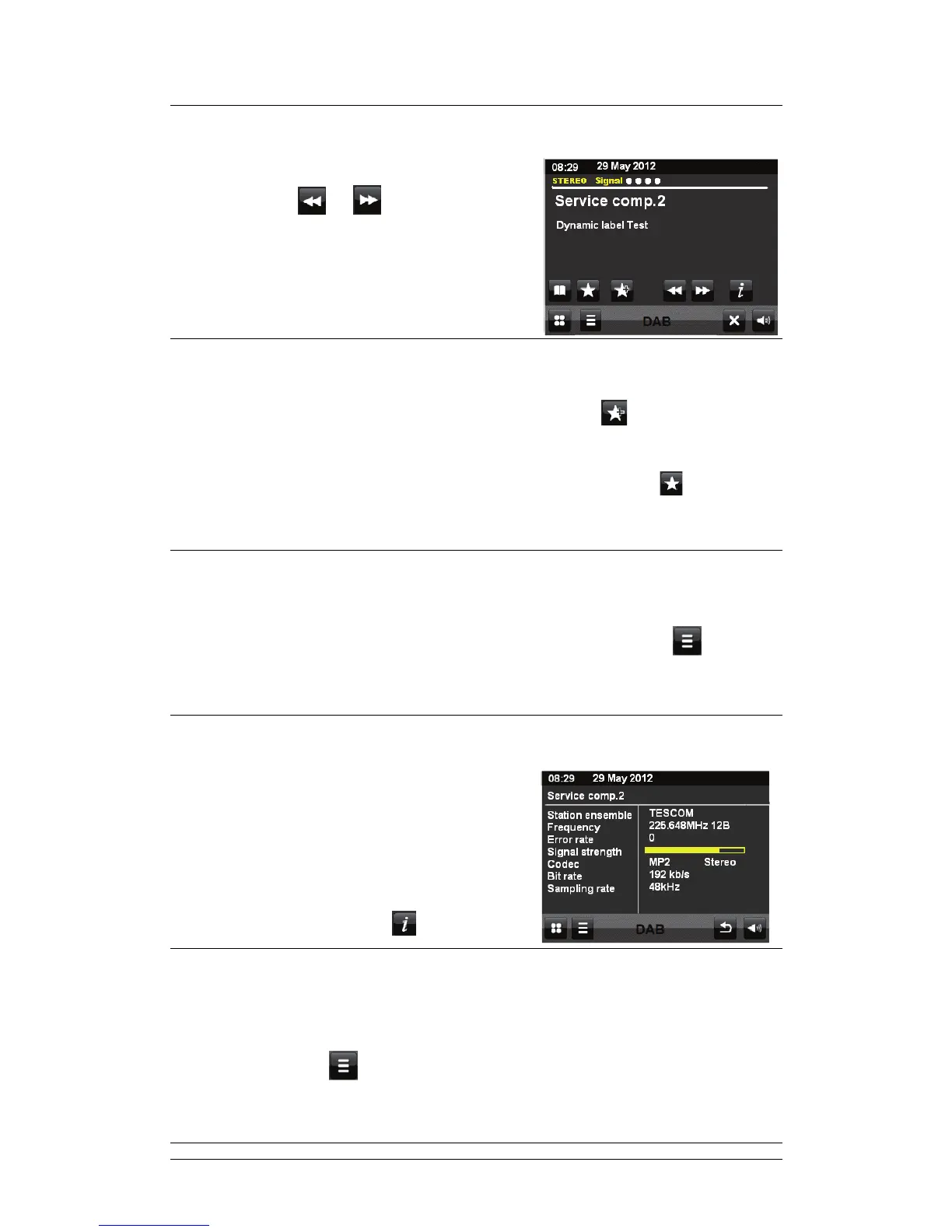
While the stream is playing, the screen shows its name
and DLS (Dynamic Label Segment) information’s
broadcasted by the station giving real-time
information’s such as program name, track title and
contact details. Stereo broadcasts are indicated with
an icon at the top of the screen.
To view further information touch
.
3.7 Dynamic Range Compression (DRC)
If you are listening to music with a high dynamic range in a noisy environment you may wish to
compress the audio dynamic range. This makes quiet sounds louder and loud sounds quieter.
To change DRC, touch
> DRC > OFF, Low or High.



 To Next Page