Getting to know your telephone
1
8
Other
1.1
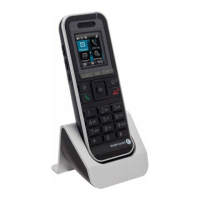
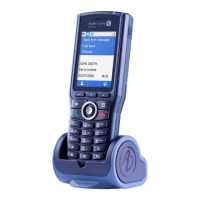
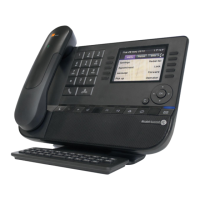
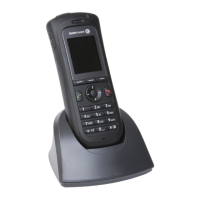
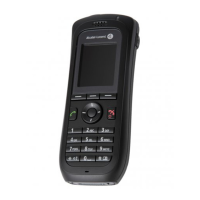
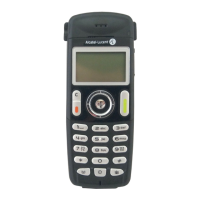
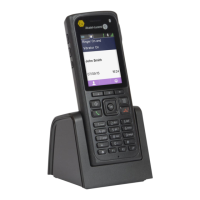
Phone description
• Answer the call
• Long press (feature depending on the system):
redial last number or access the redial list
• Switching between two calls (Broker call)
• Switch off ringer
• Hang up
• Long press : Switch on the phone / Switch off the
phone
• Return to previous menu
• Erase a character
• Delete an entire field
• Back to homepage
• Lock/unlock keypad
• Access MENU
• Confirm
• Navigate
• Short press : access the company directory
• Long press : Customizing your telephone ;
Telephone ID (Features depending on the
system)
• Access the ringer and vibrate adjustment feature
• Short press : Activate/deactivate the loudspeaker
• Long press : Activate/deactivate the mute feature
• Long press (Features depending on the system ) :
Access to personal speed dial / Access the DTMF
feature during a conversation
LED
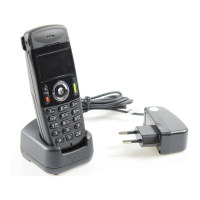
• Green steady: the phone is on the charger and the battery is fully charged
• Red steady: the phone is on the charger and the battery is charging
• Slow yellow flashing: telephonic event such as unread message, missed call, etc.
• Rapid yellow flashing: incoming call
• Red flashing: out of coverage
• Flashing when the phone is plugged into the charger means the same as when the phone is not plugged
into the charger; however, the LED will display red or green in between the yellow flash depending on the
charging status.
• 3.5 mm jack plug for headset and maintenance
• Short press : Decrease the volume of ring tone during an incoming call (4 steps) or decrease volume of
loudspeaker during a conversation (8 steps).
• Long press : activate/deactivate the mute feature.
• Short press : increase the volume of ring tone during an incoming call (4 steps) or increase volume of
loudspeaker during a conversation (8 steps).
• Long press : activate/deactivate the loudspeaker.
• Clip to hook your phone on your belt. You can remove the clip and instead use the cover that is provided
in the phone package.
• USB plug for charging the battery
• press on this key to light up the screen when the phone is in idle state






 To Next Page


