INSTALLATION & OPERATIONS GUIDE | MICROSET 4
© Honeywell LT-MS4IOG Rev. 04 | Revised October 2015
20
Operating mode specifics
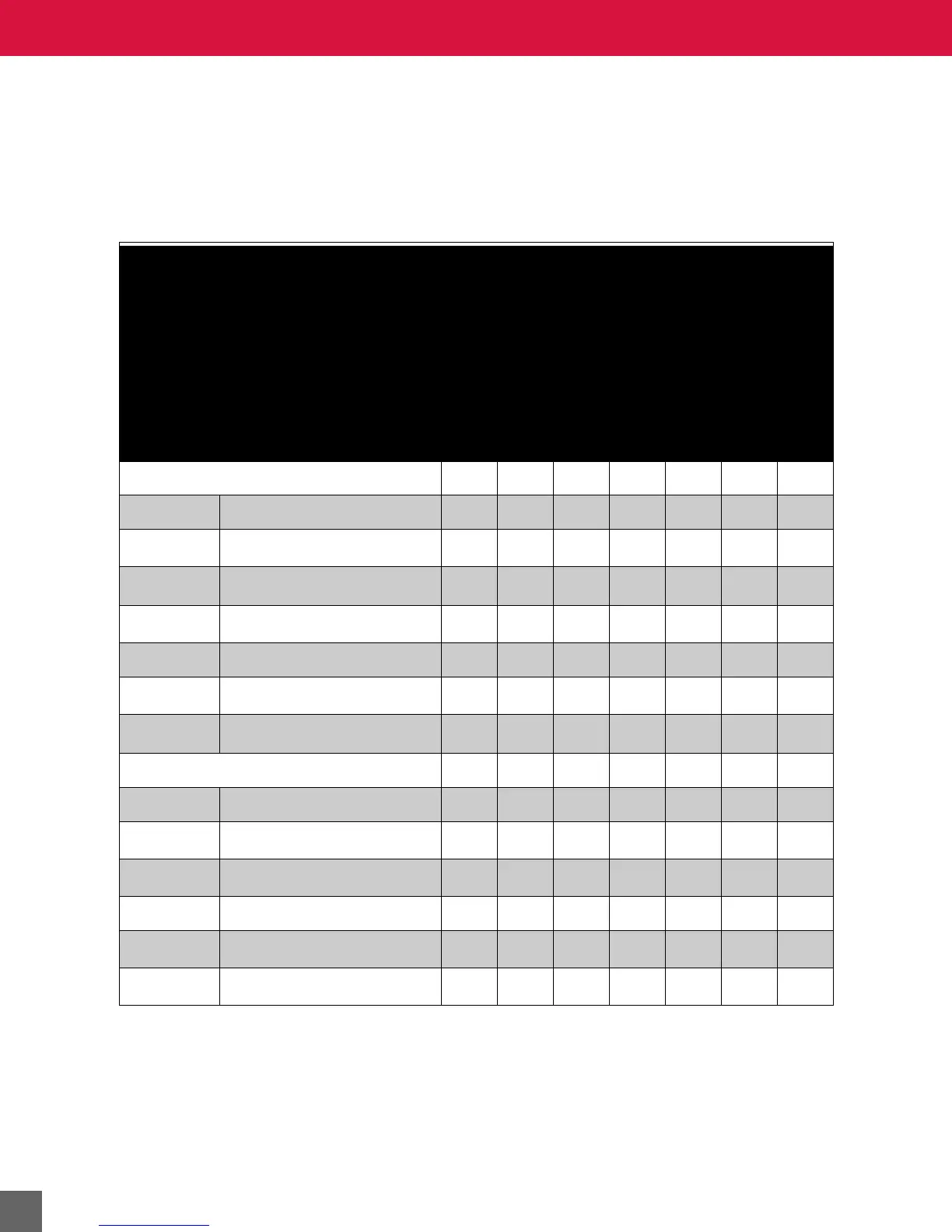
This topic provides LCD, button operation, for each of the operating modes. Use Table 5 to compare
operating mode features.
Use Table 6 on page 21 to determine values to set for enabling each operating mode.
Table 5 Operating mode feature comparison.
FEATURES
MODE ID MODE NAME
OCCUPANT SETPOINT
ADJUSTMENT
OCCUPANT FAN SPEED
CONTROL
OCCUPANT
ON/OFF CONTROL
AFTER-HOURS
OVERRIDE
HOUSEKEEPING
TIMER
ALTERNATE
TIME OF DAY DISP.
VIEW UNOCCUPIED
SETPOINTS
Office Modes
No fan control
M1 Office, no fan, occupied
✔✔
M2 Office, no fan, unoccupied
a
a
Available only when after-hours override is active.
✔ ✔ ✔
M3 Office, no fan, ON/OFF
✔✔ ✔
Fan control
M4 Office, fan, occupied
b
b
Available only when fan is running.
✔✔
M5 Office, fan, unoccupied
✔
a
✔
a
✔ ✔ ✔
Hotel Modes
No fan control
M6 Hotel, no fan, rented
✔✔ ✔
M7 Hotel, no fan, vacant
✔
Fan control
M8 Hotel, fan, rented
b
✔ ✔
M9 Hotel, fan, vacant
✔



 To Next Page