© Honeywell LT-MS4IOG Rev. 04 | Revised October 2015
35
INSTALLATION & OPERATIONS GUIDE | MICROSET 4
Service mode
Service Mode enables technicians to change settings within four areas in the unit. These four areas
are: Field Service, Balance, Custom Codes, and Settings.
If BV-68 (Field Service Lockout) is set to ON, this will deny access to Service mode.
Service mode password
Service Mode can be secured using an optional password when the Microset 4 is attached to a VLC
with new ROC. If the Microset 4 is attached to a VLC without the new ROC support, the password
screen is not available.
The password is set in AV-109, and can be any four-digit number (0000–9999). If the selected
password is outside that range, the password is ignored and the password screen is skipped. For
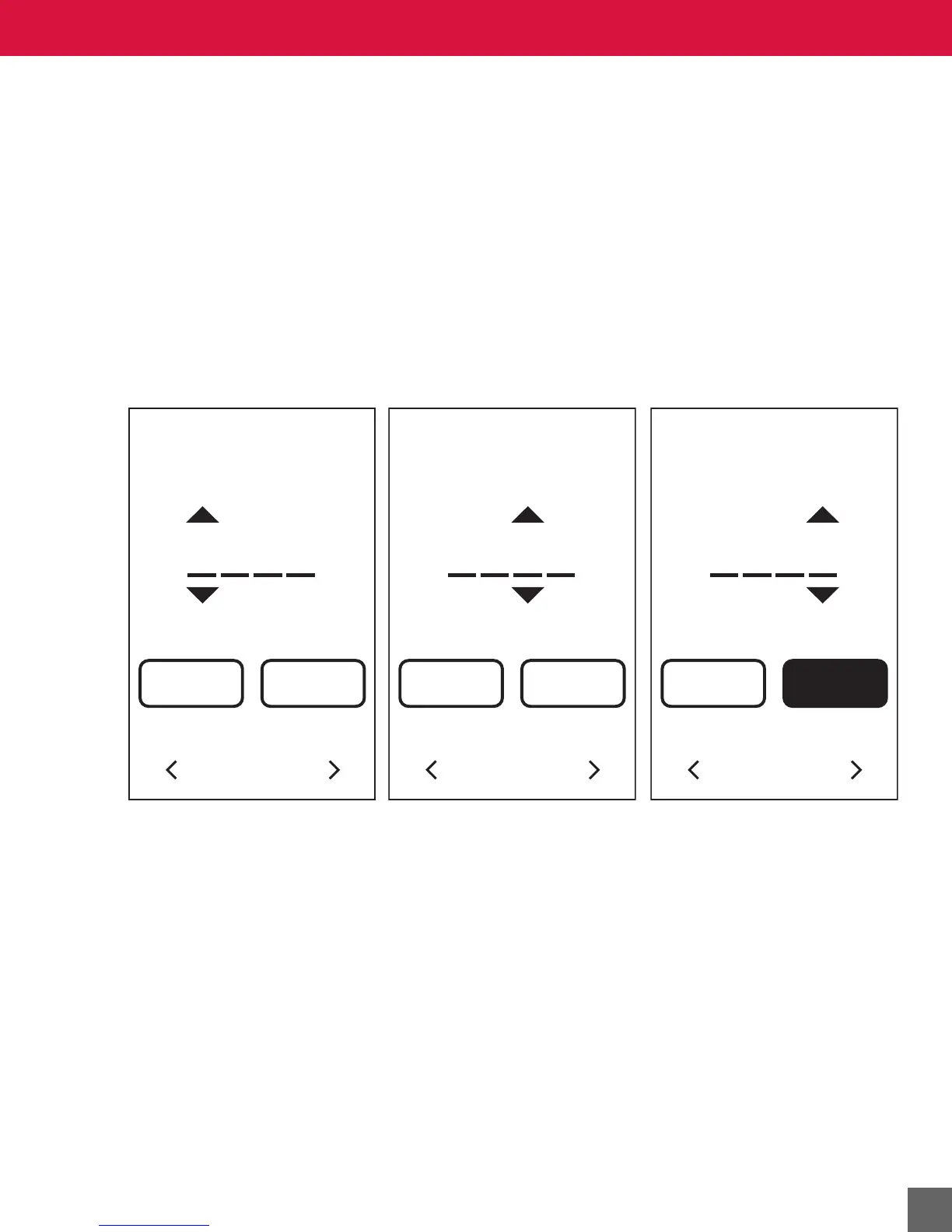
passwords using zeros, blanks on the password login screen are equal to zeros. For instance, the
password 0000 can be entered by pressing
NEXT, NEXT, NEXT, LOGIN.
Figure 21 Password login screens.
PASSWORD
BACK NEXT
14
PASSWORD
BACK LOGIN
1466



 To Next Page