© Honeywell LT-MS4IOG Rev. 04 | Revised October 2015
27
INSTALLATION & OPERATIONS GUIDE | MICROSET 4
Operating mode screens
When the values shown on screens are adjustable by the user,
UP and DOWN arrows (or one of them)
are shown for the user to make an adjustment. If the value cannot be adjusted higher, the
UP arrow is
blanked; if the value cannot be adjusted lower, the
DOWN arrow is blanked.
Screen and icons might not appear on the Microset 4 in the order shown, or at all, depending on
Microset 4 model, configuration, and settings.
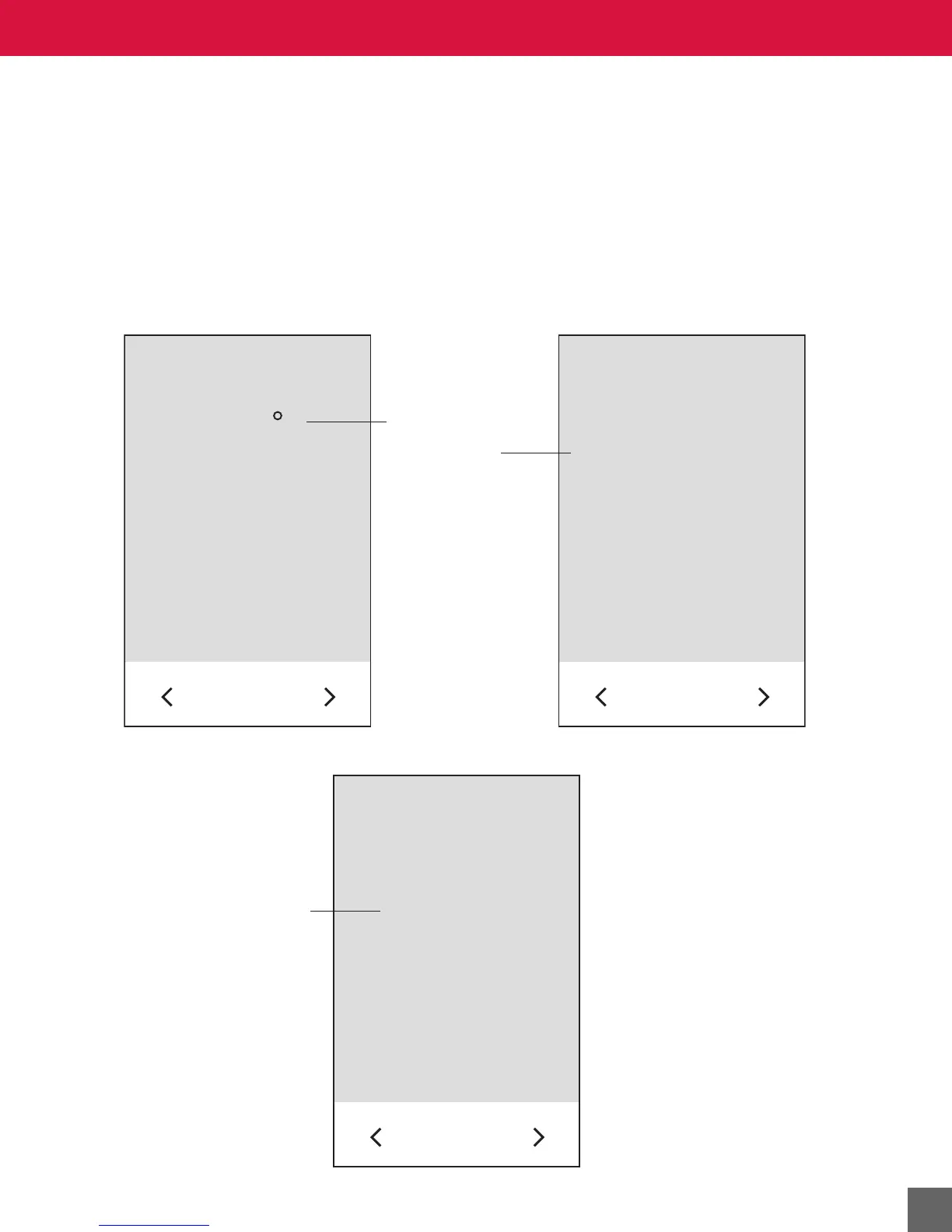
Across the Room View - Occupied screen
If BV-82 is turned on, Current Setpoint or Current Room Temperature and Current Time will alternate
approximately every 4 seconds.
The Across the Room View screen while in After Hours override mode:
72
F
Current setpoint or
current room temperature.
Current time.
10:15
AM



 To Next Page