INSTALLATION & OPERATIONS GUIDE | MICROSET 4
© Honeywell LT-MS4IOG Rev. 04 | Revised October 2015
28
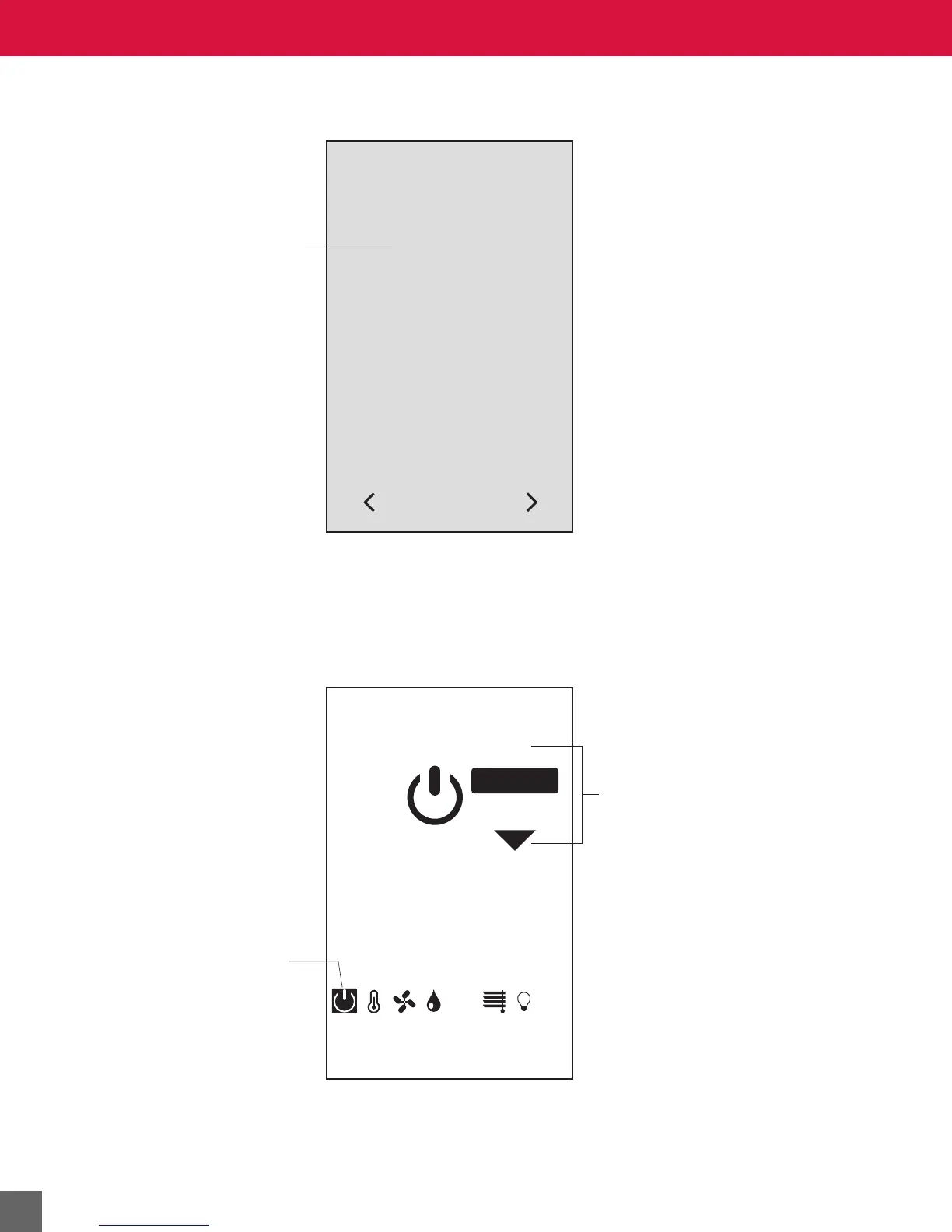
The Across the Room View for ON/OFF modes M3 or M6, in the OFF state:
Unoccupied or Vacant Across the Room View screen
In an unoccupied or vacant room, the default screen display is blank with the green status light on. The
status light can be disabled by setting BV-85 active. To activate the unit, touch anywhere on the screen.
ON/OFF screen
Operation when ON
The LCD displays the occupant-selected space temperature setpoint (AV-90). The unit controls to
occupied setpoints.
Press arrows to turn
the unit on or off. (If
off, the up arrow will
be visible.)
On/Off screen is
active.
ON/OFF CONTROL
OFF
CO
2
ON



 To Next Page