INSTALLATION & OPERATIONS GUIDE | MICROSET 4
© Honeywell LT-MS4IOG Rev. 04 | Revised October 2015
6
Quick reference
The Microset
™
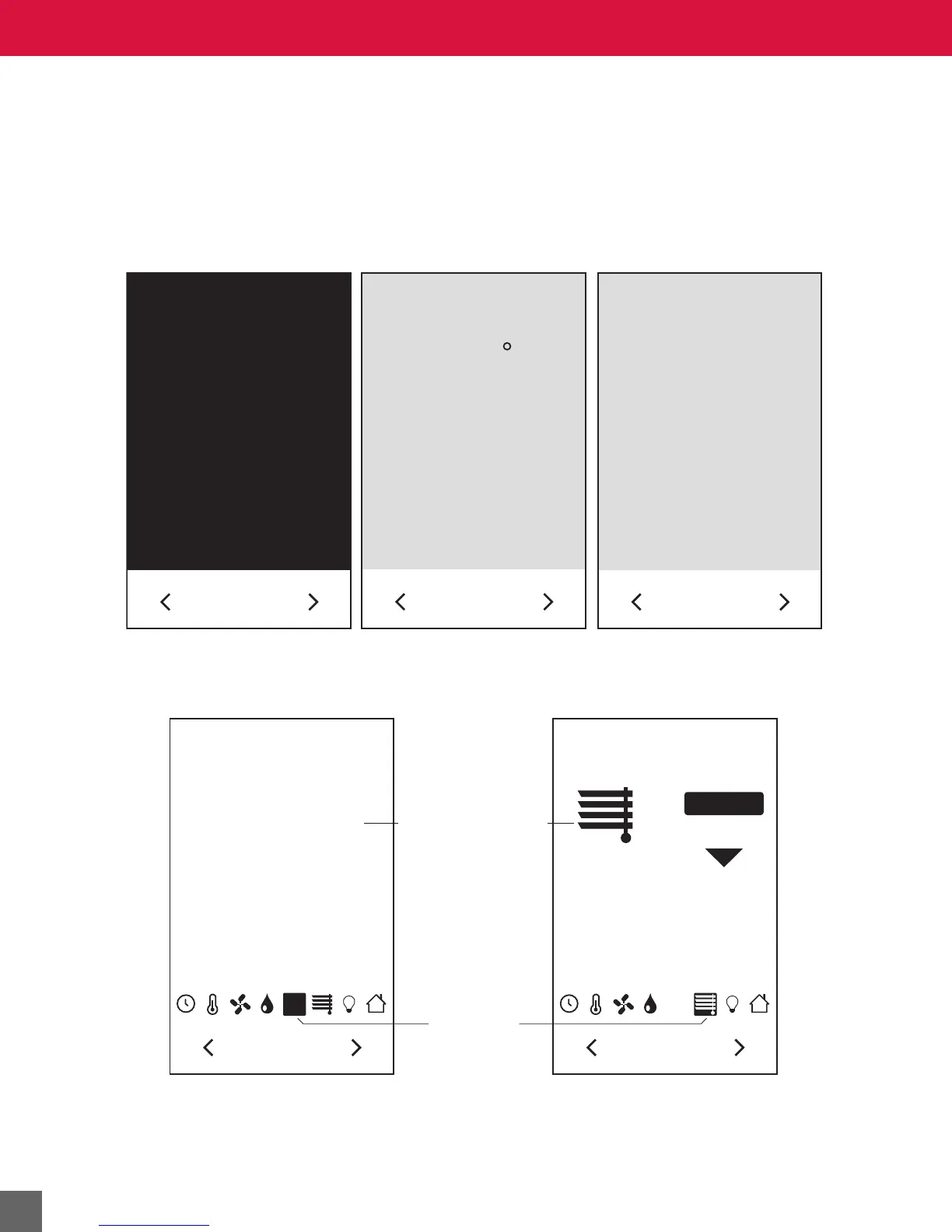
4 generally displays an Across the Room View when it is not being actively used by a
room occupant or a Detail Screen view when it is being used to adjust room settings.These screens can
display a wide range of information depending on Microset 4 model, configuration, and settings.
AIR QUALITY
PPM
464
CO
2
Active Screen
Current Readings/Status
Detail Screen View Examples
Across The Room Screen View Examples
Unoccupied State
All Black (Blank)
Set Point, Room Temperature, or
Override Timed-Out Default* OFF State
WINDOWS
CLOSED
CO
2
OPEN
72
F
Time of day displayed when BV-82 is ON. The MS/TP Microset 4
or VLC must be time-synced. BV-83 controls format (12- or 24-hour).
*
OFF



 To Next Page