INSTALLATION & OPERATIONS GUIDE | MICROSET 4
© Honeywell LT-MS4IOG Rev. 04 | Revised October 2015
42
Balance Mode
Balance mode is similar to field service mode, except the data list is shorter, and the cold- and hot-duct
VAV airflows are adjustable. Airflow balancing technicians can use this mode to calibrate the box and to
set the high and low airflow limits while in the zone.
Set BV-68 ON (field service lockout) to deny access to balance mode.
To start Balance mode
1. Enter Configuration mode.
2. Press the B
ALANCE button on the screen.
To adjust settings for variables in Balance mode
1. Press the
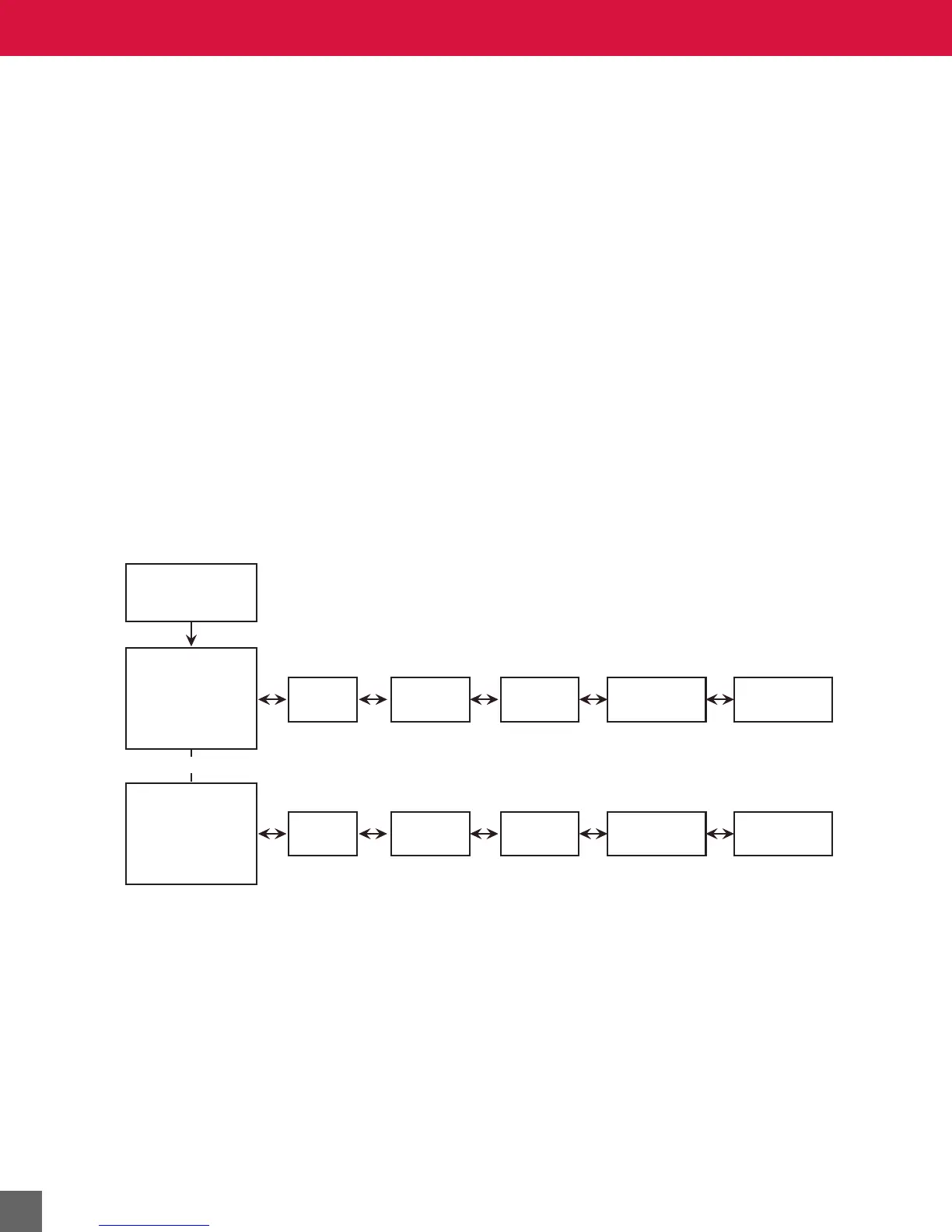
LEFT/RIGHT navigation arrow until the variable you want to adjust appears. See
Figure 28 for Balance Mode screen flow sequence.
2. Press the
UP/DOWN arrow on the screen to adjust the setting associated with the variable.
3. Press the
LEFT/RIGHT navigation arrow to accept your setting and scroll to a different
variable.
To exit Balance mode
• Press the
LEFT and RIGHT navigation arrows simultaneously.
• After 45 minutes of inactivity, balance mode will exit automatically.
Figure 28 Balance Mode screen flow sequence.
Service Mode
Menu Screen
Balance Mode
Menu Screen
-
Calibrate Cold
Airflow Selected
Balance Mode
Menu Screen
-
Calibrate Cold
Airflow Selected
Setpoint
High Limit
Setpoint
Low Limit
Temperature
Setpoint
Cooling
Airflow
Cooling
Size
Setpoint
High Limit
Setpoint
Low Limit
Temperature
Setpoint
Heating
Airflow
Heating
Size
-OR-



 To Next Page