© Honeywell LT-MS4IOG Rev. 04 | Revised October 2015
45
INSTALLATION & OPERATIONS GUIDE | MICROSET 4
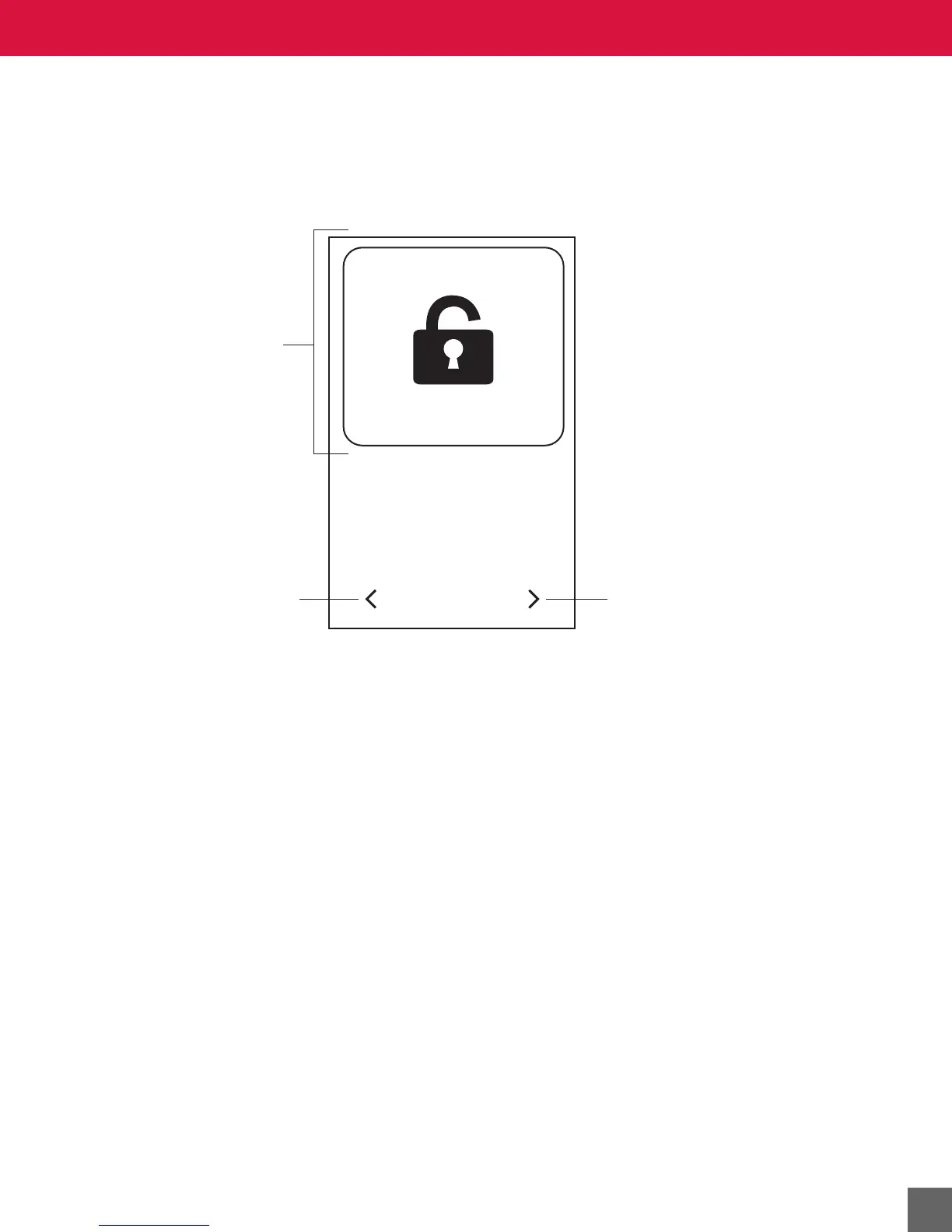
Locking the screen
To access the Lock Screen option, press and hold anywhere on the Across the Room View screen for 4
seconds. The Lock Screen option will appear. Press the
LOCK button on the screen to lock the touch
screen for 30 seconds. During this time, the touch areas are all inactive, so the screen may cleaned
without causing any HVAC actions.
PRESS TO LOCK
SCREEN WILL LOCK
FOR 30 SECONDS
LOCK SCREEN
Press the Lock button to
lock the touch screen for
30 seconds.
Press the left arrow to move
to the previous screen.
Press the right arrow to move
to the next screen.



 To Next Page