© Honeywell LT-MS4IOG Rev. 04 | Revised October 2015
29
INSTALLATION & OPERATIONS GUIDE | MICROSET 4
The occupant can press the LEFT or RIGHT navigation arrow to scroll through the additional screens and
change their values as normal.
Operation when OFF
The LCD displays the word OFF. The unit controls to unoccupied setpoints.
The occupant can press the
LEFT or RIGHT navigation arrow to scroll through additional screens, but the
occupant cannot change the values on those screens.
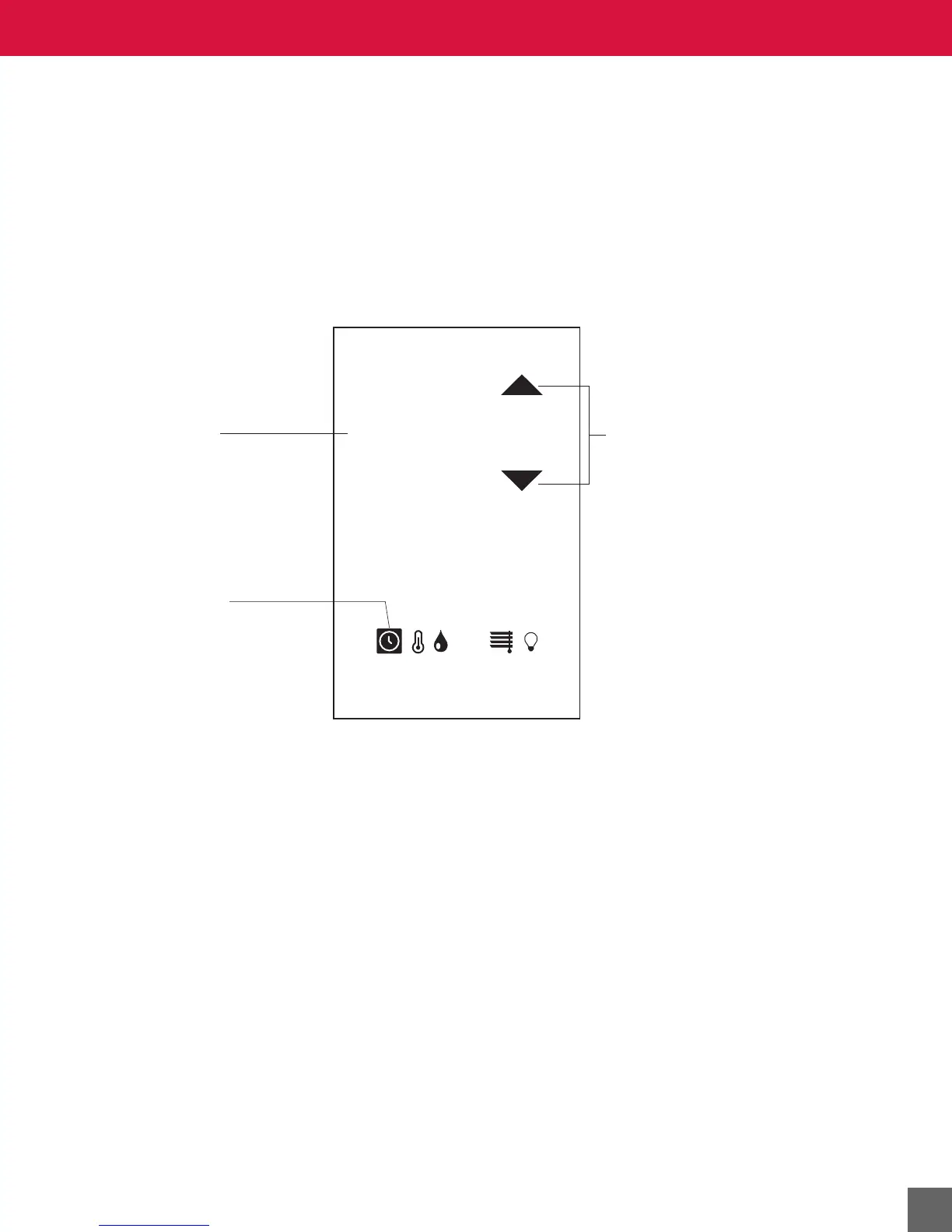
Override screen
In office mode:
After-hours override operation (office mode)
When after-hours override is in effect, the after-hours timer (AV-98) automatically decrements, and the
LCD displays the current timer value. The unit controls to occupied setpoints while the after-hours timer
is non-zero.
At any time, the occupant can use the
UP/DOWN arrow to increase or decrease the timer to the next half-
hour increment up to the timer limit (AV-97).
Press the up or down
arrow to increase or
decrease time.
Override screen
is active.
Override timer
OVERRIDE
TIME
HR MIN
2:27
CO
2



 To Next Page