INSTALLATION & OPERATIONS GUIDE | MICROSET 4
© Honeywell LT-MS4IOG Rev. 04 | Revised October 2015
36
If the password entered is incorrect, the user will see this screen. Press any key to return to the
password screen. After 45 minutes of inactivity, the Password screen and the Incorrect Password
screen will exit automatically.
Figure 22 Incorrect password screen.
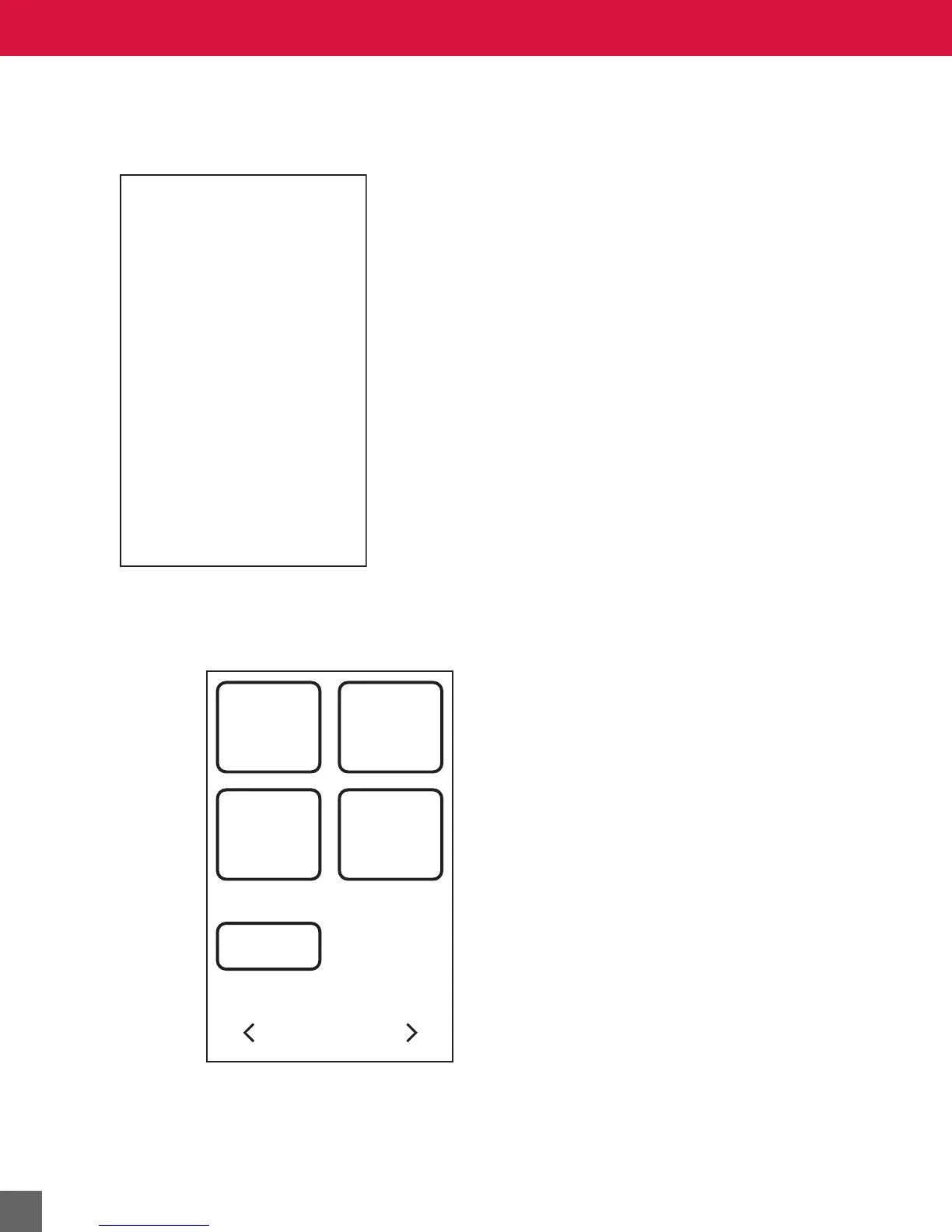
To enter Service Mode
1. Hold the
LEFT and RIGHT navigation arrows simultaneously.
Figure 23 Service Mode Menu.
2. If necessary, enter the password and press the LOGIN button.
INCORRECT
PASSWORD
PLEASE
TRY AGAIN
SERVICE MODE MENU
FIELD
SERVICE
CUSTOM
CODES
SETTINGS BALANCE
EXIT



 To Next Page