© Honeywell LT-MS4IOG Rev. 04 | Revised October 2015
53
INSTALLATION & OPERATIONS GUIDE | MICROSET 4
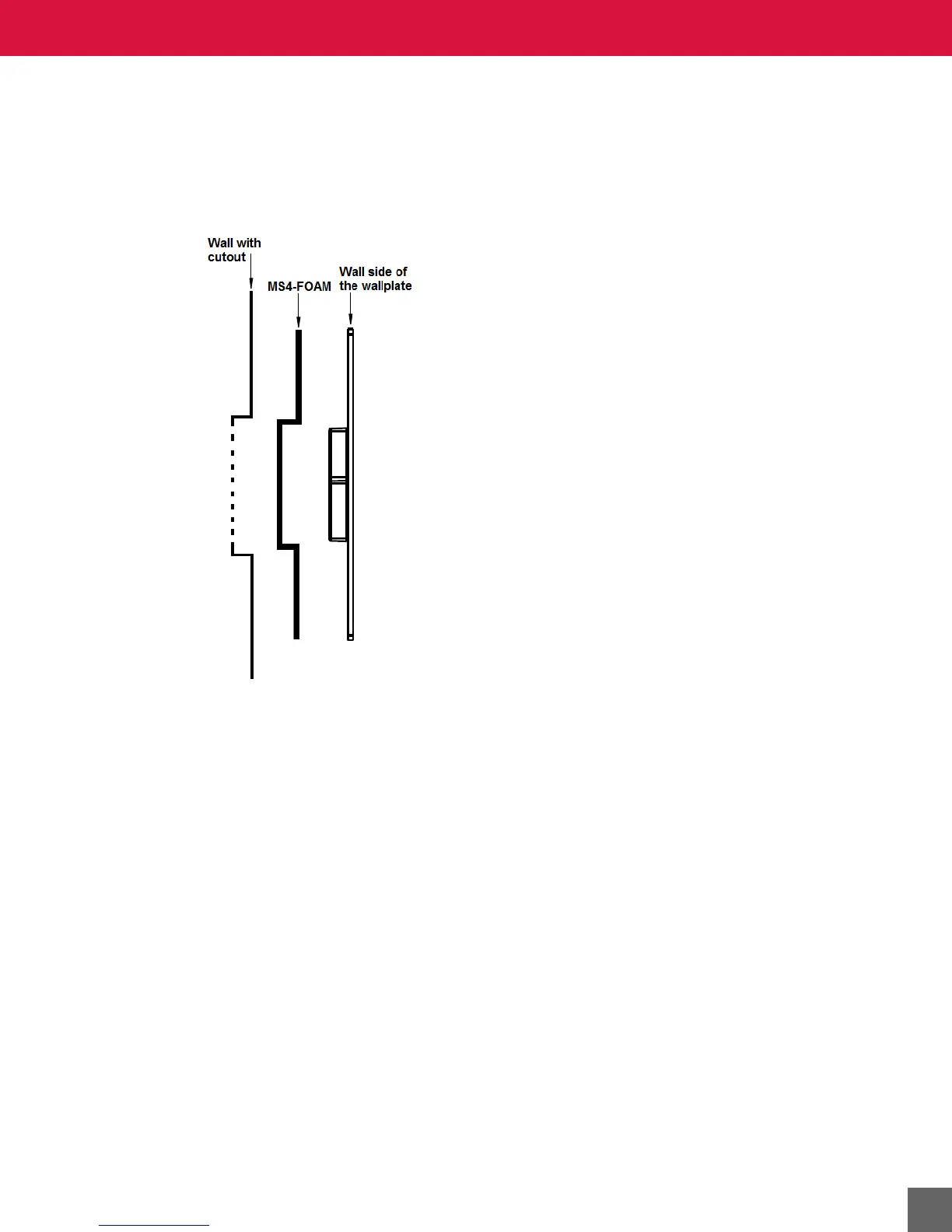
To install the MS4-FOAM:
1. Position the foam barrier onto the wall side of the Microset 4 wallplate with the vacuum-
formed foam fit over the terminal block protrusion near the center.
2. Insert the wires through the pre-cut slit in the foam.
3. Insert the screws into the holes of the backplate and through the foam and then tighten.



 To Next Page