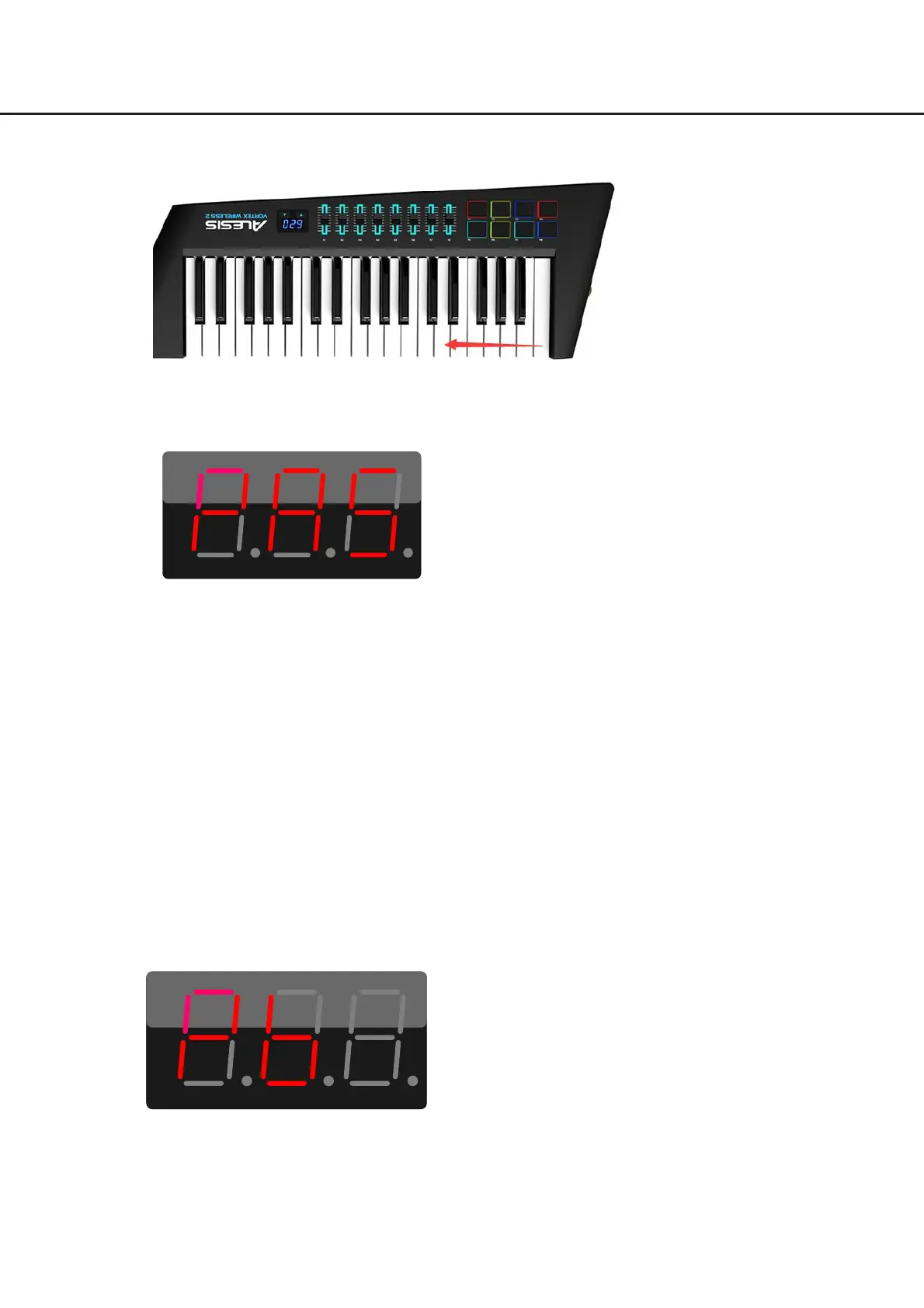
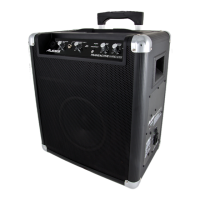
After all the keys are passed, the display will show “PAS”. Now, hold down the [SUSTAIN] button, then
press [OCT+] to switch to Test 5 (ADC).
Notes:
z If the display reports an error by showing “Err” (either because of pressing the wrong key or
because the playing strength is not correct), the test will stop and wait until the problem is fixed.
z Once starting the key test (after pressing the key C6), you cannot switch to another test until all the
keys are passed in this test.
z It will also check the USB MIDI, MIDI OUT and the USB dongle in this test. Since the MIDI OUT is
connected to a sound source, when you play correctly a key, it will produce the sound of that note.
And since the USB MIDI and the USB dongle are connected to MIDI-OX, when you play correctly a
key, it will send note on/off messages (there are two messages, one for USB MIDI and one for the
USB dongle).
Test 5: ADC
When it enters Test 5, the display will show “Pb” (pitch bend).
In Test 5, the display will show the controller name which you need to check. For example, when the
display shows “Pb”, it indicates you need to check the pitch bend wheel.
Diagnosis
32


 To Next Page