25ALI-DVR3000H Series 960H DVR User Manual
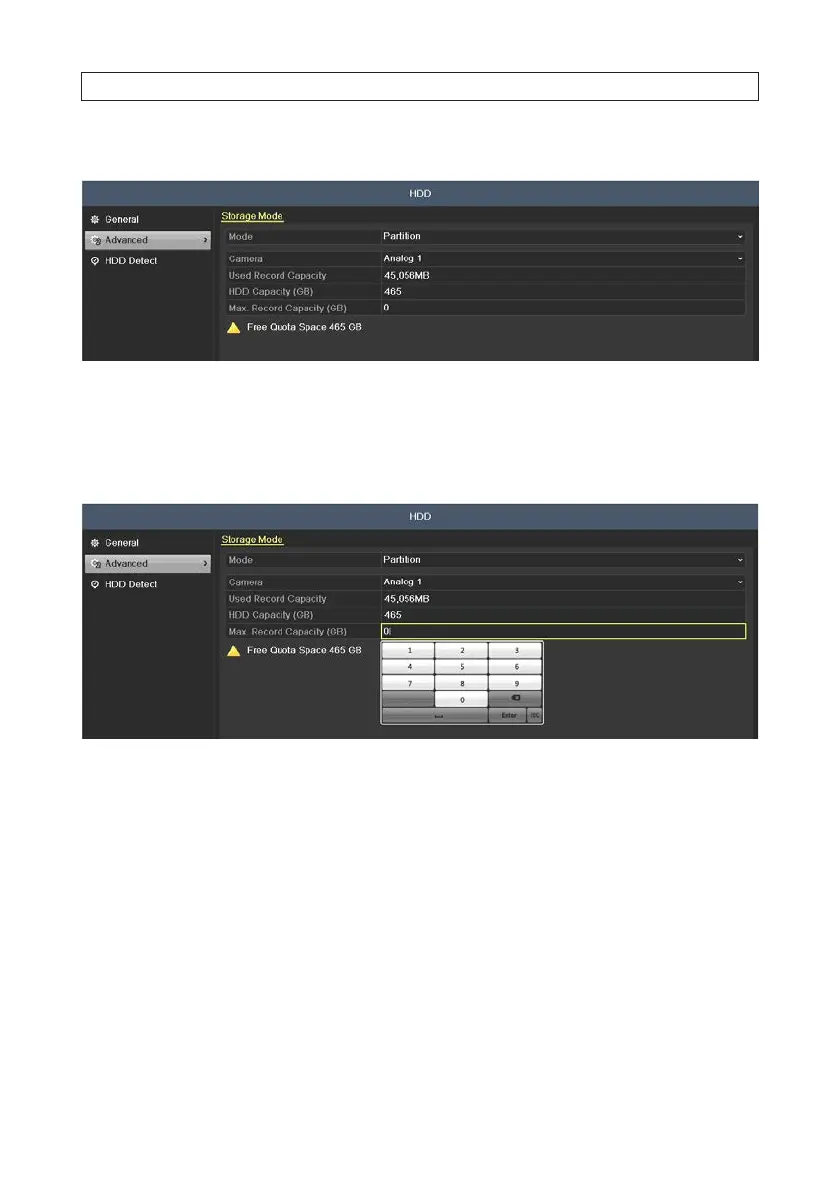
1. Open the Storage Mode menu. Go to Menu | HDD | Advanced
2. On the Mode line, open the drop down list and select Group.
3. On the Camera line, open the drop down list and select the camera channel you want to congure for Quota mode.
4. Enter the storage capacity in the text eld of Max. Record Capacity (GB)
5. You can copy the quota settings of the current camera to other cameras if required. Click Copy to open the Copy Camera menu.
Note: If the quota capacity is set to 0, then all cameras will use the total capacity of HDD for recordings.
SECTION 2: INSTALLING THE SYSTEM











 To Next Page