48
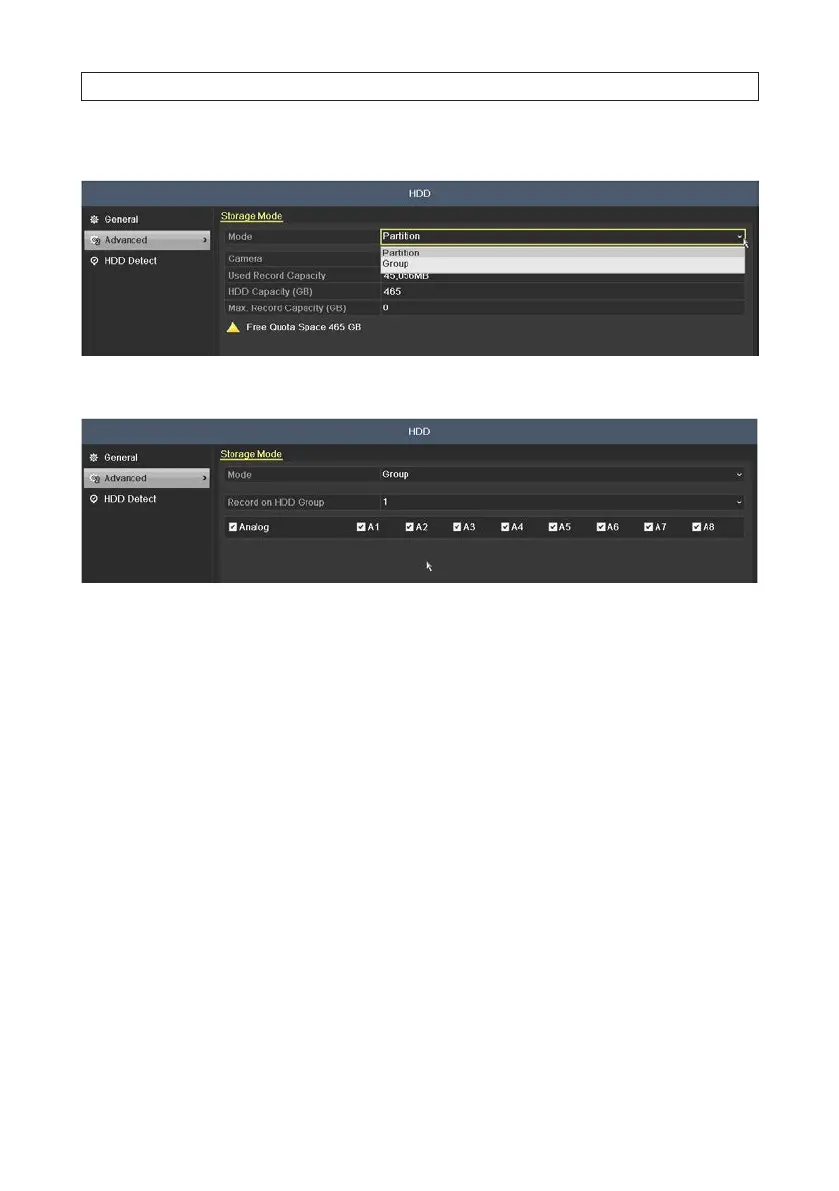
2. Click Advanced in the left frame to open the Storage Mode menu.
3. In the Mode drop down list, select Group. The Group denition window will open.
4. Click Apply to create the group. NOTE: Creation of a group will force a DVR reboot.
5.1.7 Files Protection
You can lock the recorded les or set the HDD property to Read-only to protect the record les from being overwritten.
1. Open the Export menu. Go to Menu | Export
SECTION 5: RECORD, PLAYBACK AND VIDEO BACKUP











 To Next Page