51ALI-DVR3000H Series 960H DVR User Manual
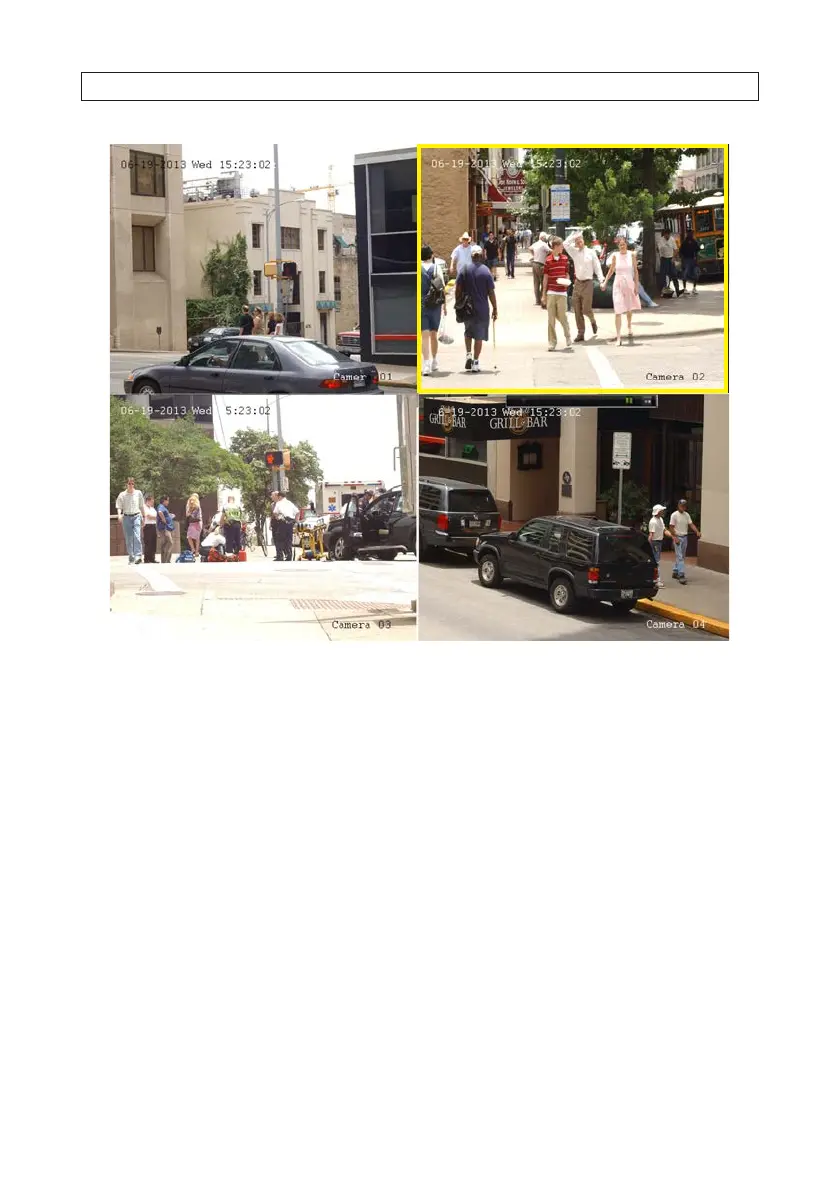
Playback by channel
1. Open the Playback menu. Go to Menu | Playback.
2. In the Playback screen, select the camera channel you want to playback. De-select the other channels.
3. Select the start and end times of the date and time range when the video segment was recorded.
SECTION 5: RECORD, PLAYBACK AND VIDEO BACKUP




 To Next Page