50
a. Determine which les you want to protect, and then click the icon in the Lock column to show a “locked” padlock
(indicating that the le is locked). Similarly, unlock les by clicking on the “locked” icon to show an “unlocked” padlock.
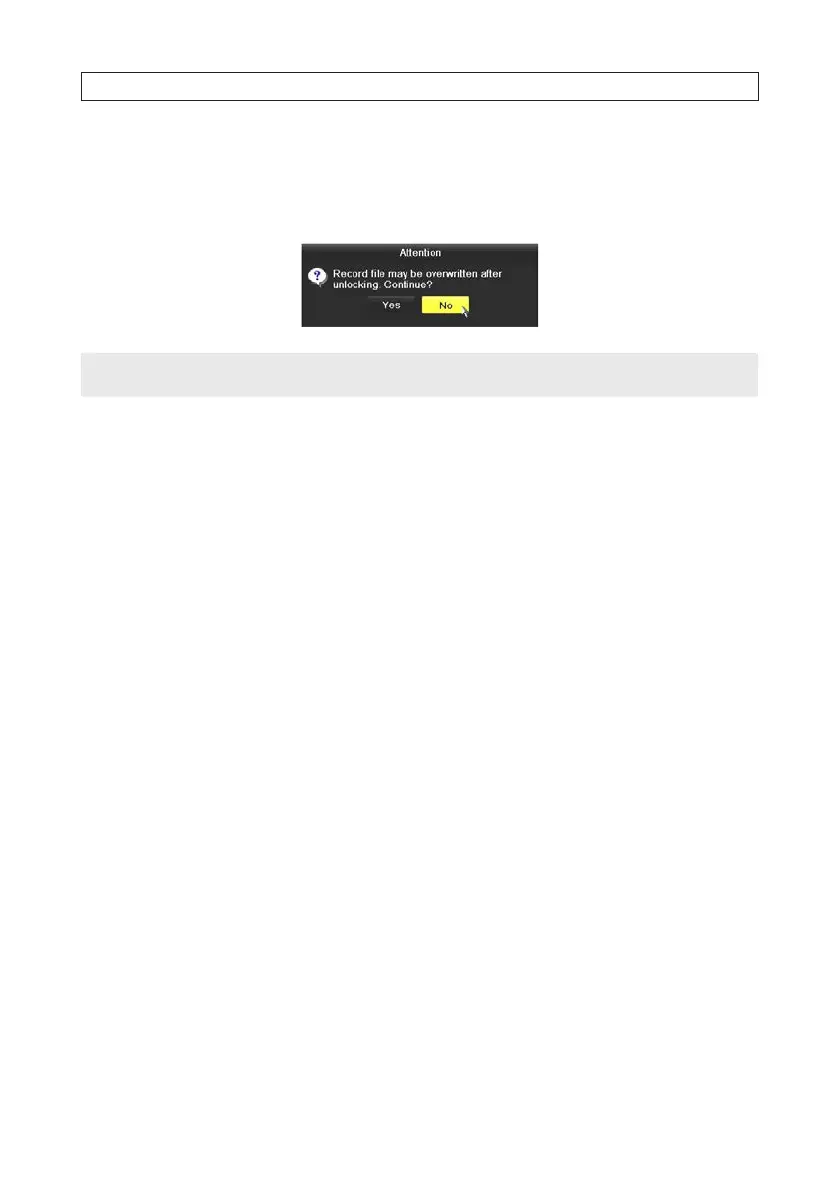
b. Respond appropriately to the Attention pop-up window.
NOTE
File of recording in progress cannot be locked.
5.2 Playback
5.2.1 Playing back video by channel
Playback the recorded video les of a specic channel in the live view mode. Channel switch is supported.
Instant playback by channel
In Live View mode, click the channel you want to playback, then click the playback icon on the quick setting toolbar. In the instant
playback mode, only recordings made during the previous ve minutes on the channel are played.
SECTION 5: RECORD, PLAYBACK AND VIDEO BACKUP




 To Next Page