82
— NTP Port: Port of NTP server
5. Click Apply to save your settings and close the menu.
7.1.3 Conguring Multicast
Using the multicast function, more than 64 cameras are connectable. A multicast address spans the Class-D IP range of 224.0.0.0 to
239.255.255.255. We recommended that you use the IP address range from 239.252.0.0 to 239.255.255.255.
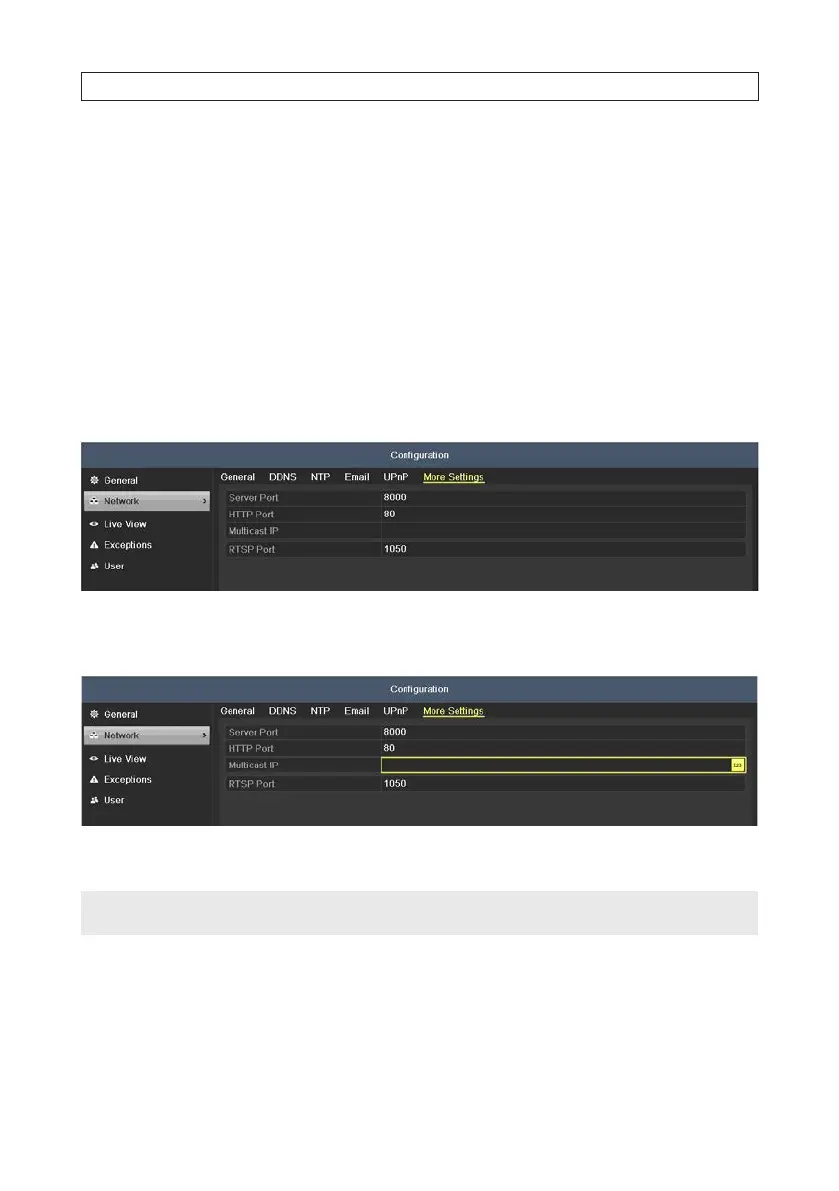
1. Enter the Network Settings interface. Go to Menu | Conguration | Network
2. Click the More Settings tab to open the More Settings menu.
3. Set the Multicast IP address. When adding a device to the Network Video Surveillance Software, the multicast address must be
the same as the DVR’s multicast IP.
4. Click Apply to save your settings and close the menu.
NOTE
The multicast function must be supported by the network switch to which the DVR is connected.
SECTION 7: NETWORK SETTINGS











 To Next Page