26
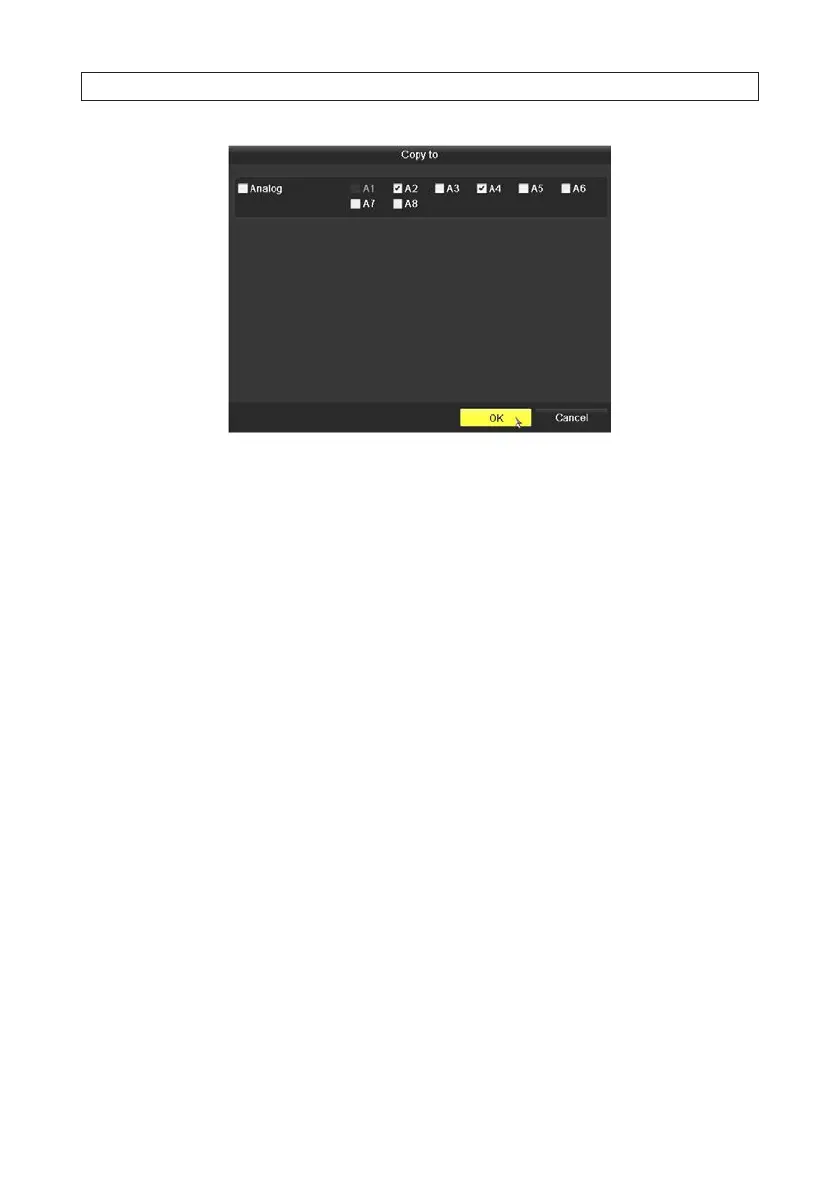
6. In the Copy to menu, check the boxes of the camera channels you want to copy the settings to.
7. Click OK to perform the copy and close the Copy to menu.
8. In the Storage Mode menu, click Apply.
9. Reboot the DVR to activate your quota settings.
2.7.5 HDD Detect
The HDD Detect feature provides two methods of monitoring the HDD: display of S.M.A.R.T. (Self-Monitoring, Analysis and
Reporting Technology) data, and Bad Sector Detection. These methods can be used to assure the normal functioning of the disk,
and anticipate failures.
S.M.A.R.T. Display
1. Open the S.M.A.R.T. display menu. Go to Menu | HDD | HDD Detect
SECTION 2: INSTALLING THE SYSTEM











 To Next Page