60
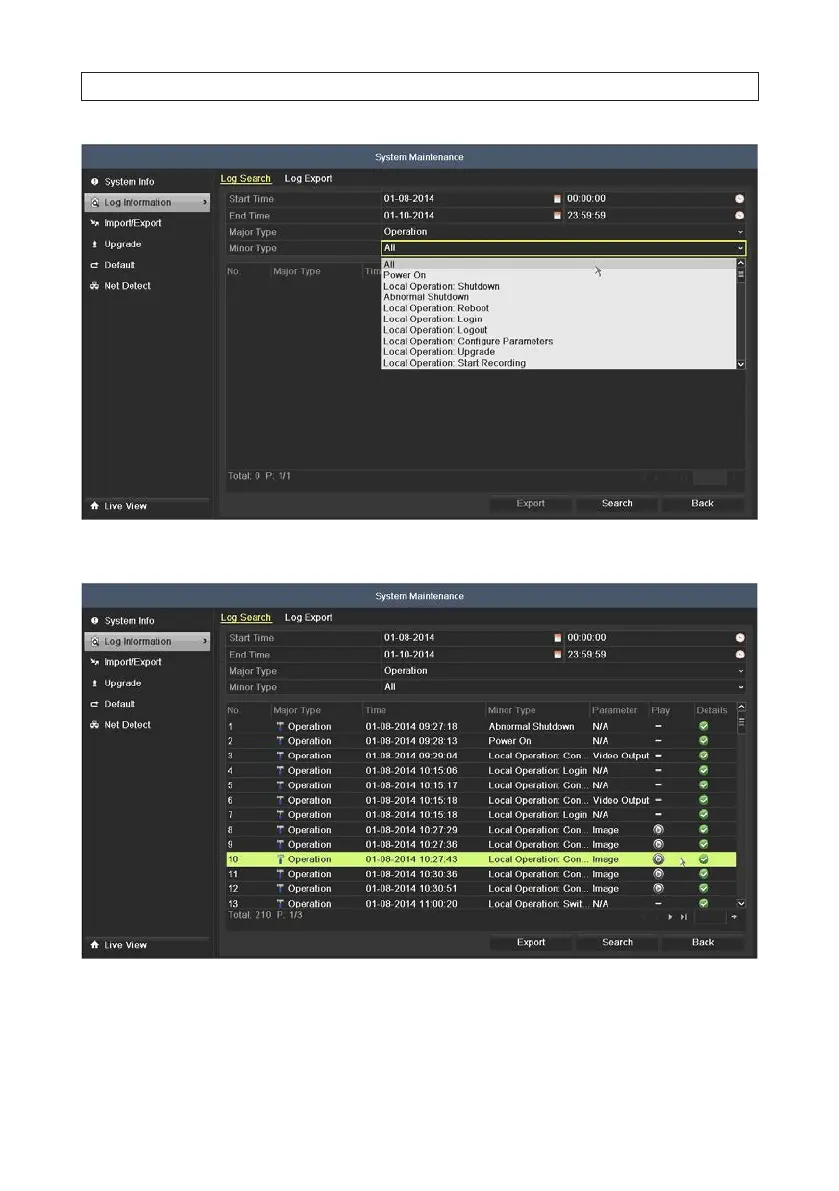
4. Click Search. If the search didn’t nd a le matching your search criteria, the message No matched log le. will appear.
5. Choose a log with record le and click the Play icon to play the le, or click the icon in the Details column to see more
information about the entry. If there is no playback le associated with the log entry, the message box No result found. will
appear. The Log Information details screen is shown below.
SECTION 5: RECORD, PLAYBACK AND VIDEO BACKUP











 To Next Page