70
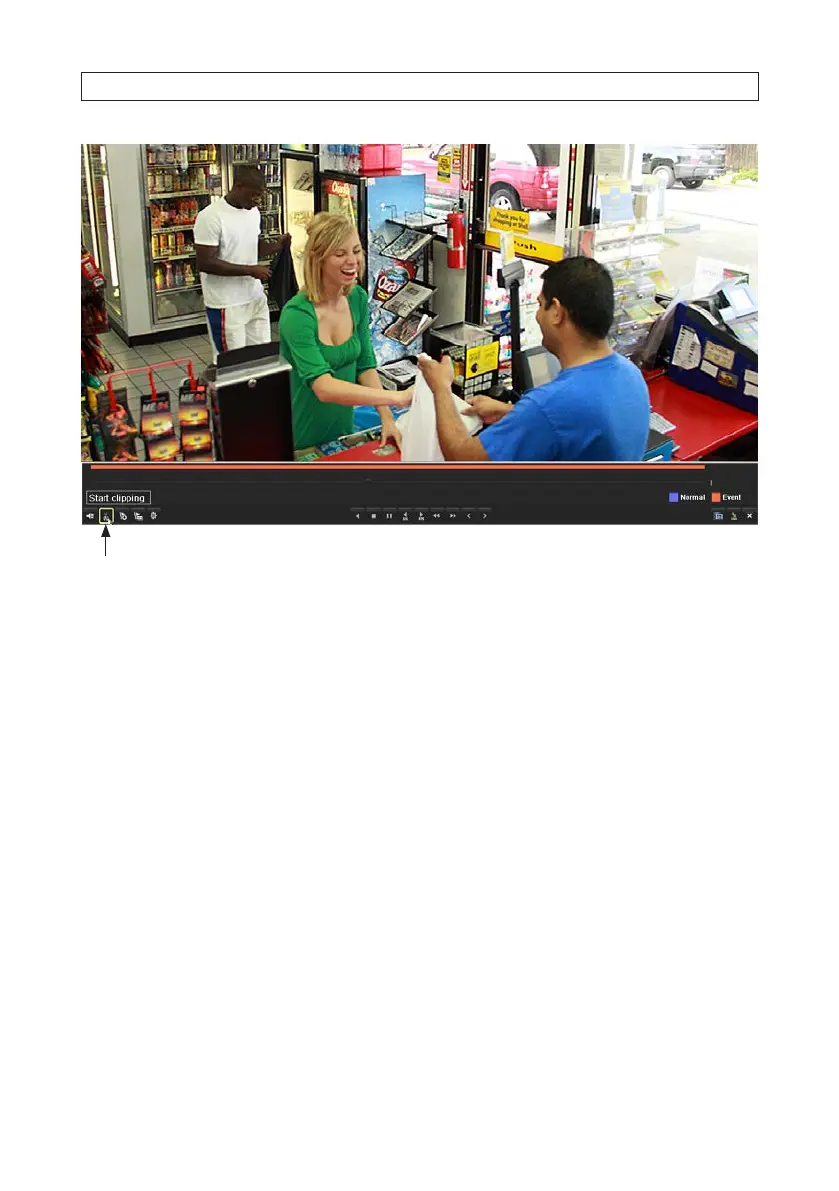
Clip (Start clipping) icon
3. Advance the le playback to the start of the segment you want to export, then click the Clip icon (Start clipping scissors) at
the bottom of the screen to mark the start of the clip you want to save.
4. Advance the le playback to the end of the segment you want to export, then click the Clip icon (Stop clipping scissors)
again to mark the end of the clip you want to save.
SECTION 5: RECORD, PLAYBACK AND VIDEO BACKUP











 To Next Page