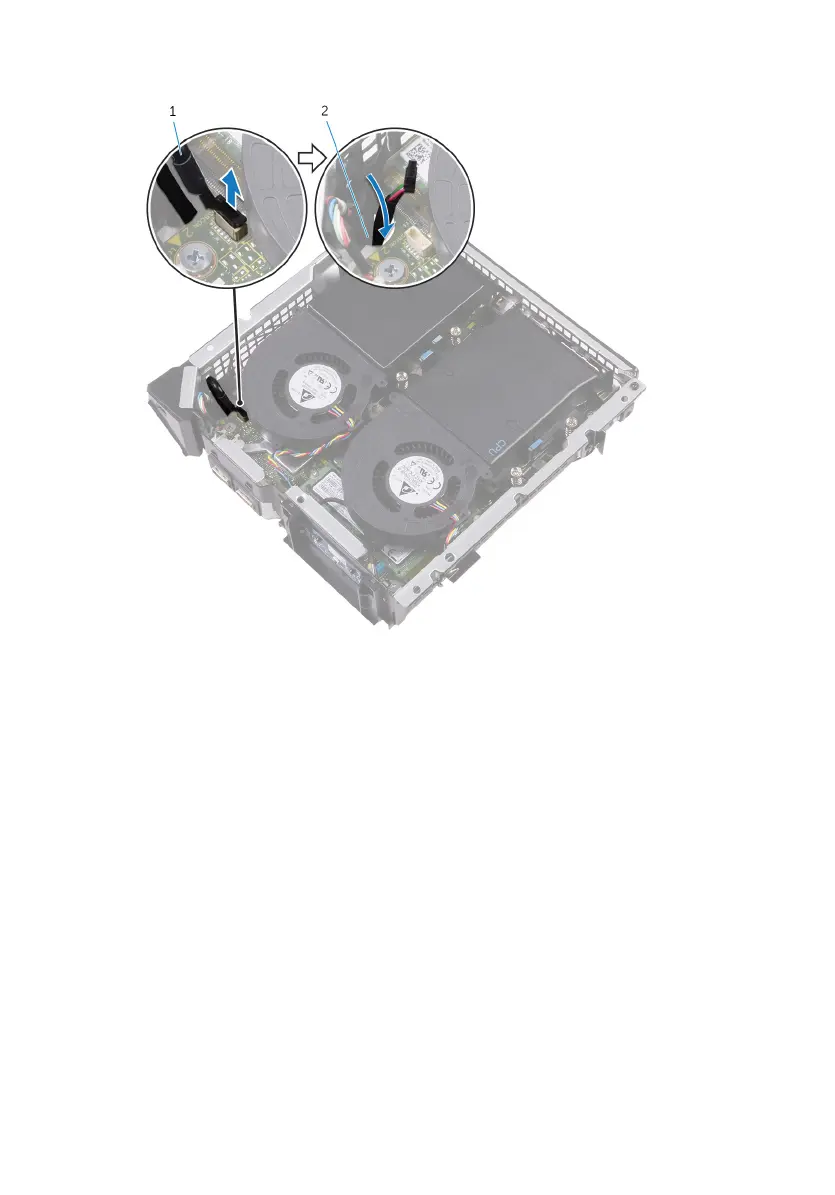
2 Push down the USB-port cable through the cable-routing hole on the chassis.
1 USB-port cable 2 cable-routing hole
3 Turn the computer over.
4 Remove the USB-port cable from the routing guides on the chassis.
5 Remove the screw that secures the USB-port bracket to the chassis.
6 Lift the USB-port bracket at an angle to release the tabs on the USB-port bracket
from the slots on the chassis.
26















 To Next Page