Using AlienFX application | 69
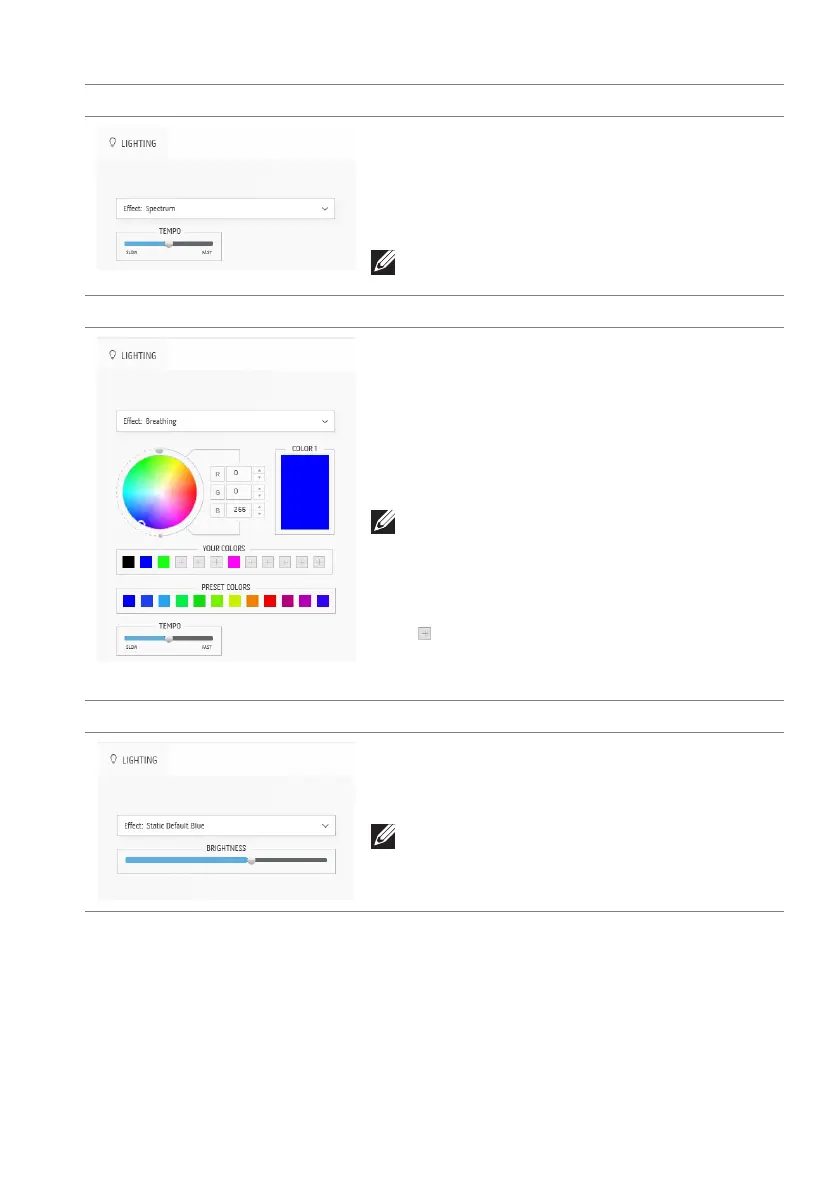
Spectrum Description
The effect makes the light change in sequence of
spectrum: red, orange, yellow, green, blue, indigo,
and violet.
You can drag the TE
MPO slider to adjust the
transition speed.
NOTE: The option is available only when you
select All Zones to
make lighting adjustments.
Breathing Description
The effect makes the light change from bright to
dim.
To adjust the breathing:
1. Pick a
preferred color from the color palette
or the list of PRESET COLORS. The selected
color and its RGB color codes will be
displayed on the right field.
NOTE: To change the color, use the up and
down arrow buttons beside the R/G/B boxes
to edit the color codes.
2. To add the selected color to the list of YOUR
COLORS for quick access in the future, click
. At most 12 colors can be added to the list.
3. Drag the TEMPO slider to adjust the transition
speed.
Static Default Blue Description
This effect makes the lights glow solid blue.
You can drag the BRI
GHTNESS slider to change
the intensity of the color from strong to light.
NOTE: The option is available only when you
select All Zones to
make lighting adjustments.















 To Next Page