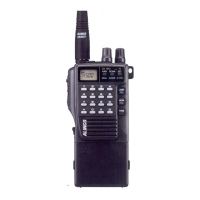
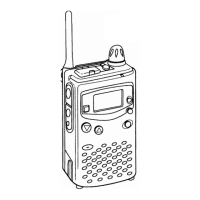
Professional
FM Transceiver
13
BASIC OPERATIONS
Switch on / off Transceiver
Turn
【
POWER
】
/
【
VOLUME
】
dial clockwise to power on.
Turn it counterclockwise to power off.
Adjusting Audio output level
Press and release PF2 key to monitor white noise to refer to the current audio level.
Turn
【
POWER
】
/
【
VOLUME
】
clockwise to increase the audio level, counterclockwise to decrease.
CAUTION:
Never use earphone while adjusting audio level. The max audio output is loud enough to hurt your
eardrums. You may feel a static shock when wearing an earphone in a dry atomosphere but it's not a
defect of product but a cause of nature.It is the same shock you feel typically when opening a door of a
car in certain conditions.
Channels Selection
Under the standby conditions, turn channel selector knob to choose the desired channel, and the
transceiver will announce the selected channel number. Turn clockwise to increase the channel
number, counterclockwise to decrease.
NOTE: The empty channel will be announced as blank.



 To Next Page