22 / 31
ZYNQ FPGA Development Platform AC7015 User Manual
Amazon Store: https://www.amazon.com/alinx
Sales Email: rachel.zhou@aithtech.com
Part 11: DIP switch configuration
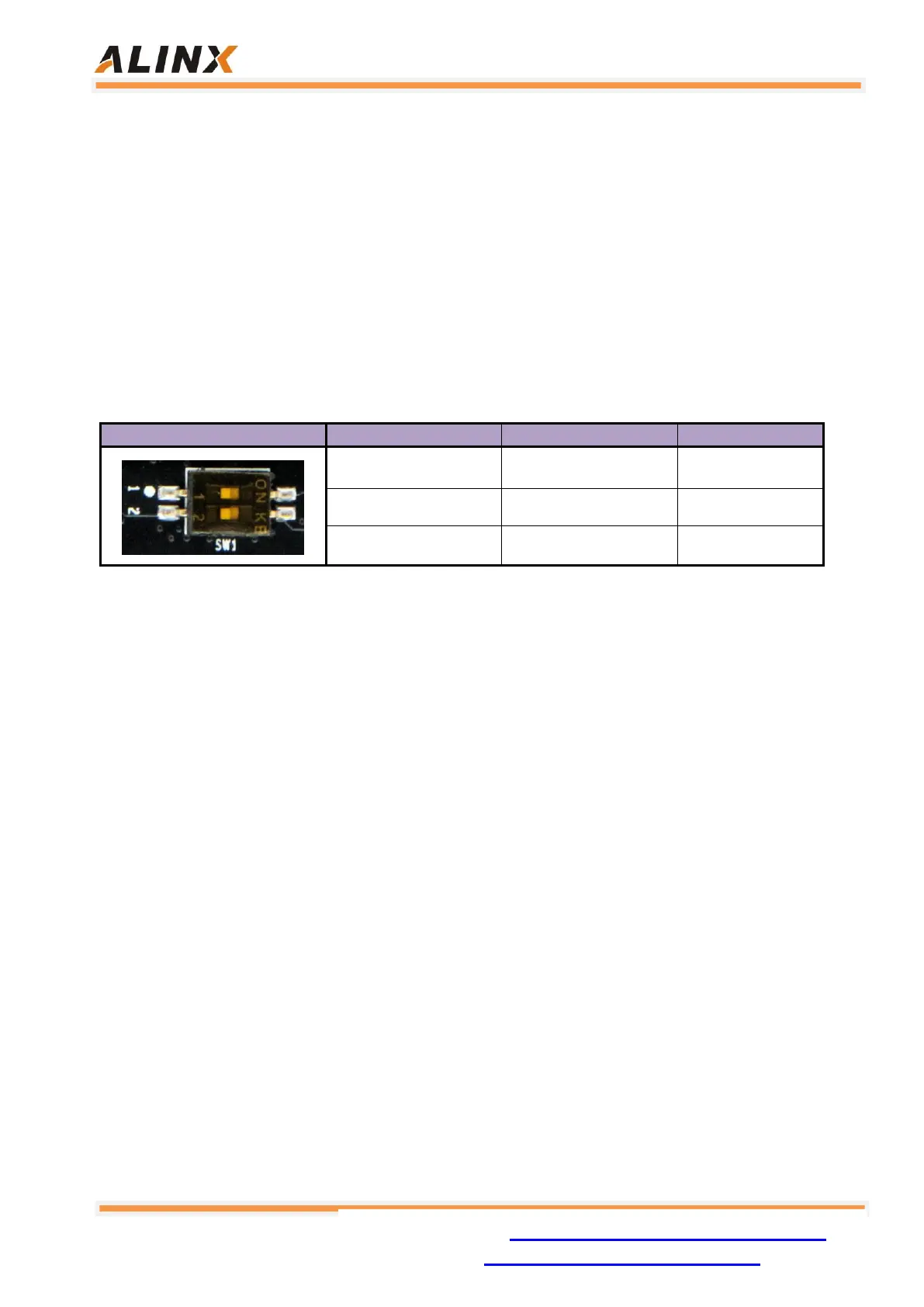
The AC7015 has a 2-digit DIP switch SW1 on the core board to configure the
ZYNQ system's startup mode. The AC7015 system development platform supports
three startup modes. The three startup modes are JTAG debug mode, QSPI
FLASH and SD card boot mode. After the XC7Z015 chip is powered up, it will
detect the level of the MIO port (MIO5 and MIO4) to determine which startup mode.
Users can select different startup modes through the DIP switch SW1 on the core
board. The SW1 startup mode configuration is shown in Table 11-1
Table 11-1: The SW1 Startup Mode Configuration
Part 12: Power
The AC7021 core board is powered by DC5V. It is powered by the Mini USB
interface when it is used alone. It is powered by the extension board when the
backplane is connected. Please be careful not to supply power to the Mini USB
and the extension board at the same time to avoid damage. The power supply
design on the core board is shown in Figure 12-1.


 To Next Page