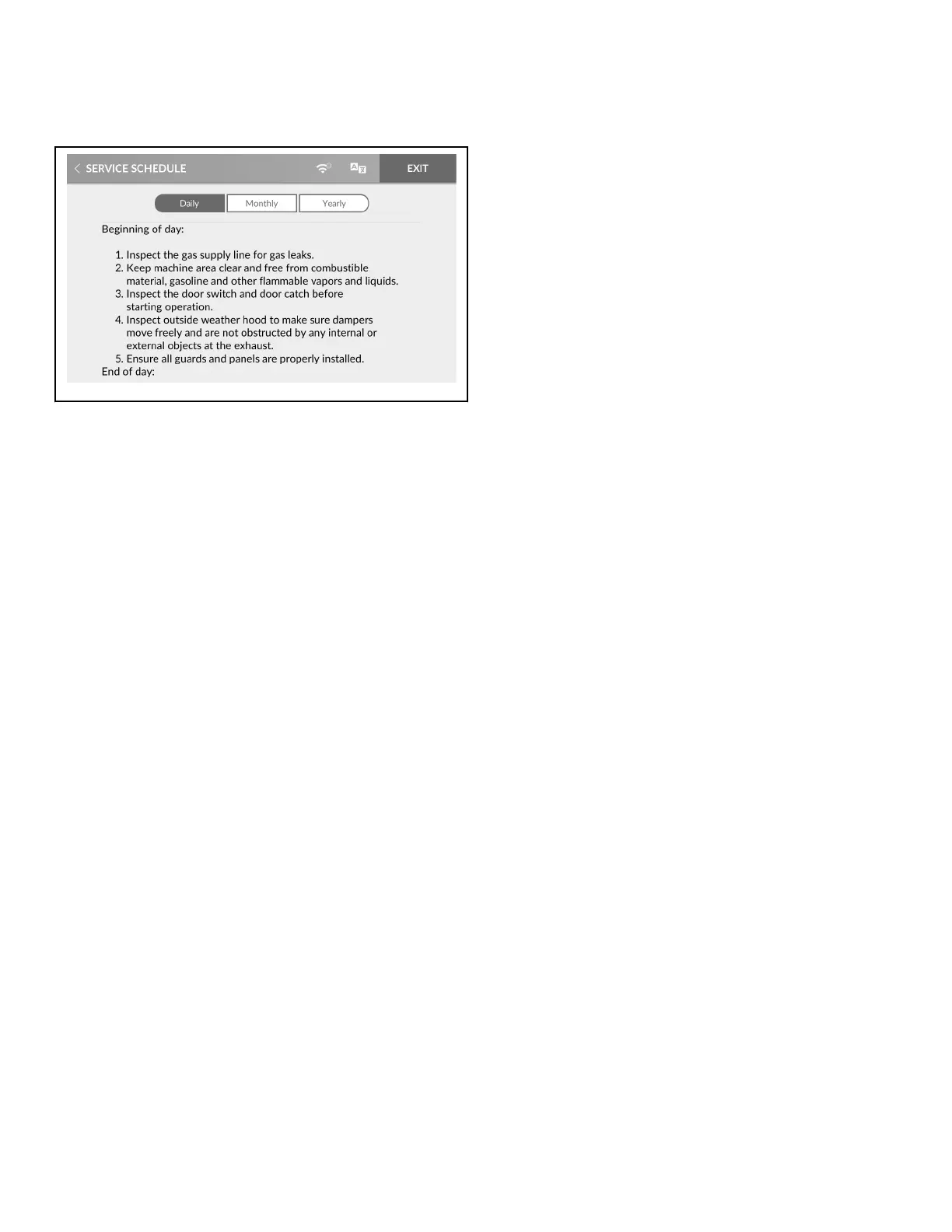
Service Schedule Menu
Figure 50
The Service Schedule Menu allows the user to view instructions
for daily, monthly, and yearly machine maintenance.
1. To access, touch and hold the center of the menu header on
the display with the service door open and, for coin models,
the coin vault closed. The control enters the System Menu.
2. Touch SERVICE SCHEDULE from the display to enter the
Service Schedule Menu.
3. Touch Daily, Monthly or Yearly to view maintenance instruc-
tions.
4. Swipe to scroll through the service instructions.
5. When finished viewing instructions, touch SERVICE
SCHEDULE to return to the System Menu or EXIT to exit the
System Menu.
Service Schedule Menu
©
Copyright, Alliance Laundry Systems LLC -
DO NOT COPY or TRANSMIT
63 Part No. 70600001ENR6






 To Next Page