© Published by permission of the copyright owner – DO NOT COPY or TRANSMIT
Programming the Electronic OPL Control
11
70381401
Automatic Dry and Condition Mode
When a temperature is selected, “A0:00” will appear
in the display window. Press START to start the
tumbler. “A*:**” will appear in the display window.
The first “*” is the selected dryness level (dryness
levels less than zero will appear as “-*”), and the “:**”
is the elapsed time.
The degree of dryness can be altered. Use the MORE
pad or the LESS pad to increase or decrease dryness
level.
NOTE: Dryness level can only be altered prior to
the end of the first heat cycle.
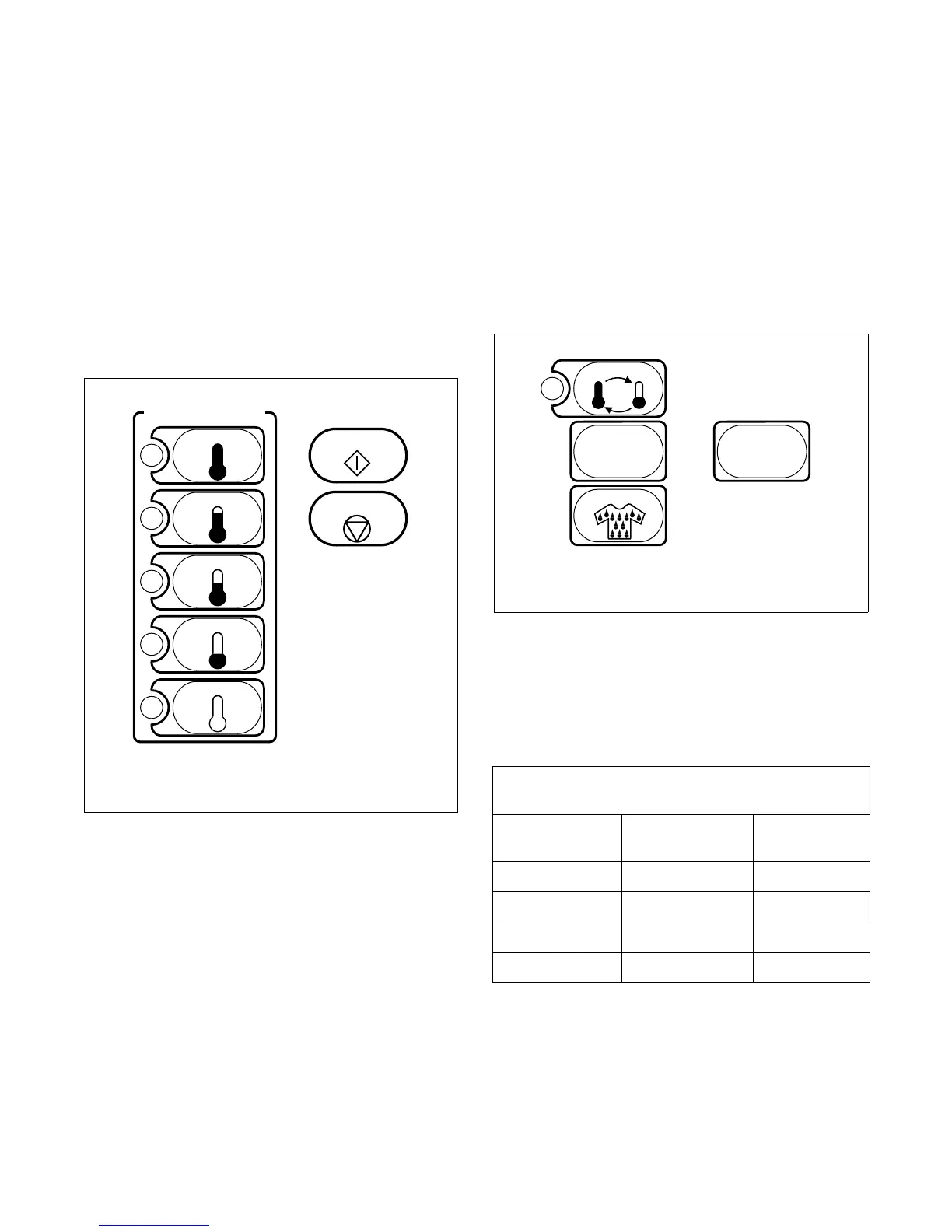
Figure 4
When clothes reach selected dryness level, Cool Down
begins. “AC:**” will appear in the display window.
“:**” is the elapsed Cool Down time. When Cool
Down ends, tumbler automatically goes into Wrinkle-
Free and “Lr” (Load Ready) will appear in the display.
“AC:**” will be displayed when tumbler is in Auto
Cool Down. Typical Cool Down times for fabric
selections are preset as shown in Table 2. The Cool
Down time can only be altered before cycle is started.
To alter Cool Down time, press the COOL DOWN pad
and then press the MORE or LESS pad (when Cool
Down time is altered, “TC:**” will be displayed). For
one minute changes, press pad and release. For
five minute changes, press pad and hold. Cooling time
can be from 1 to 39 minutes. To return to the Auto
Cool Down, press MORE or LESS pad until “AC:**”
is displayed.
Figure 5
Use the CONDITION pad for items to be left damp for
ironing. “Cn:00” will replace “A0:00” in the display.
Automatic Cool Down ends when either a preset
temperature or a preset time is reached. Refer to Table
2.
Table 2
T399I
HIGH
MEDIUM
MED LOW
LOW
NO HEAT
ON / SELECT
START
STOP/RESET
T399I
ON/SELECT PADS
T396I
Automatic Cool Down
Temperatures and Times
Fabric
Preset
Temperature
Preset Time
HIGH 100°F, 38°C 5 Min.
MEDIUM 90°F, 32°C 8 Min.
MED LOW 90°F, 32°C 5 Min.
LOW 90°F, 32°C 5 Min.
TEMP
MORE
CONDITION
LESS
+--
T396I
DRYNESS PADS




 To Next Page