© Published by permission of the copyright owner – DO NOT COPY or TRANSMIT
Programming the Electronic OPL Control
13
70381401
Custom
Frequently used cycles can be saved in the control’s
memory as Custom cycles. Only one cycle can be
saved for each temperature selection.
Create an Automatic, Time Dry, Special or Special
Time cycle, and save it by pressing the word
CUSTOM before pressing START. To change a
Custom cycle, repeat above.
To recall and use a Custom cycle, press its
ON/SELECT pad twice. Press START.
During Custom cycles, the display is the same as non-
Custom Automatic cycles. The CUSTOM status light
will be on.
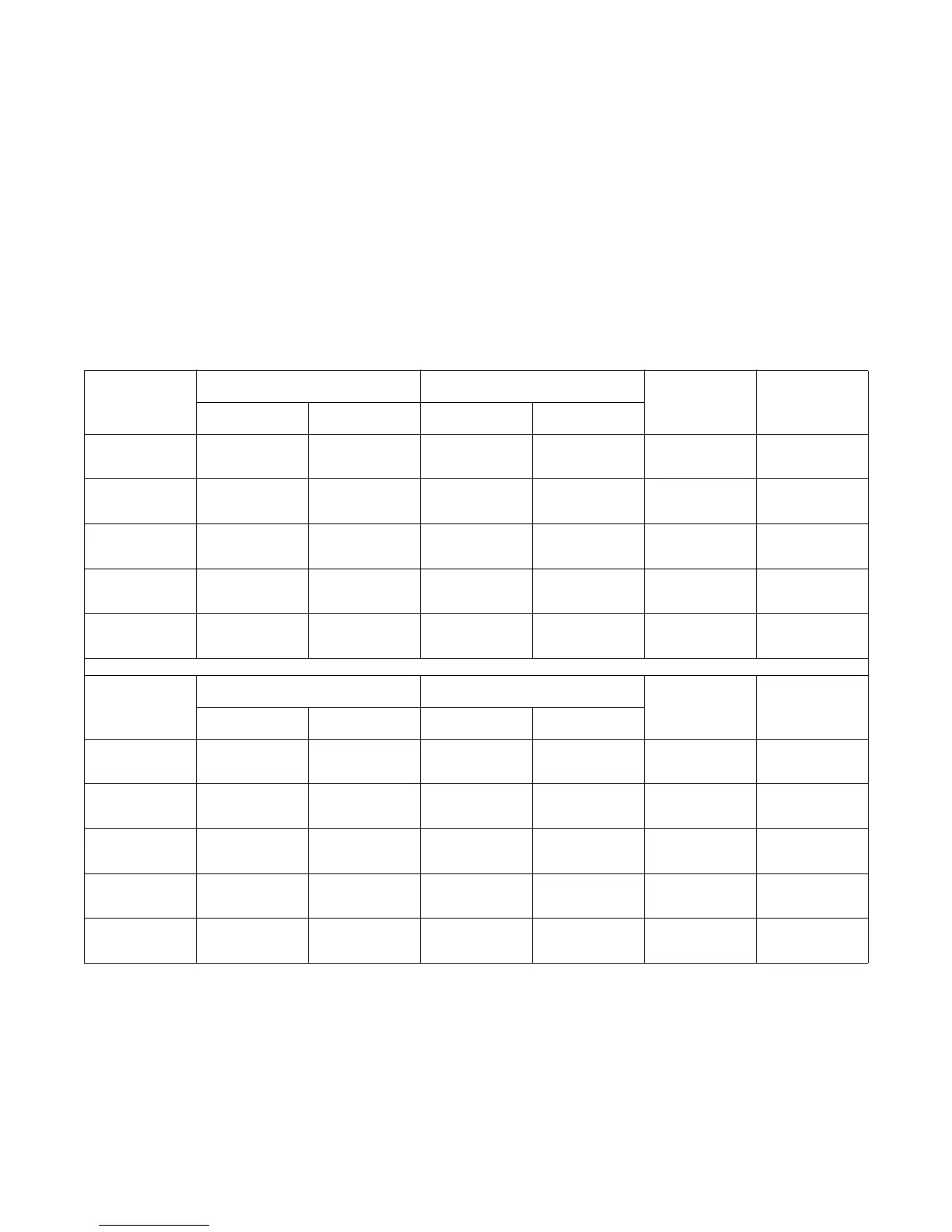
When creating or changing a Custom cycle, record it
on a Custom Cycle Record. Refer to sample below. To
modify or fine-tune a Custom cycle, its values must be
known. Custom cycle values can be extracted from the
micro-control, but it is easier and more permanent to
use a Custom Cycle Record.
Custom Cycle Record
Select
Automatic Time
Temp Load Type
Dryness Level Cool Down Dry Cool Down
HIGH
MED
MED LOW
LOW
NO HEAT
Select
Special Special Time
Temp Load Type
Dryness Level Cool Down Dry Cool Down
HIGH
MED
MED LOW
LOW
NO HEAT




 To Next Page