SYSTEM LAYOUT: MULTI-UNIT
For mul-unit buildings, such as apartment buildings, campuses, and oce buildings, the layout is virtually
idencal to that of a single-unit building. The only dierence is that this applicaon uses a 7.0” touchscreen
directory panel which is capable of lisng a virtually unlimited number of apartments and residents. With just
a few presses on the touchscreen, AlphaTouch™ can simulataneously dial mulple phone numbers and mobile
apps (with video) for all of the apartments and residents. The rst one to answer the call gets it and the call
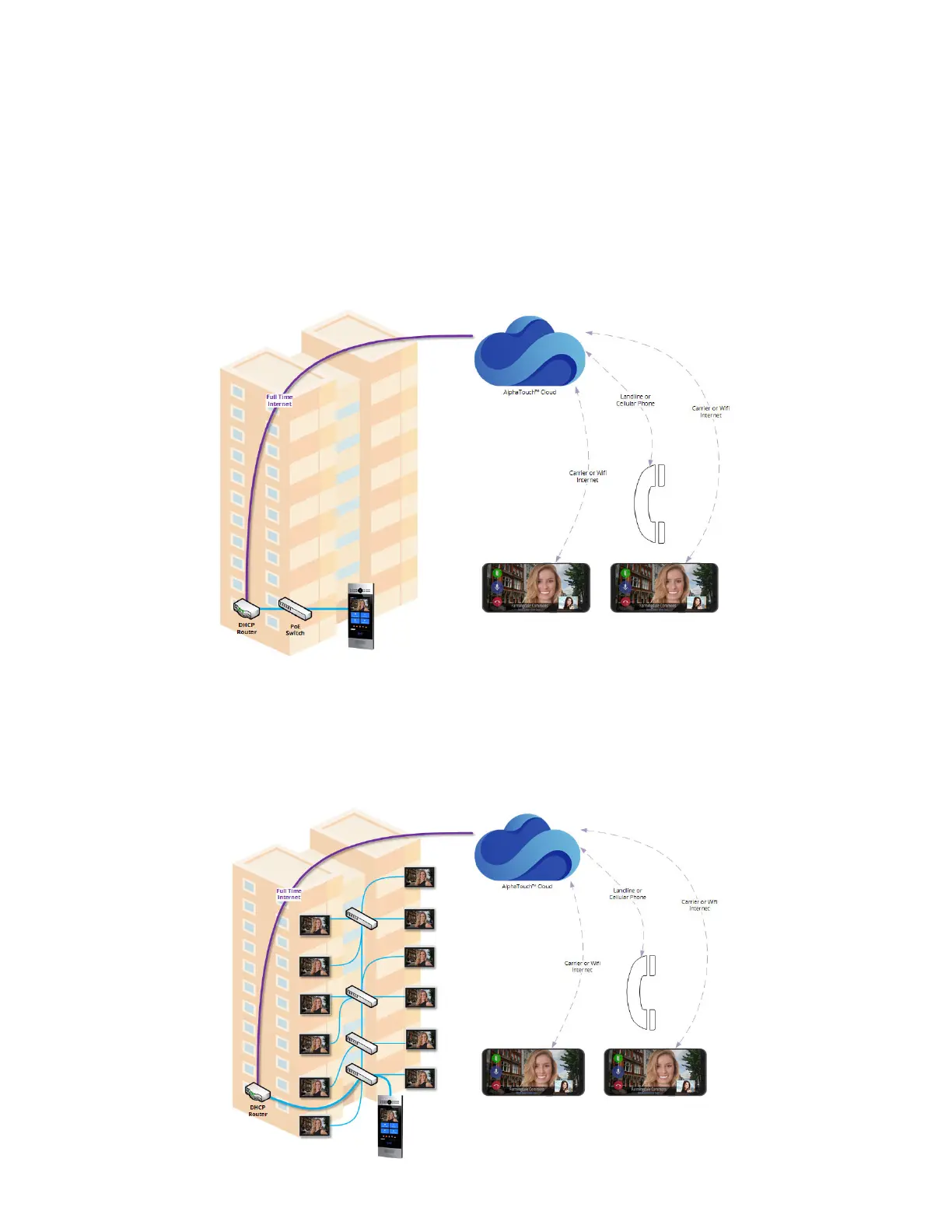
nocaons are cancelled everywhere else. Below is a typical system layout for this scenario. You will noce that
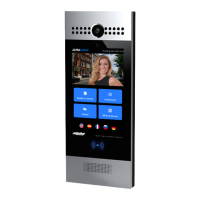
the enre system is comprised of a 7.0” tocuhscreen Door Camera Panel which is placed at the door and is wired
with a standard networking cable to an Internet-Connected PoE Network. This provides the Entrance Call Panel
with power as well a communicaon path to the AlphaTouch™ cloud. Once that has been established, the Door
Camera Panel can place telephone and app calls to your exisng smart mobile devices and telephones.
Again, there are also many applicaons that require hard-wired monitors throughout the building(s). Luckily,
this is also easy enough. Our monitors simply connect to the same Internet-Connect PoE hardware as the Door
Camera Panel. Below is an illustraon showing this. Alternavely, they can be connected to enrely separate
Internet-Connected PoE Networks.
17


 To Next Page