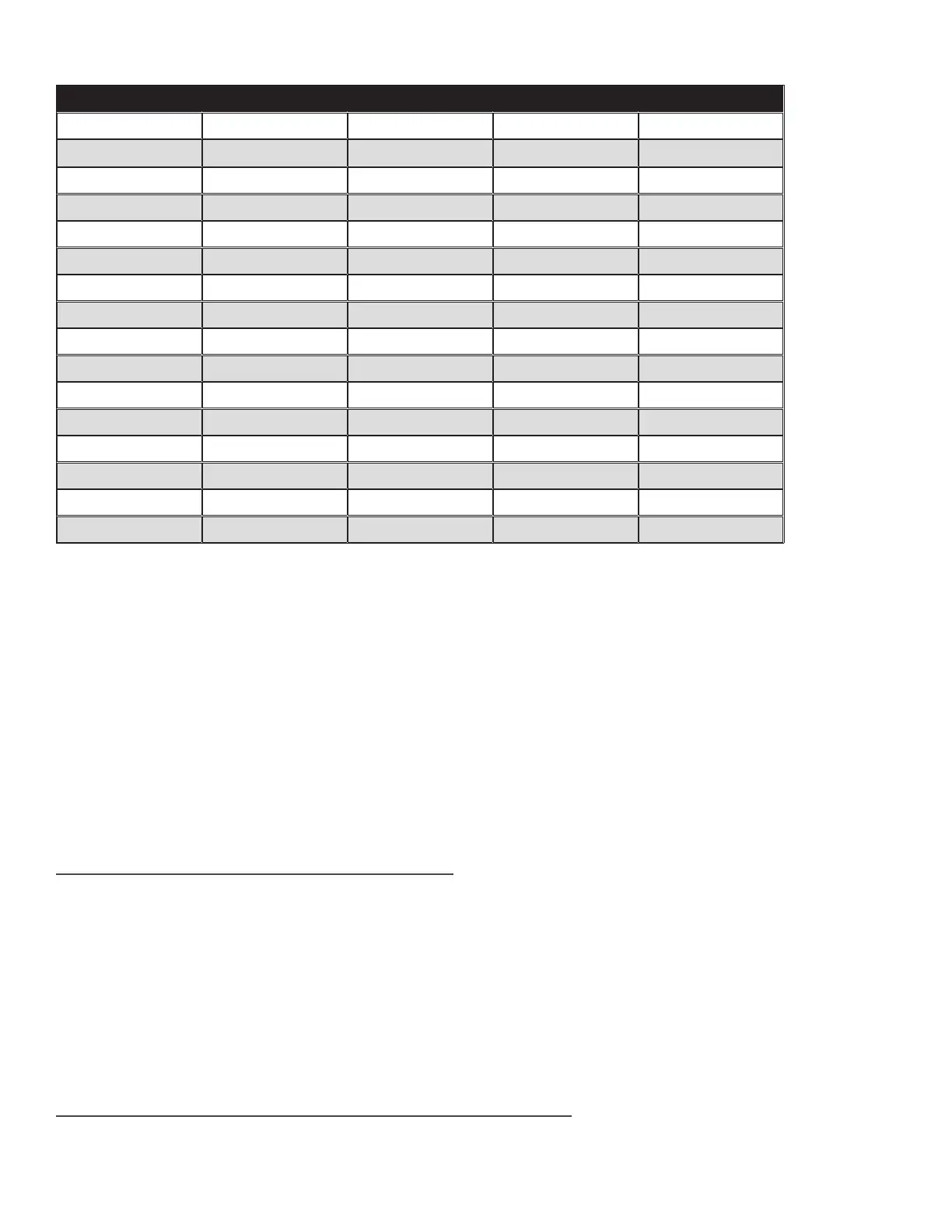
‘DIP’ SWITCH SETTINGS FOR NUMBERING RELAY BOARDS
Board # 'DIP' #1 'DIP' #2 'DIP' #3 'DIP' #4
1
OFF OFF OFF OFF
2 ON
OFF OFF OFF
3
OFF
ON
OFF OFF
4 ON ON
OFF OFF
5
OFF OFF
ON
OFF
6 ON
OFF
ON
OFF
7
OFF
ON ON
OFF
8 ON ON ON
OFF
9
OFF OFF OFF
ON
10 ON
OFF OFF
ON
11
OFF
ON
OFF
ON
12 ON ON
OFF
ON
13
OFF OFF
ON ON
14 ON
OFF
ON ON
15
OFF
ON ON ON
16 ON ON ON ON
» Programming Notes
• Make sure the 5VDC power supply that powers the relay boards is OFF (un-plugged) and make sure the serial cable CT032AE6 is
un-plugged as well. Follow this same power-o procedure for adding or changing boards
• Each relay board MUST be programmed with the correct BOARD# (from 1 to 16).
• Using the chart above (Fig. 2) and a small Rubber or Plasc (non-conducve) tool, gently set the 4 DIP switches into the correct
ON/OFF posions, by sliding them Up or Down as required.
• DO NOT program the same BOARD# into more than one RY032AE board.
• You do not have to number the boards sequenally as they are mounted and jumpered, as long as each board has a unique
BOARD#.
• See the chart above (Fig. 1) to see how BOARD# 1, 3, 7 and 16 are programmed (for reference purposes only).
» Single-Door Analog Interface
1. Associang the Realy Controller with a Door Panel
In order to use the AlphaTouch Relay Controller to interface with an exisng analog intercom system, you must
rst specify, within the sengs for your door panel that your relay controller is paired to that panel for analog
integraon. Within the sengs area for your door panel, go to the Acons tab, and then click on the Relay
Controller sub-tab. Enable the Relay Controller toggle switch, and specify:
• The 12-digit MAC Address of your relay controller.
• The duraon of the simulated buon-press
• For a single-door applicaon, DO NOT specify a Door # for relay controller sharing matrix.
2. Associang each Apartment with its Corresponding Relay Posion
In order to specify which relay is triggered when a parcular resident/apartment is called, you’ll need to set this
value in the sengs for each apartment. Click on the Buildings menu item in the le-hand menu and for each
43


 To Next Page