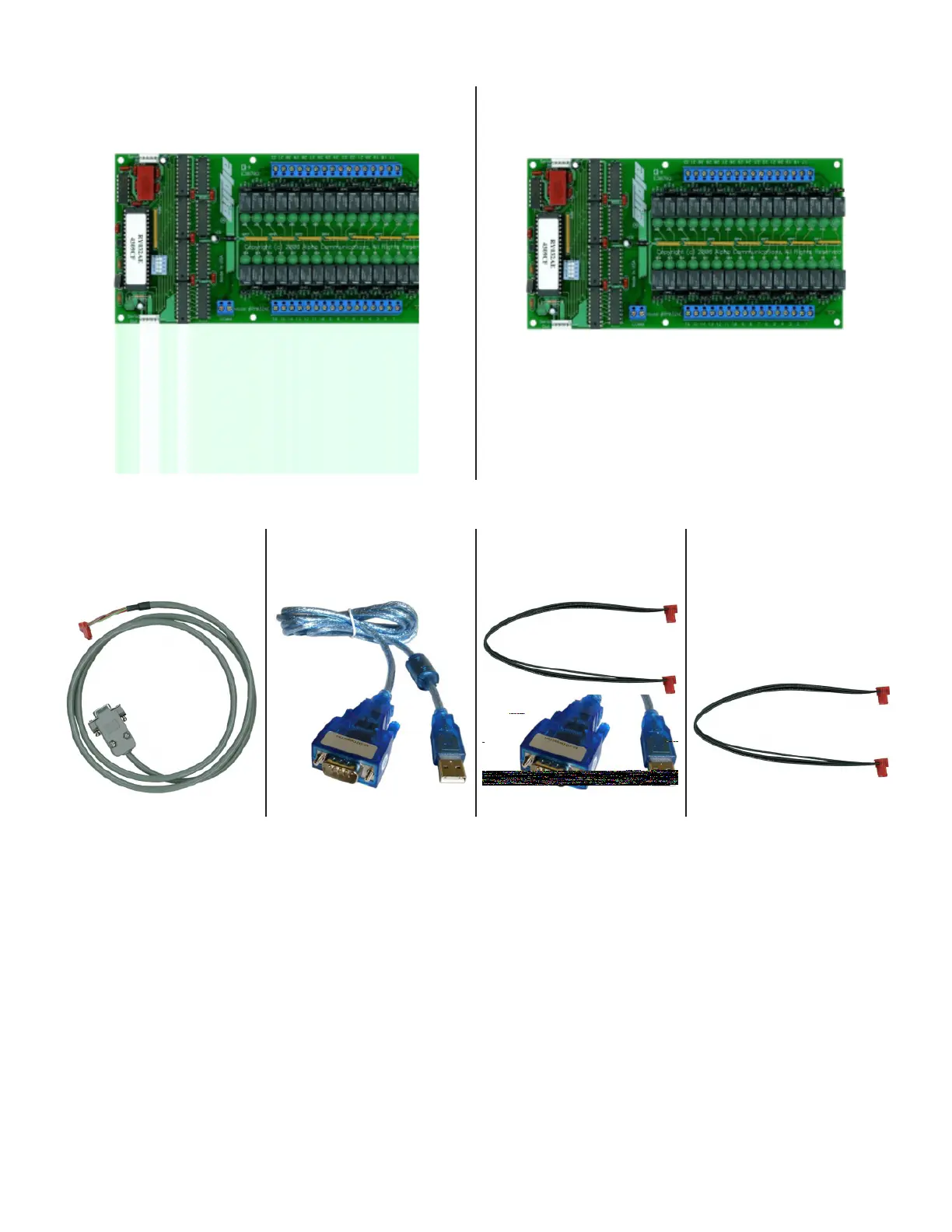
RELAY BOARDS
RY008AE
8-Output Signal Relay Board
RY032AE
32-Output Signal Relay Board
» Connecting Cables
CT032AE6
Relay Interface Cable
CA-USBSERV10
Serial USB Converter
KE-PWR5/2A
Relay Board Power Cable
CT032AEJ
Relay Board Jumper
Cable
One needed for each
addtional board after the
rst one
» Relay Board Installation
• Connect the larger serial end of the CT032AE6 interface cable to the CA-USBSERV10 Serial to USB
Converter, and connect that to one of the USB Ports on the ATRC100 AlphaTouch Relay Controller.
• Connect the smaller pin connector to Relay Board #1. Do not force the plug onto the connector, and
make sure it is oriented and aligned correctly.
oIMPORTANT NOTE: The model# CT032AE6 cable is a basic 6 foot long cable. You may add
addional exten- sion cables (to the 9-pin DIN Female connector end only), as needed, to a
MAXIMUM of 200 feet in total. Do not cut or splice the CT032AE6 cable as it has integrated
electronics to provide all of the necessary RS-232 level translaon between the PC and the
relay boards. Make sure any extension cables are high quality, shielded RS-232 type extension
cables only. Failure to use the correct shielded cable or exceeding the 200 foot maximum
cable length from the ATRC100 to the RY032AE board(s) can result in improper or errac relay
funconality.
41


 To Next Page