To Next Page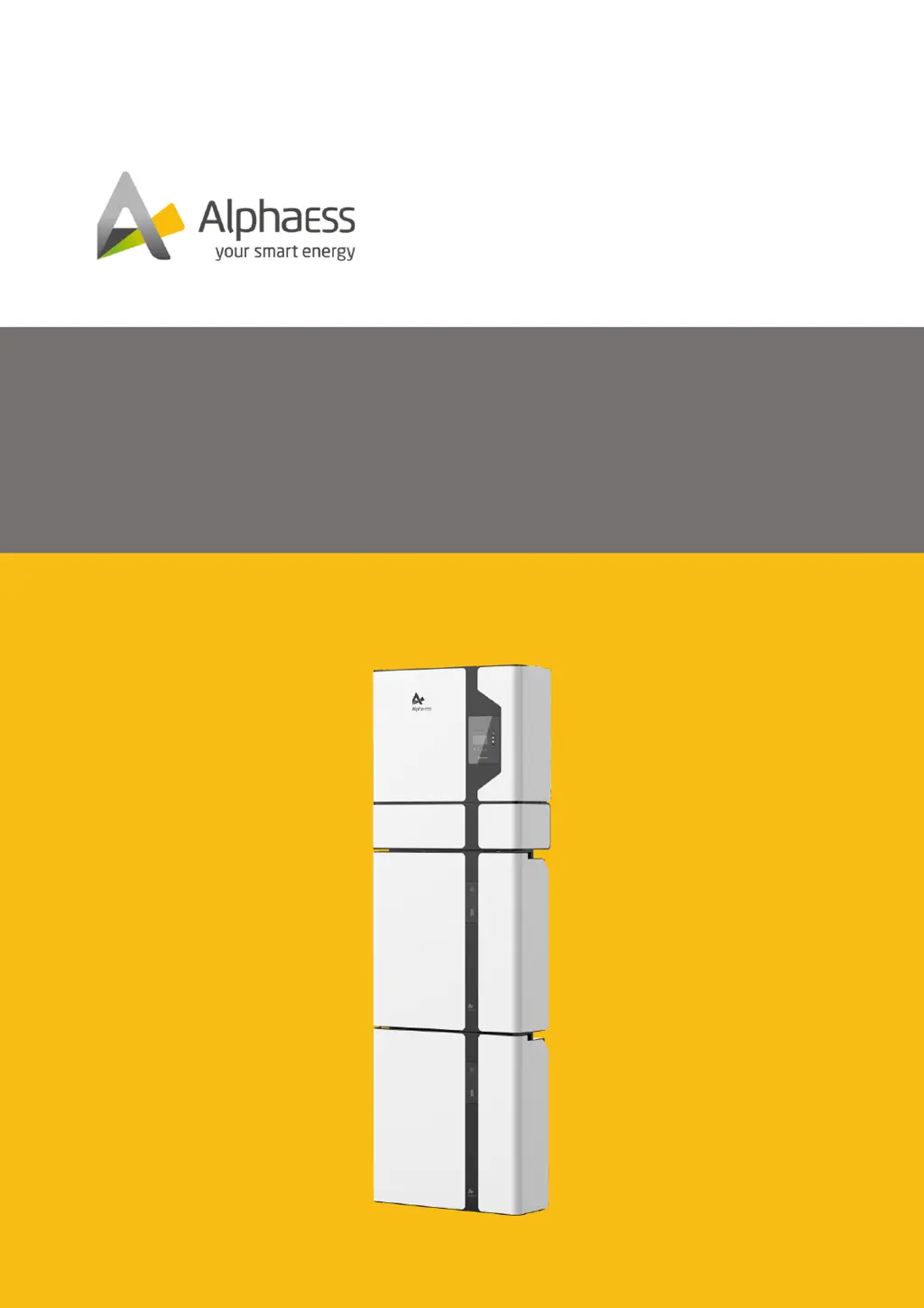

A
allisonstevensSep 22, 2025
What to do if Two Temperature Sensor Error in Alpha ESS Storage?
- AawilsonSep 22, 2025
Please restart the battery system.

What to do if Two Temperature Sensor Error in Alpha ESS Storage?
Please restart the battery system.
How to resolve SampleConsistence Fault in Alpha ESS Storage?
Update the inverter firmware.
How to resolve ResidualCurrent_DeviceFault in Alpha ESS SMILE5?
Update the inverter firmware.
How to resolve HCT_AC_DeviceFault in Alpha ESS Storage?
Update the inverter firmware.
How to resolve UpsRelayFault in Alpha ESS SMILE5 Storage?
Update the inverter firmware.
How to troubleshoot Wiring Fault in Alpha ESS SMILE5 Storage?
To troubleshoot a wiring fault in your Alpha ESS Storage, check if the wirings between the inverter and the grid and backup are correct.
What to do if Alpha ESS SMILE5 shows charge over-current?
If your Alpha ESS Storage indicates a charge over-current situation, wait for the battery to recover.
What should I do if my Alpha ESS SMILE5 shows a discharge over-current error?
If your Alpha ESS Storage is experiencing a discharge over-current, allow the battery to recover.
What to do if circuit breaker turned off in Alpha ESS Storage?
If the circuit breaker has turned off in your Alpha ESS Storage system, power off the battery system and check the circuit breaker sampling line.
How to troubleshoot current error in Alpha ESS SMILE5 Storage?
To address a current error in your Alpha ESS Storage, check the wiring and verify that the inverter load does not exceed the maximum discharge power of the battery.
Outlines the document's scope, content, and structure for SMILE5 systems.
Defines the intended audience and required qualifications for users of this manual.
Explains the different warning levels (Danger, Warning, Caution, Notice, Information).
Provides definitions for common abbreviations and technical terms used in the manual.
Specifies the intended application and operational conditions for the SMILE5 system.
Details critical safety precautions and emergency procedures for handling the battery pack.
Outlines crucial safety guidelines related to electric shock, hot surfaces, and chemical hazards.
Explains the meaning of various symbols used on the product labels and in the manual.
Provides guidelines for storing the inverter and battery packs under specific environmental conditions.
Details the recommended procedures and precautions for safely transporting the product.
Instructions for inspecting packaging and verifying the completeness of the product delivery.
Specifies the necessary environmental, structural, and space requirements for safe installation.
Lists the essential tools and PPE required for the mounting process.
Provides step-by-step instructions for physically mounting the inverter and battery units.
Specifies the types, specifications, and sources for all necessary cables for system connections.
Details the procedure for establishing a proper grounding connection for safety and system performance.
Outlines requirements and procedures for connecting the system to the AC power source (grid and backup).
Explains how to connect CTs and electricity meters for monitoring.
Provides instructions for safely connecting PV panels to the inverter, including voltage and connector checks.
Details the process for connecting the inverter to various battery models (SMILE-Bat, M4856-P).
Instructions for attaching protective covers to the inverter and battery units after connections.
Guides installers through downloading, installing, and registering on the AlphaESS mobile application.
Explains how to create an account on the AlphaESS webserver for monitoring and warranty.
Provides a step-by-step procedure for safely powering up the energy storage system.
Details the correct sequence for safely shutting down the energy storage system.
A checklist of essential items to verify before initial system power-up.
Steps to power on the system after pre-checks, including breaker and button sequences.
Guides users through configuring the WiFi module and setting essential system parameters.
Instructions for using the mobile app to install new systems and configure settings.
Steps to verify the system's operational status and functionality after setup.
Outlines regular maintenance tasks and checks to ensure optimal system performance and longevity.
Provides solutions for common errors and issues encountered with the inverter and battery system.
Step-by-step instructions for safely disconnecting and removing the system components.
Guidance on how to properly pack the product for return or transport.
Instructions for environmentally responsible disposal of the product and its components.
Detailed technical specifications for the SMILE5-INV inverter model.
Technical specifications for various battery models (M4856-P, SMILE5-BAT, etc.).
 General
| Nominal Voltage | 51.2 V |
|---|---|
| Depth of Discharge | 90% |
| Operating Temperature Range | -10°C to 50°C |
| Warranty | 10 years |
| Battery Type | LFP (LiFePO4) |
| Communication | CAN, RS485 |
| Communication Interface | CAN, RS485 |
| Round-trip Efficiency | 95% |