EasyManua.ls Logo

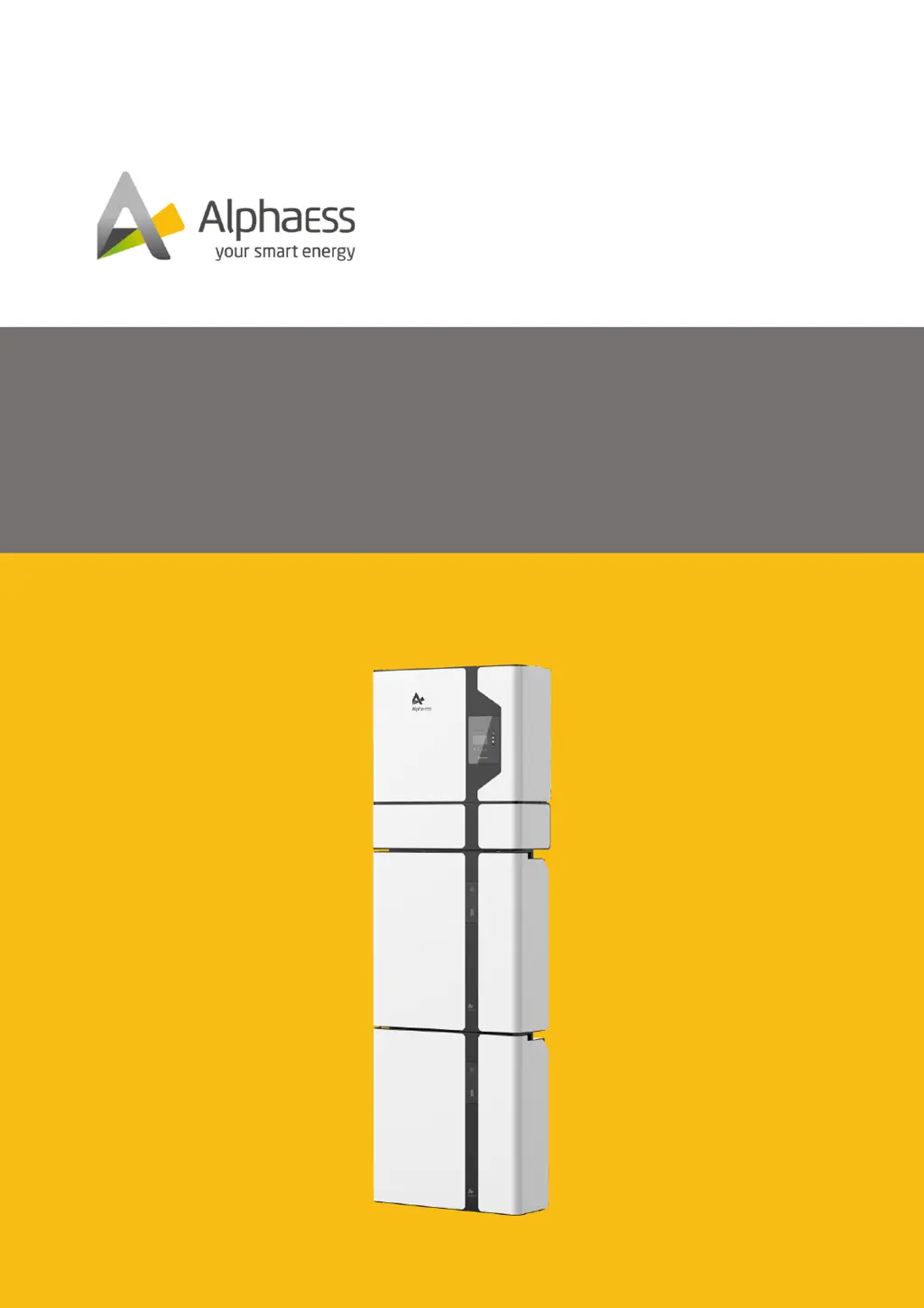
Alpha ESS SMILE5 - User Manual

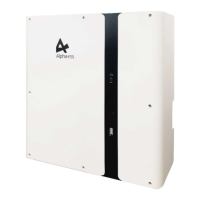
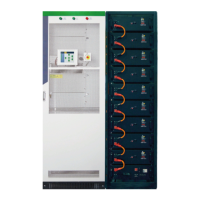
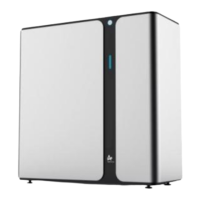
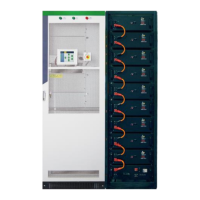
Alpha ESS SMILE5
113 pages
Print Icon
To Next Page IconTo Next Page
Loading...
V01
INSTALLATION & OPERATION&
MAINTENANCE MANUAL OF SMILE5
ENERGY STORAGE SYSTEM (ESS)

Table of Contents

Other manuals for Alpha ESS SMILE5

Questions and Answers

  • E
    Eric MoodySep 2, 2025
    What to do if Dial Switching Mode in Parallel Modules Inconsistence in Alpha ESS Storage?
    • J
      jaguilarSep 2, 2025
      If you have Dial Switching Mode inconsistencies in parallel battery modules of your Alpha ESS Storage, check whether the dial switching mode of all parallel battery modules are consistent.
  • C
    Christopher BellSep 2, 2025
    What to do if No SOC Calibration For 4 Weeks in Alpha ESS SMILE5 Storage?
    • J
      Jeremy HunterSep 2, 2025
      If there has been no SOC calibration for 4 weeks in your Alpha ESS Storage, calibrate the SOC of the battery.
  • S
    Samuel SalazarSep 3, 2025
    What to do if Mos High Tempera-ture in Alpha ESS SMILE5?
    • D
      Dustin RodriguezSep 3, 2025
      If your Alpha ESS Storage displays 'Mos High Tempera-ture', shut down the system and wait for 2 hours before restarting.
  • N
    nwilliamsonSep 3, 2025
    What to do if Discharge Low Tem-perature in Alpha ESS SMILE5 Storage?
    • J
      Jeffrey CastilloSep 4, 2025
      If your Alpha ESS Storage shows 'Discharge Low Tem-perature', it is forbidden to charge or discharge the battery. Wait for the battery temperature to rise.
  • J
    John Santos VSep 4, 2025
    What to do if Multi Master error in Alpha ESS SMILE5 Storage?
    • B
      Brenda GonzalezSep 4, 2025
      If you encounter a Multi Master error in your Alpha ESS Storage, turn on all batteries within 30 seconds after powering off.
  • J
    Jennifer WeeksSep 5, 2025
    What to do if Master Battery Communication Lost in Alpha ESS Storage?
    • L
      losbornSep 5, 2025
      If the Master Battery Communication is Lost in your Alpha ESS Storage, check if the communication cable between the master battery and BMS is not connected or restart the battery.
  • P
    poncekevinSep 5, 2025
    What to do if The Slave Battery Communication Lost in Alpha ESS SMILE5 Storage?
    • K
      kurtmckenzieSep 5, 2025
      If the Slave Battery Communication is Lost in your Alpha ESS Storage, check if the communication cable between the slave battery and BMS is not connected or restart the battery.
  • N
    nhintonSep 6, 2025
    How to fix ResidualCurrentFault in Alpha ESS SMILE5?
    • J
      James WilliamsSep 6, 2025
      To address a ResidualCurrentFault in your Alpha ESS Storage, confirm that the case is grounded and the neutral wire is not reversed.
  • T
    Todd WilliamsSep 6, 2025
    How to resolve InputConfigFault in Alpha ESS Storage?
    • P
      Phillip BrownSep 7, 2025
      To resolve an InputConfigFault in your Alpha ESS Storage, confirm whether the number of PV access is consistent with the MPPT number settings.
  • D
    Dan Thompson DDSSep 7, 2025
    What to do if GridVoltFault in Alpha ESS Storage?
    • D
      Dennis HerreraSep 7, 2025
      If you are experiencing a GridVoltFault with your Alpha ESS Storage, confirm whether the grid parameters conform to the system grid regulations.

Summary

1. Introduction to SMILE5 System

1.1. Document Content and Structure

Outlines the document's scope, content, and structure for SMILE5 systems.

1.2. Target Audience and Qualifications

Defines the intended audience and required qualifications for users of this manual.

1.3. Warning Message Levels

Explains the different warning levels (Danger, Warning, Caution, Notice, Information).

1.4. Glossary of Abbreviations

Provides definitions for common abbreviations and technical terms used in the manual.

2. Safety Guidelines

2.1. Intended Use

Specifies the intended application and operational conditions for the SMILE5 system.

2.2. Battery Safety Precautions

Details critical safety precautions and emergency procedures for handling the battery pack.

2.3. Important Safety Instructions

Outlines crucial safety guidelines related to electric shock, hot surfaces, and chemical hazards.

2.4. Symbol Explanations

Explains the meaning of various symbols used on the product labels and in the manual.

4. Storage and Transport

4.1. Storage Guidelines

Provides guidelines for storing the inverter and battery packs under specific environmental conditions.

4.2. Transport Guidelines

Details the recommended procedures and precautions for safely transporting the product.

5. Mounting the SMILE5 System

5.1. Packaging and Delivery Checks

Instructions for inspecting packaging and verifying the completeness of the product delivery.

5.3. Mounting Site Requirements

Specifies the necessary environmental, structural, and space requirements for safe installation.

5.4. Tools and Instruments Preparation

Lists the essential tools and PPE required for the mounting process.

5.5. Product Mounting Procedures

Provides step-by-step instructions for physically mounting the inverter and battery units.

6. Electrical Connections

6.1. Cable Requirements

Specifies the types, specifications, and sources for all necessary cables for system connections.

6.2. Additional Grounding Connection

Details the procedure for establishing a proper grounding connection for safety and system performance.

6.3. AC Connection Steps

Outlines requirements and procedures for connecting the system to the AC power source (grid and backup).

6.4. CT and Electricity Meter Connection

Explains how to connect CTs and electricity meters for monitoring.

6.5. PV Connection Guidelines

Provides instructions for safely connecting PV panels to the inverter, including voltage and connector checks.

6.6. Inverter-to-Battery Pack Electrical Connection

Details the process for connecting the inverter to various battery models (SMILE-Bat, M4856-P).

6.7. Cable Cover and Front Cover Installation

Instructions for attaching protective covers to the inverter and battery units after connections.

7. Installer Account and System Setup

7.1. Mobile App Registration and Setup

Guides installers through downloading, installing, and registering on the AlphaESS mobile application.

7.2. Web Server Account Registration

Explains how to create an account on the AlphaESS webserver for monitoring and warranty.

8. System Powering On and Off

8.1. System Power-On Procedure

Provides a step-by-step procedure for safely powering up the energy storage system.

8.2. System Power-Off Procedure

Details the correct sequence for safely shutting down the energy storage system.

9. Commissioning the SMILE5 System

9.1. Pre-Power-On Checklist

A checklist of essential items to verify before initial system power-up.

9.2. System Power-On Sequence

Steps to power on the system after pre-checks, including breaker and button sequences.

9.3. WiFi and Parameter Configuration

Guides users through configuring the WiFi module and setting essential system parameters.

9.4. App-Based System Installation

Instructions for using the mobile app to install new systems and configure settings.

9.5. Online Running State Verification

Steps to verify the system's operational status and functionality after setup.

10. Maintenance and Troubleshooting

10.1. Routine Maintenance Schedule

Outlines regular maintenance tasks and checks to ensure optimal system performance and longevity.

10.2. Troubleshooting Common Issues

Provides solutions for common errors and issues encountered with the inverter and battery system.

11. Uninstallation and Return

11.1. Product Removal Instructions

Step-by-step instructions for safely disconnecting and removing the system components.

11.2. Product Packing for Return

Guidance on how to properly pack the product for return or transport.

11.3. Product Disposal Guidelines

Instructions for environmentally responsible disposal of the product and its components.

12. Technical Specifications

12.1. SMILE5-INV Inverter Specifications

Detailed technical specifications for the SMILE5-INV inverter model.

12.2. Battery Model Specifications

Technical specifications for various battery models (M4856-P, SMILE5-BAT, etc.).

13. Appendix 1: System Overview

14. Appendix 2: Regional Application Standards

Alpha ESS SMILE5 Specifications

General IconGeneral
Nominal Voltage51.2 V
Depth of Discharge90%
Operating Temperature Range-10°C to 50°C
Warranty10 years
Battery TypeLFP (LiFePO4)
CommunicationCAN, RS485
Communication InterfaceCAN, RS485
Round-trip Efficiency95%

Related product manuals