G ETTING ALPHAW ORD PLUS FILES FROM NEOS
Viewing, Printing, and Saving Files from Your NEO
16 AlphaSmart Manager 2 User Manual
. . . . .
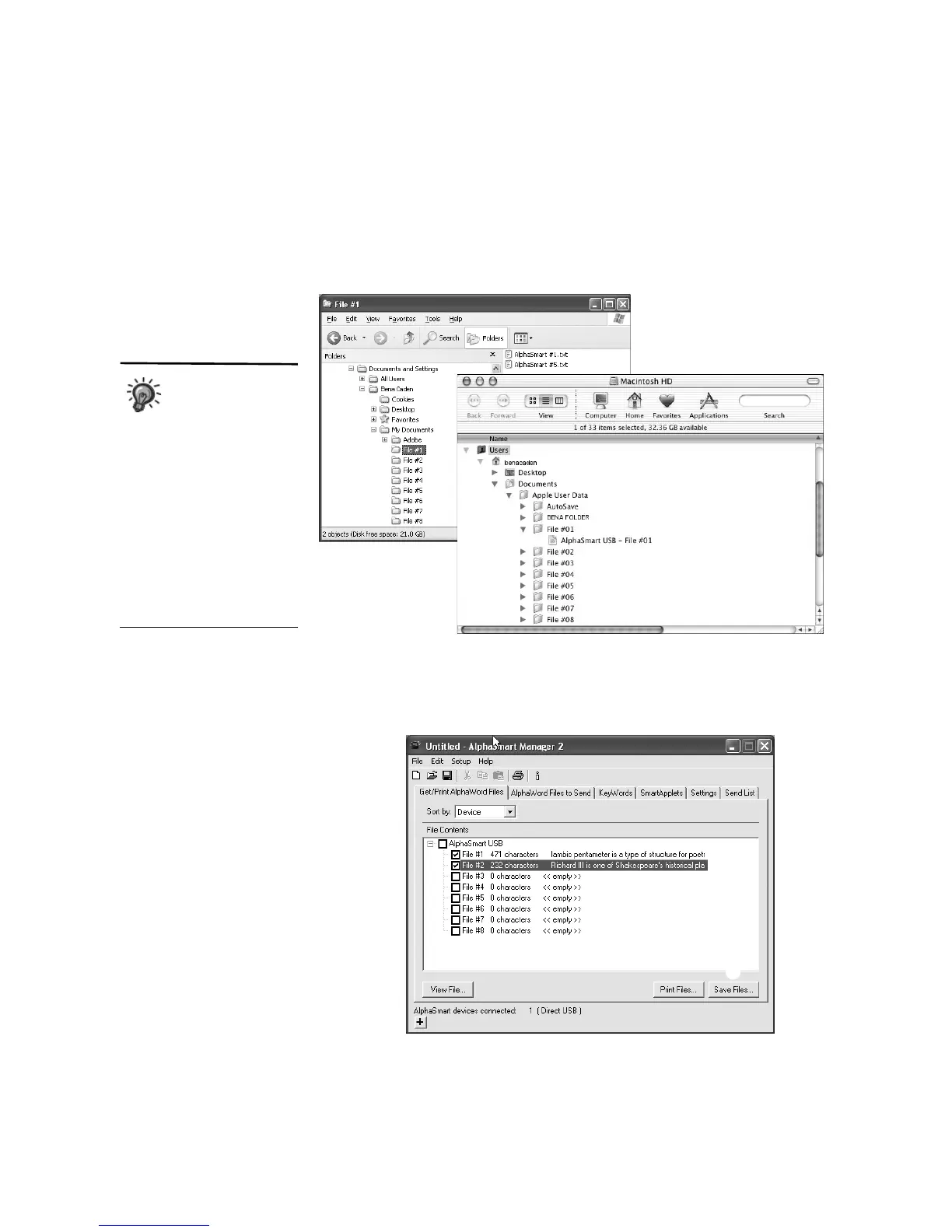
If you’ve connected a SmartOption Mobile Lab, you will see a folder for each
file number. Within that folder, you will see that file number for each
connected NEO.
Follow these steps to save the files from your NEO(s):
1. If you know exactly which files you want to save, check those files in the
File Contents list
A.
When working with
multiple NEOs,
consider numbering
them 1–30 and assigning
students a specific number
to use throughout the session.
When students are finished
working with the NEOs, be
sure to connect each
student’s NEO to the
appropriate number in the
SmartOption Mobile Lab.
When you retrieve and save
files, this will help you identify
the files from each student.
Saved files on a Windows computer
Saved files on a Macintosh
A
B



 To Next Page