G ETTING ALPHAWORD PLUS FILES FROM NEOS
Viewing, Printing, and Saving Files from Your NEO
AlphaSmart Manager 2 User Manual 17
. . . . .
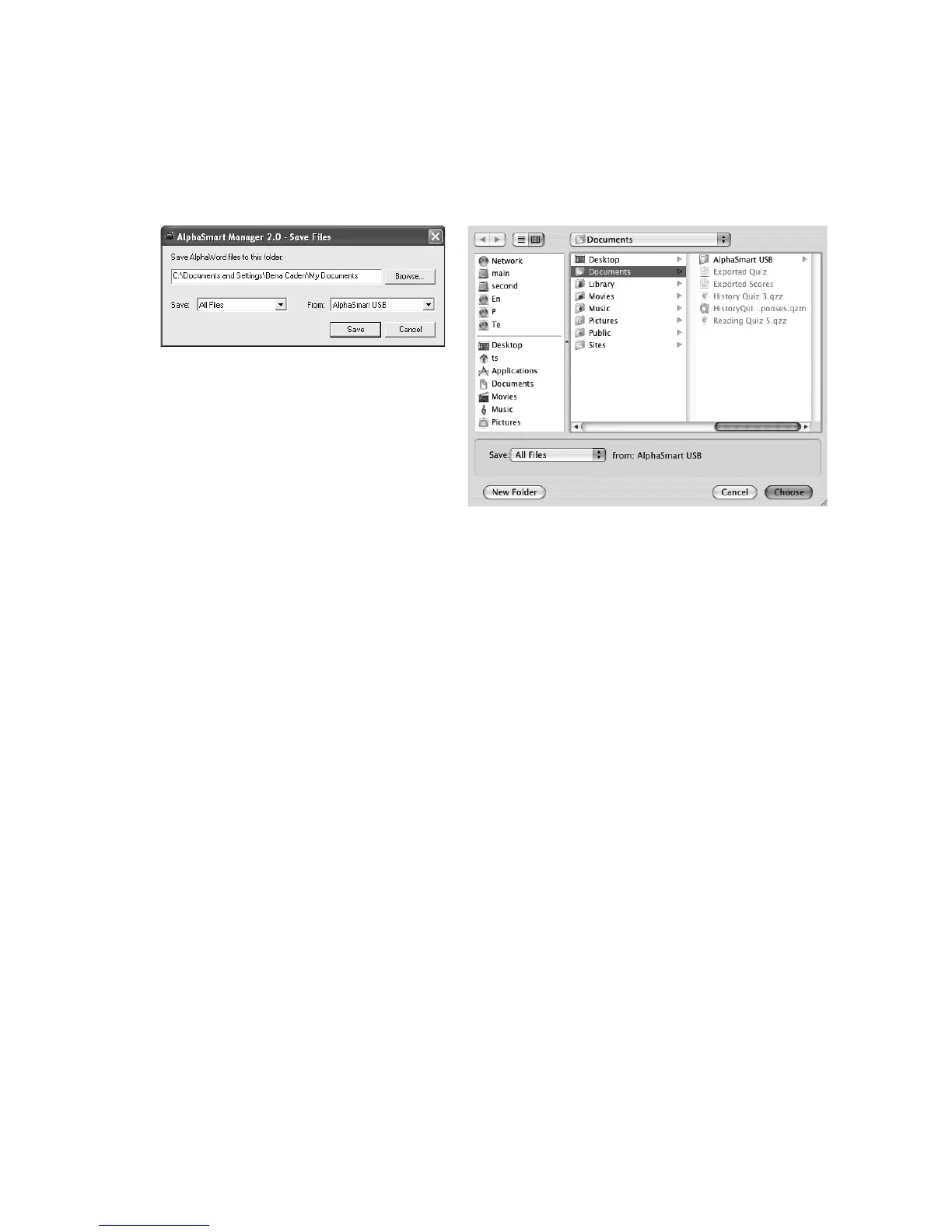
2. Click Save Files B. A dialog box appears.
3. On Windows computers, click Browse
C and go to the location where
you want to save the files.
On Macintosh computers, navigate to the location where you want to save
the files.
4. Click the Save drop-down list D and choose one of these options:
• All Files. Saves all eight files from your NEO(s).
• Checked Items. Saves only the files you checked.
• File #. Saves only that numbered file.
5. If you have more than one NEO connected, click the From drop-down list
and choose the NEO(s) to save files from.
6. Click Save (Windows) or Choose (Macintosh). The file(s) are saved as
text files in the location you specified, either in the AlphaSmart USB folder
or separate folders for each file number. If that location already has files
that were previously saved, you may be asked if you want to replace the
files.
C
D
D



 To Next Page