A LPHAQ UIZ
Opening and Changing Quizzes in QuizDesigner
7-11
. . . . .
Changing an Existing Quiz’s Questions
1. Open the quiz (see page 7-10).
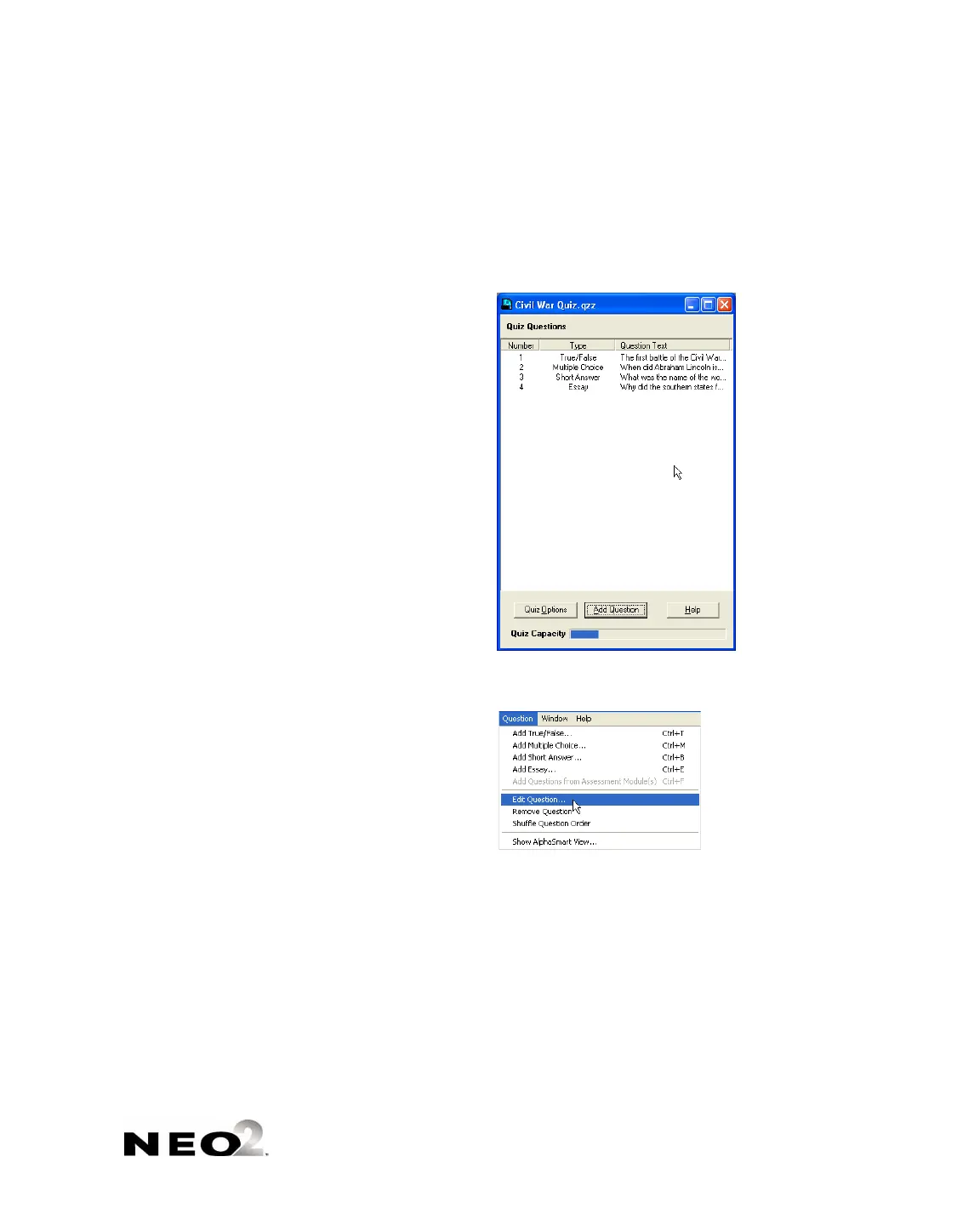
2. Do one of the following:
• Double-click the quiz question in the list
A.
• Click the question once in the list
A. Then, click the Question menu
and choose Edit Question.
3. Make changes to the question as needed. When you’ve finished, click
OK.
4. Save the quiz.
A



 To Next Page