A LPHAQ UIZ
Assigning Points (Weights) to Quiz Questions in QuizManager
7-40
. . . . .
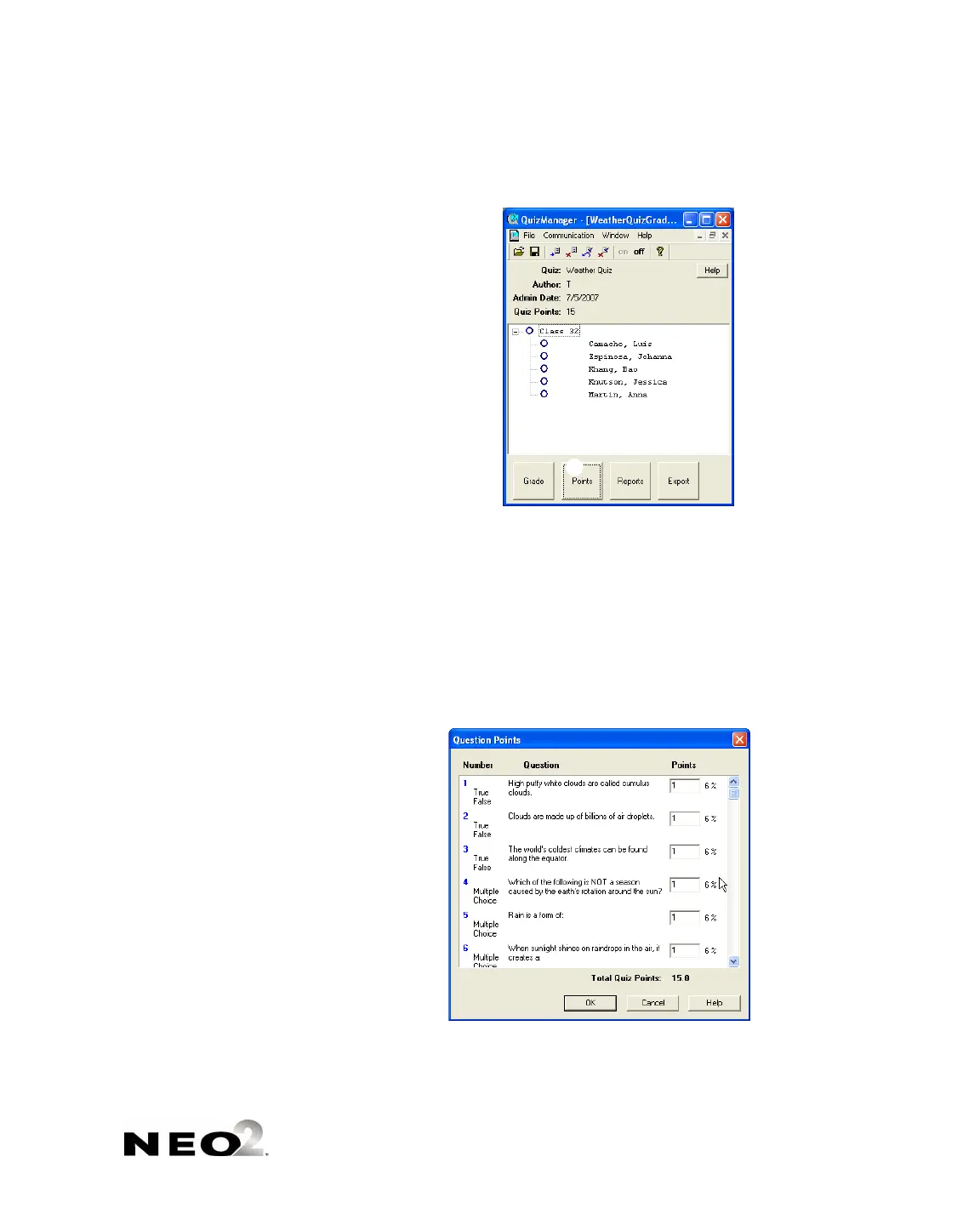
2. Click Points at the bottom of the window.
3. In the Question Points window, you can change the points for each
question by clicking in the field and changing the number. The percentage
next to each question will adjust automatically.
If you want to enter fractional points, use a decimal point. You can enter
one digit after the decimal point.
If you decide to throw out a question so it does not count for any student,
enter “0” for that question.
You can press the tab key to move from the points for one question to the
next question.
4. Click OK to save your changes to points.



 To Next Page