A LPHAQ UIZ
Deleting Students’ Responses to Quizzes Using QuizManager
7-37
. . . . .
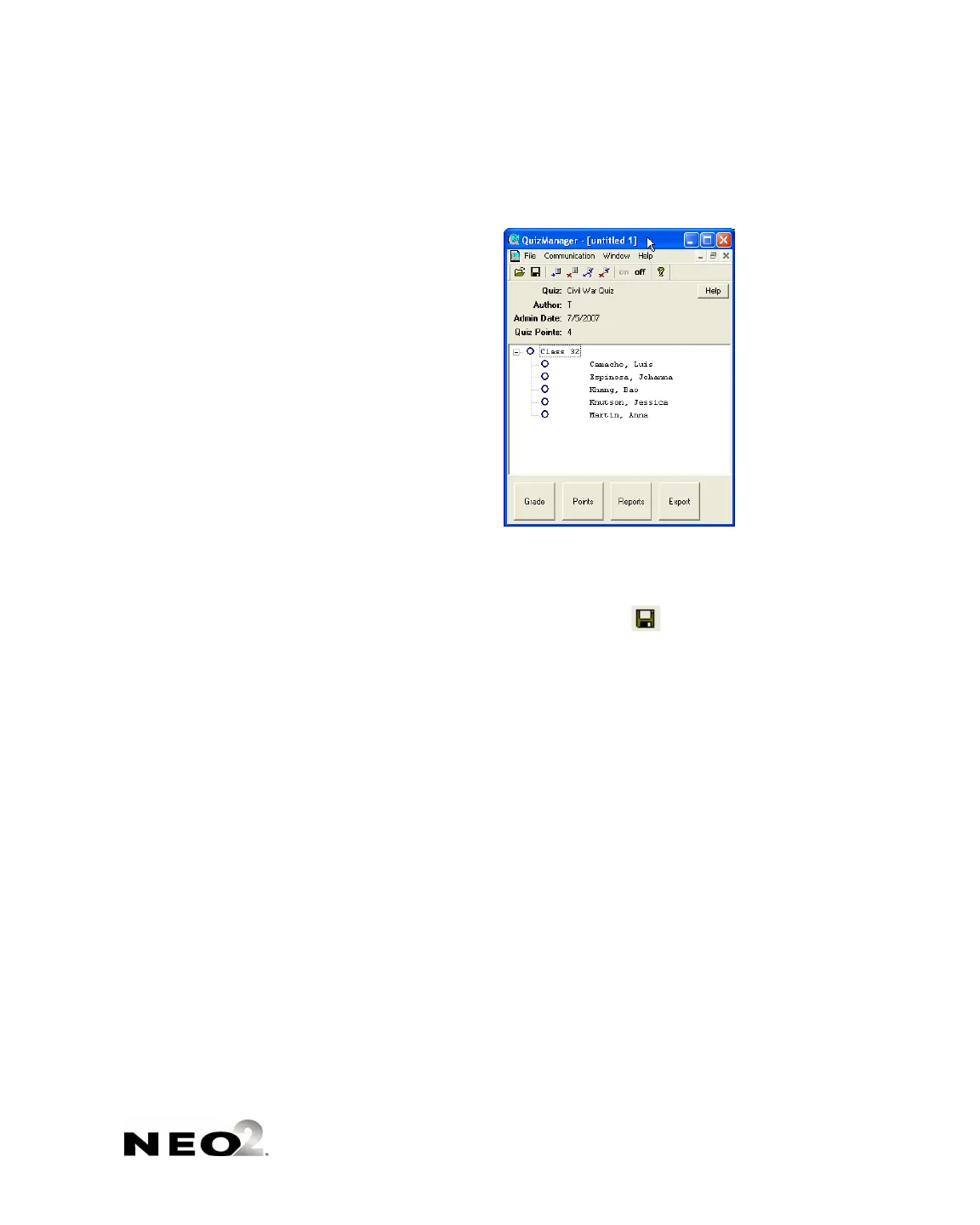
When the process is done, the students will be listed under the class in
the QuizManager window.
To grade the responses, see page 7-41.
To save the responses, click the File menu, choose Save, and choose a
name and location for the saved responses. Then, click Save. (On
Windows computers, you also can click in the QuizManager toolbar.)
To delete the responses from NEOs after you have saved them in
QuizManager, see the next section of this manual.
Deleting Students’ Responses to Quizzes Using
QuizManager
Once you have retrieved and saved students’ responses to a quiz, you can use
QuizManager to remove them from NEOs by following the steps below. The
quiz itself will remain on the NEO until you delete it so that other students
can take the quiz, but the responses of students who have already taken the
quiz will be deleted.
1. Connect your NEOs to the computer, either through a SmartOption Cart
with an AlphaHub or directly with a USB cable. In QuizManager, make
sure your NEOs are connected as shown by the indicators (see
page 7-24).



 To Next Page