A LPHAQ UIZ
Printing a Quiz from QuizDesigner
7-20
. . . . .
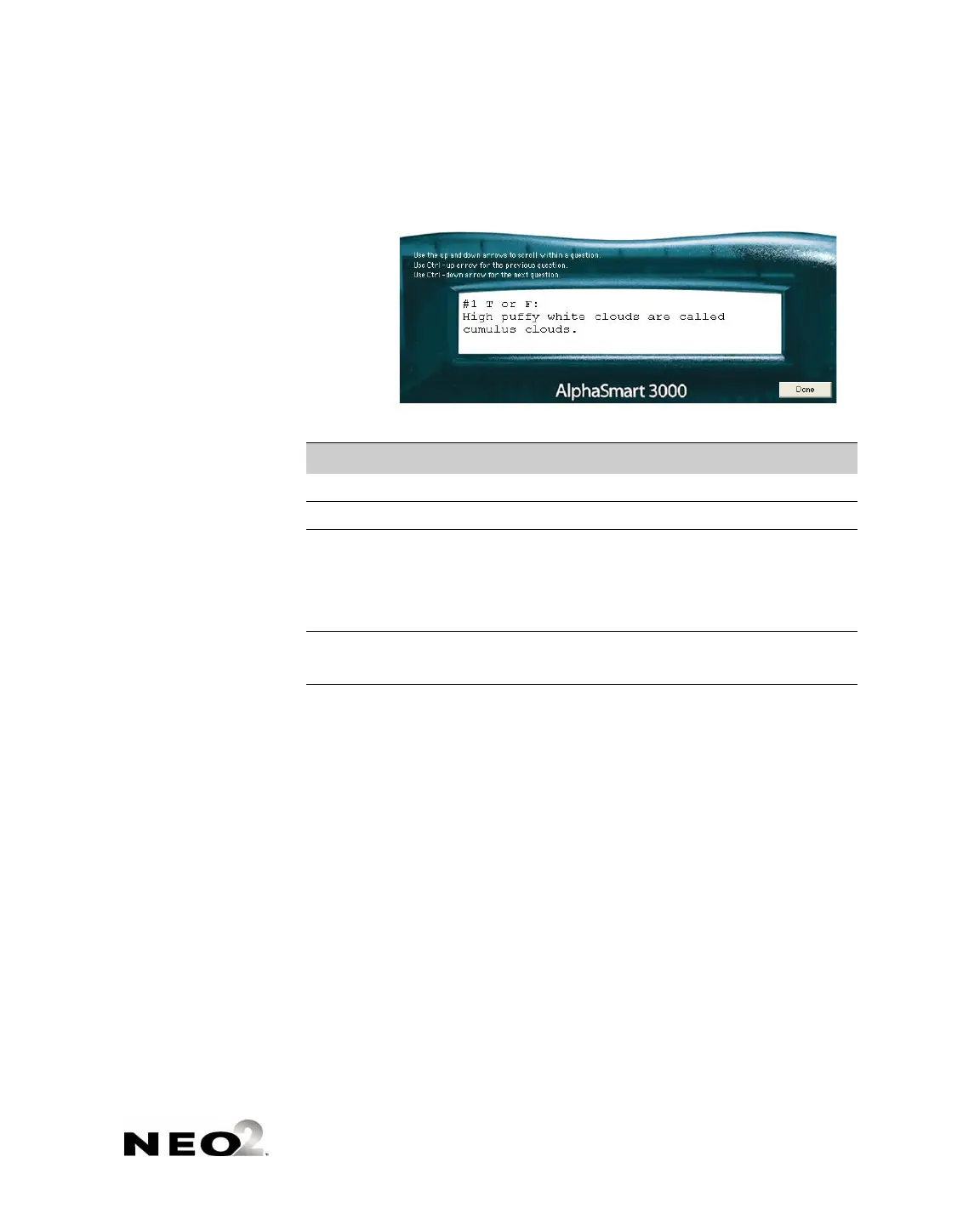
4. In this window, you can use the key commands listed in the table below to
move through your question.
5. Click Done to finish previewing the quiz.
Printing a Quiz from QuizDesigner
Follow these steps to print a quiz you’ve created in QuizDesigner. Printing a
quiz can be helpful if you want to review it before sending it to NEOs or if you
want to administer a paper quiz.
1. Open the quiz that you want to print (see page 7-10).
2. With the quiz open, click the File menu and choose Print, or press Ctrl-P
(Windows) or z-P (Macintosh). The Quiz Printing Options window will
open.
Press These Keys... ...To Do This:
↑ (up arrow) Scroll up in the question text.
↓ (down arrow) Scroll down in the question text.
enter
OR
Ctrl-↓ (Windows)
z-↓ (Macintosh)
Go to the next question
Ctrl-↑ (Windows)
z-↑ (Macintosh)
Go to the previous question.



 To Next Page