A LPHAQ UIZ
Previewing Questions in QuizDesigner (Seeing Questions as They Appear on NEO)
7-19
. . . . .
Previewing Questions in QuizDesigner (Seeing
Questions as They Appear on NEO)
As you work on a quiz, it can be helpful to see how a question will look to
students on the NEO. By following the steps below, you can preview the
questions as they will look on a NEO. This shows you whether your questions
flow well and scroll easily.
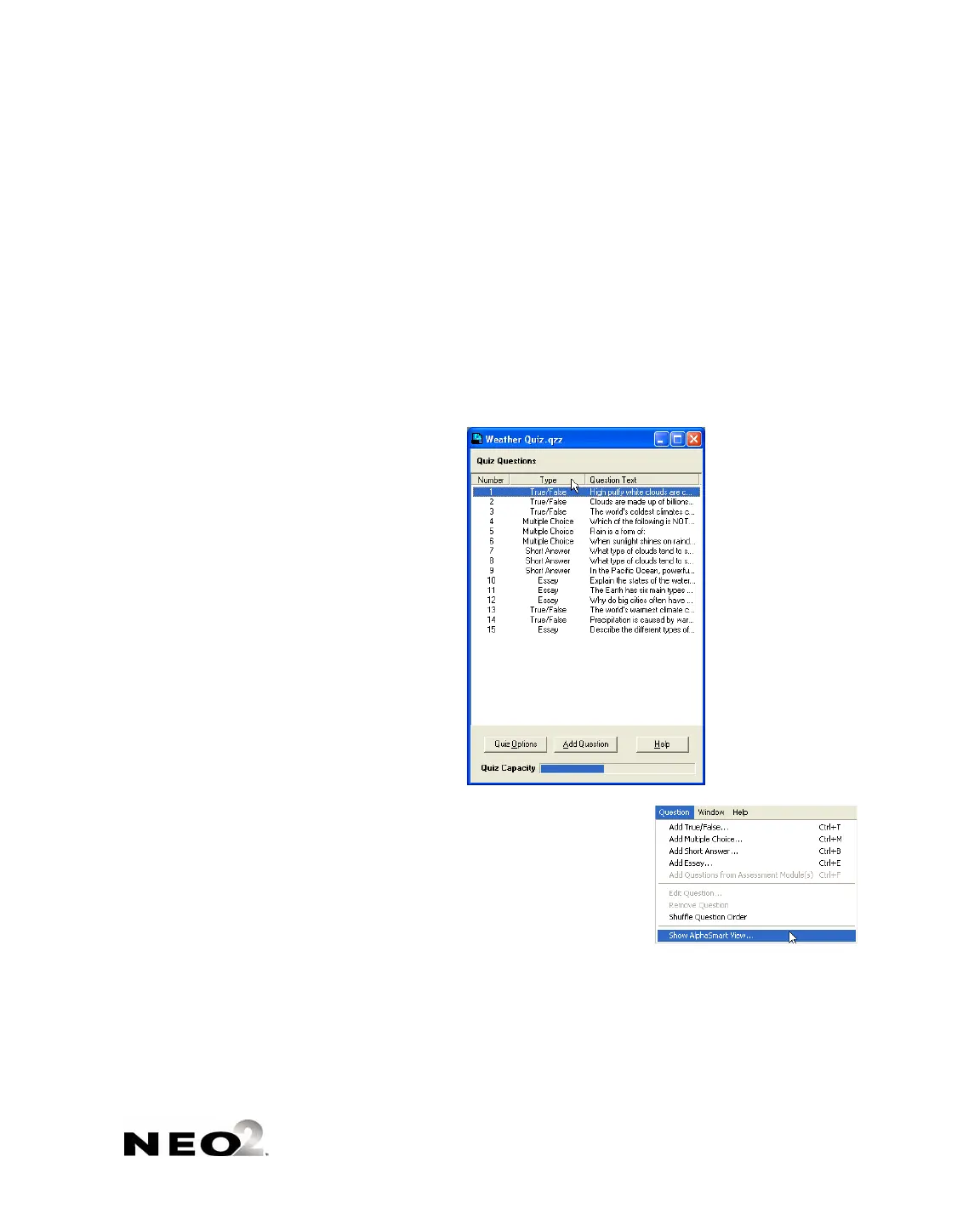
1. Open the quiz you want to preview (see page 7-10).
2. In the quiz window, click the first question or another question that you
want to preview .
3. Click the Question menu and choose
Show AlphaSmart View. A window will
appear that shows a simulation of the
NEO screen with the question displayed
just as your students will see it.



 To Next Page