A LPHAQ UIZ
Opening and Changing Quizzes in QuizDesigner
7-12
. . . . .
Changing Quiz Options for an Existing Quiz
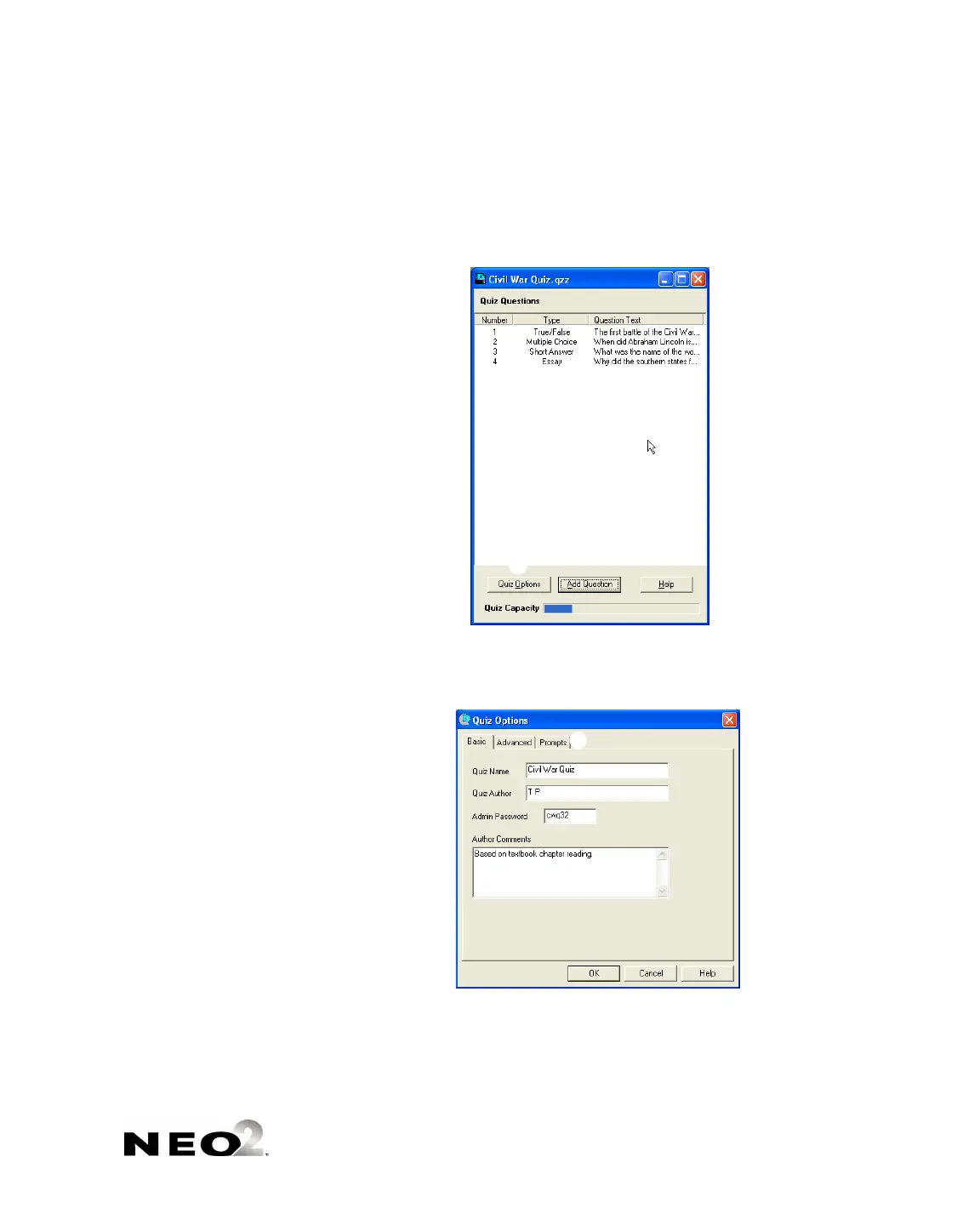
1. Open the quiz (see page 7-10).
2. Click Quiz Options
A toward the bottom of the quiz window.
3. Click the tab where you want to make changes B (Basic, Advanced, or
Prompts) and make changes as needed. Click OK when you’ve finished
your changes.
4. Save the quiz.
A
B



 To Next Page