A BOUT SMARTA PPLETS
Deleting SmartApplets from NEOs
1-6
. . . . .
2. Start AlphaSmart Manager on your computer.
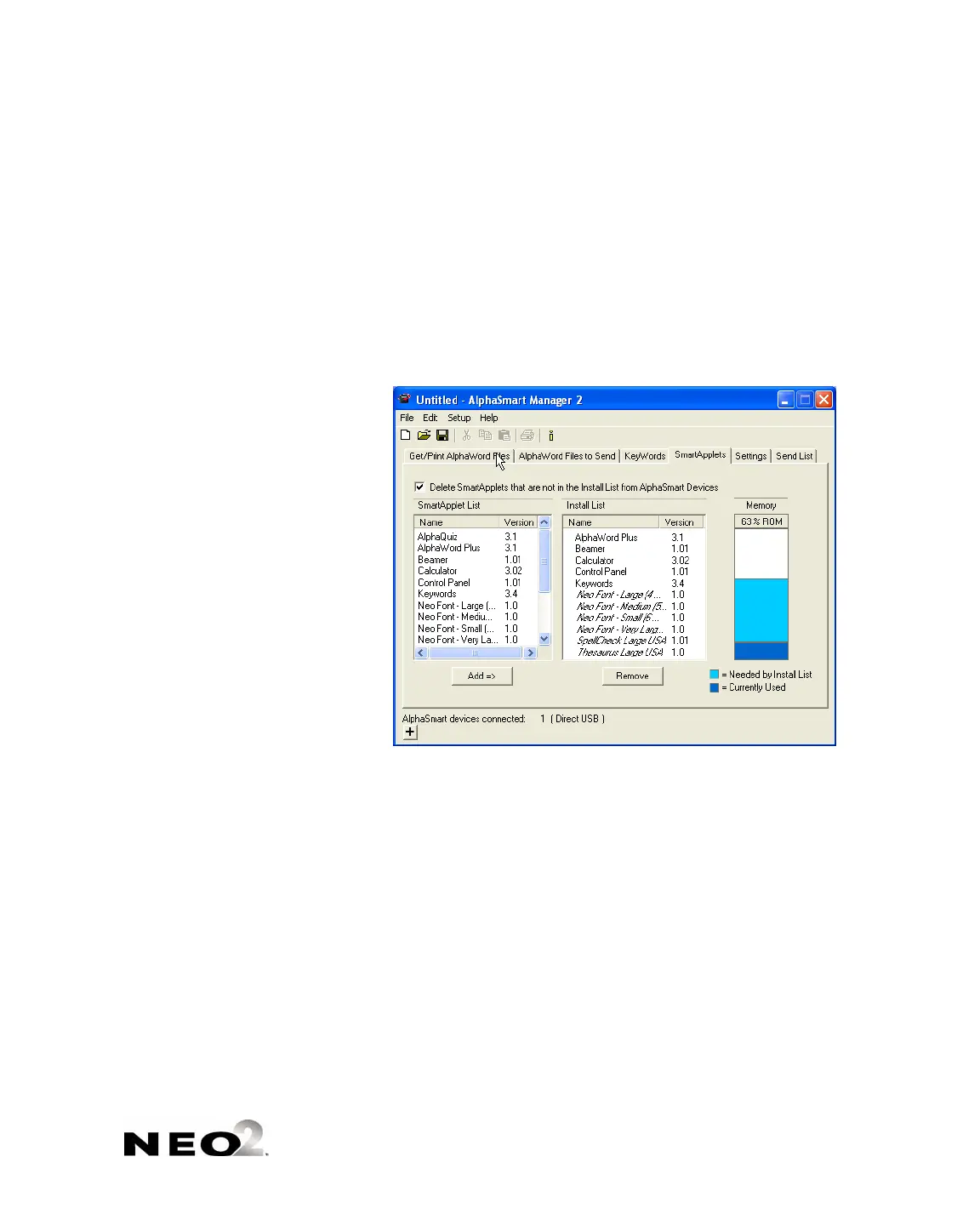
3. Click the SmartApplets tab.
4. In the SmartApplet List , select all the SmartApplets that you do want
installed on your NEO(s) and click Add => to add them to the Install List
. You can add the SmartApplets one at a time, or you can select
multiple SmartApplets by holding down the Ctrl key (Windows), the z key
(Macintosh), or the Shift key as you click SmartApplets.
5. Check the Delete box . This ensures that any SmartApplet that is not in
the Install List will be removed from the NEO(s).



 To Next Page